LDI Intellectual Property.
Not for secondary distribution or replication, in part or entirety.
DIGISONDE-4D
SYSTEM MANUAL
VERSION 1.2.11
SECTION 3 - OPERATING INSTRUCTIONS 3-71
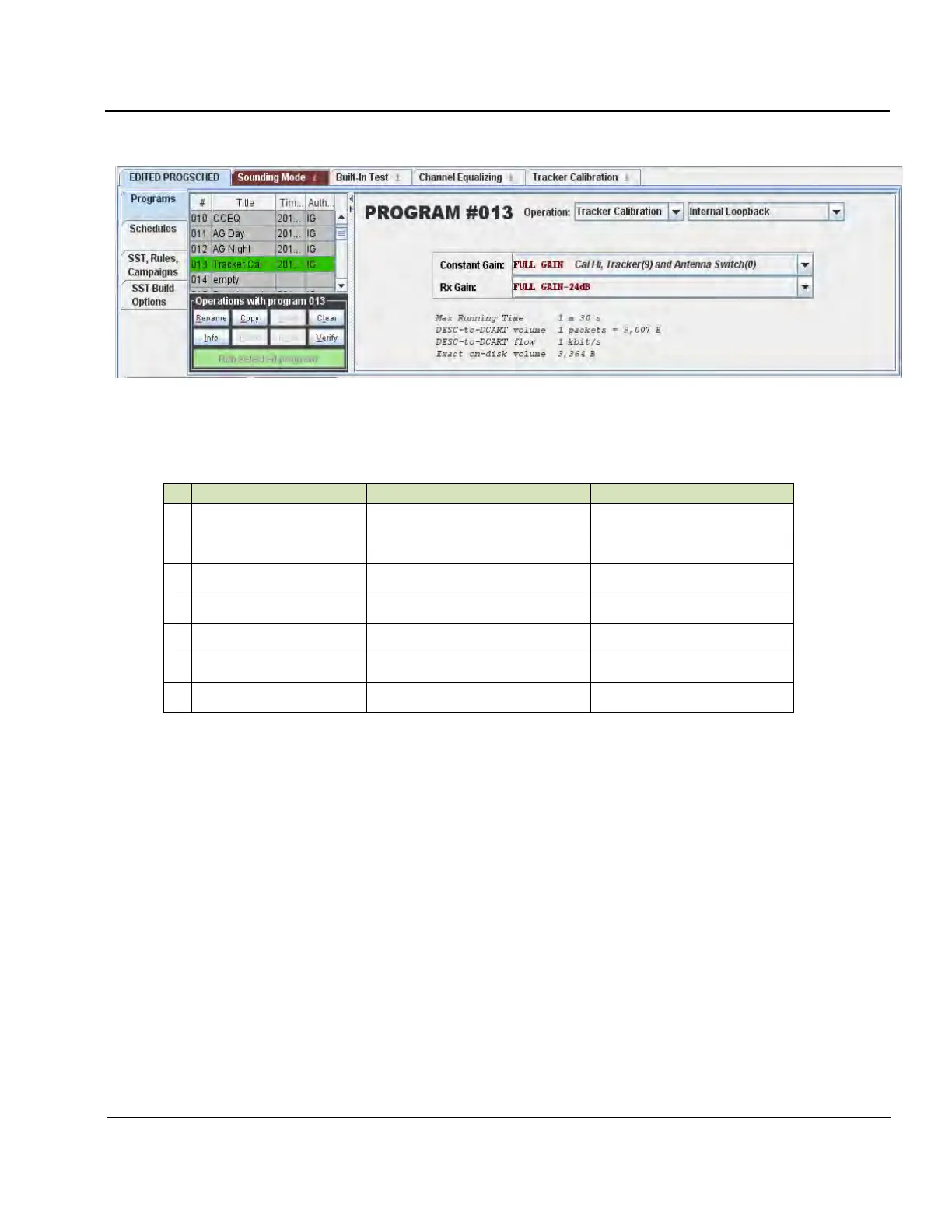
Figure 3-50: Tracker Calibration Program
Table 3-13. Tracker Calibration Frequencies
3:134. Tracking filter calibration results are stored in TRACKER.DAT file in binary format, and can be ex-
ported from the Tracker Calibration visualization tab into a plane text file.
DATA PRODUCTION MODES
3:135. It is possible to instruct Digisonde-4D to temporarily disable production of outgoing data files while
design of the optimal measurement programs and schedules is underway. Click “Save Product Files” toggle
button to NONE to disable file generation (see Figure 3-49).
3:136. It is also possible to alter the way DCART saves raw data in local files for every measurement made by
sounder. Click “Save Raw Files” toggle button (see Figure 3-49) to modify raw file generation:
• Raw Data = NONE (no raw data are saved),
• Raw Data = PER PROGRAM (raw data are saved for those programs that have the option enabled),
• Raw Data = ALL (raw data are saved for every measurement made).



 To Next Page