LDI Intellectual Property.
Not for secondary distribution or replication, in part or entirety.
DIGISONDE-4D
SYSTEM MANUAL
VERSION 1.2.11
6-8 SECTION 6 - MAINTENANCE
6:10. To remove the RF chassis foam filters:
Pull the RF Amp chassis fully forward or remove it entirely (see section 6:75). Locate the fan
filter on the rear panel. Unclip the plastic filter holder that clips over the edges of the fan. Re-
move the holder and take the filter out.
6:11. Fans - At least once a year all the fans in the system should be checked for normal quiet operation.
• Case – 2 fans
• Upper chassis – 3 fans
• Data Computer – 1 CPU fan
• Control computer – 1 CPU fan
• Lower chassis – 2 fans
• Transmitter heat sink (2018 and later) – 2 fans
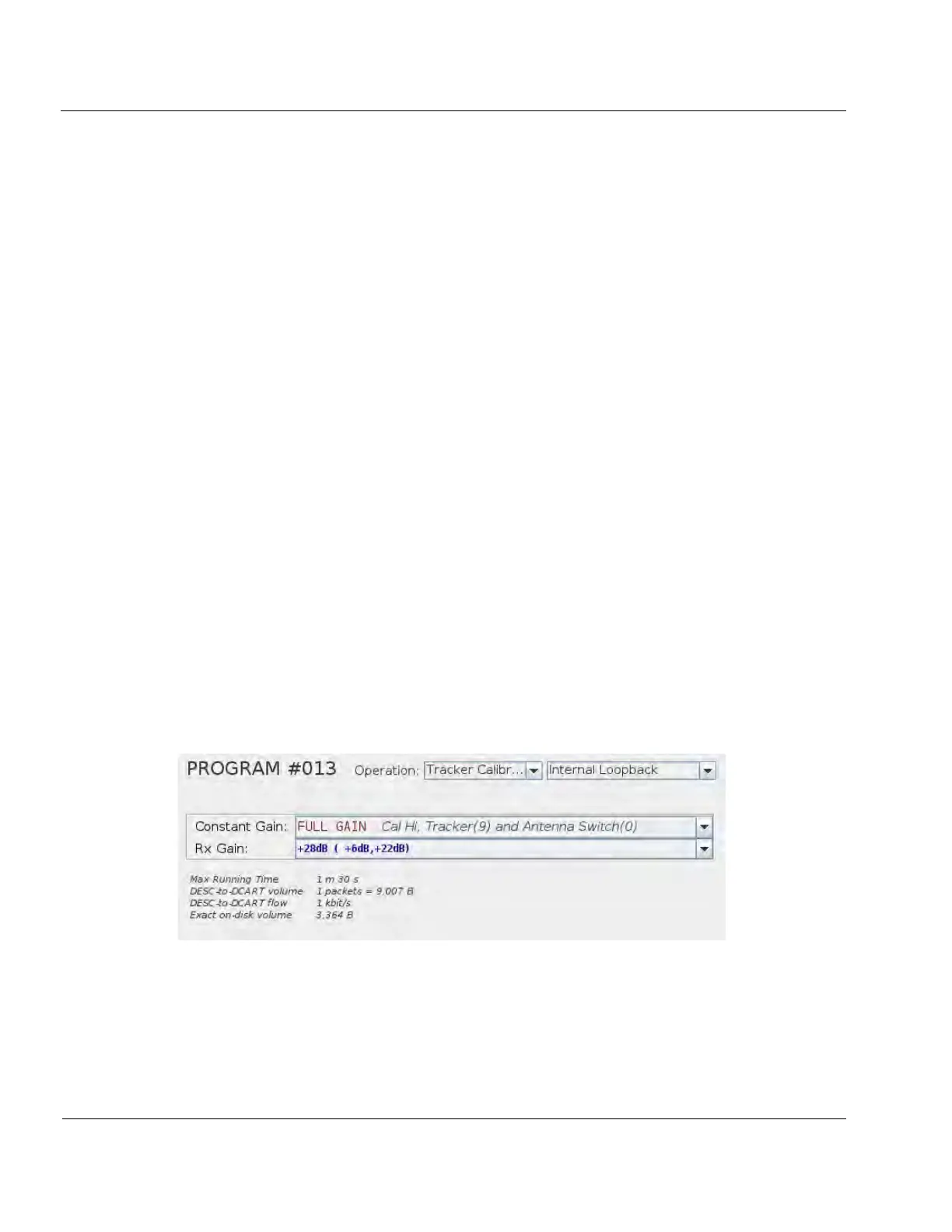
• 28 volt power supply – 1 fan
TRACKER CARD CALIBRATION
6:12. The following procedure describes the process of running and evaluating a tracker calibration. Tracker
cards mostly consist of several analog filters whose components are subject changes in performance due to ag-
ing. Performing a tracker calibration corrects for these changes.
6:13. Run Tracker Calibration and Cross Channel Equalization (CCEQ) programs.
6:14. Make sure DCART is not operating automatically by clicking the STOP button in the upper left corner
of the DCART screen.
6:15. Navigate to DCART / PROGSCHED tab (either EDITED or ACTIVE).
6:16. Select “Prog” on from the list of tabs on the left, under the PROGSCHED tab.
6:17. Locate and select a program labeled “Tracker Cal”, and click the “Run selected program”
Figure 6-5: Tracker Cal Program
6:18. Locate and select a program labeled “CCEQ” and click the “Run selected program”



 To Next Page