• Recording mode
0
[Snapshot Mode]
For taking pictures with extended automatic settings.
p
[Program AE] Mode
For taking pictures with automatic exposure control.
[Aperture-Priority] Mode
A
The exposure is determined by the automatically controlled shutter
speed, based on the manually set aperture value.
[Shutter-Priority] Mode
s
The exposure is determined by the automatically controlled aperture
value, based on the manually set shutter speed.
[Manual Exposure] Mode
M
The exposure is determined by the manually set aperture value and
shutter speed.
Cl
[Custom] Mode
C2
For taking pictures with previously registered settings.
[:]
[Panorama Shot] Mode
For taking panorama pictures.
SCN
[Scene Mode]
For taking pictures that match the scene being recorded.
[Creative Control] Mode
COL
For taking pictures using different picture effects such as [Dynamic
Monochrome]
or
[Miniature Effect].
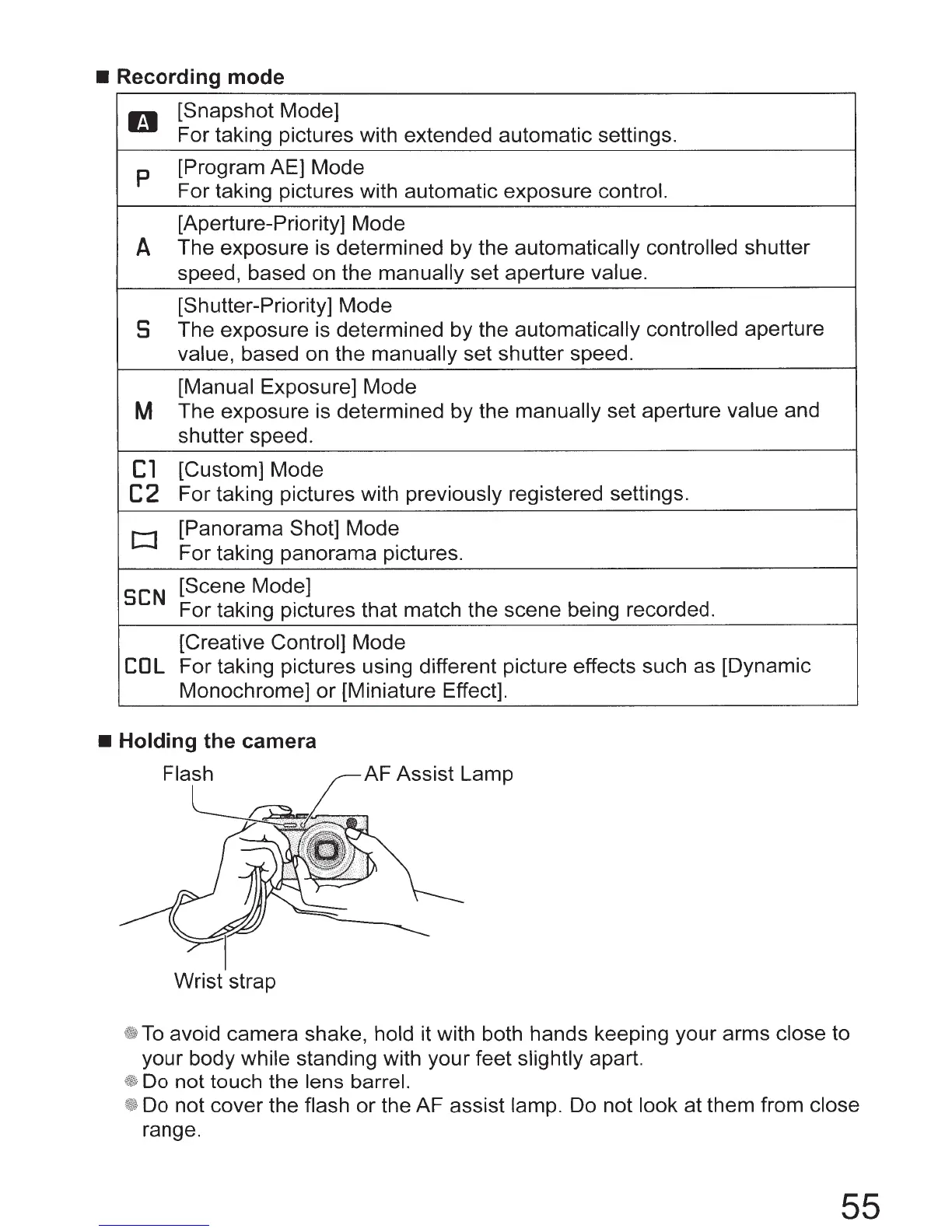
• Holding the camera
Flash
AF Assist Lamp
Wrist strap
To
avoid camera shake, hold it with both hands keeping your arms close to
your body while standing with your feet slightly apart.
Do not touch the lens barrel.
Do not cover the flash
or
the AF assist lamp. Do not look at them from close
range.
55



 To Next Page