Handling the LU600 LiveU LU600 User Guide
To insert module SIM cards:
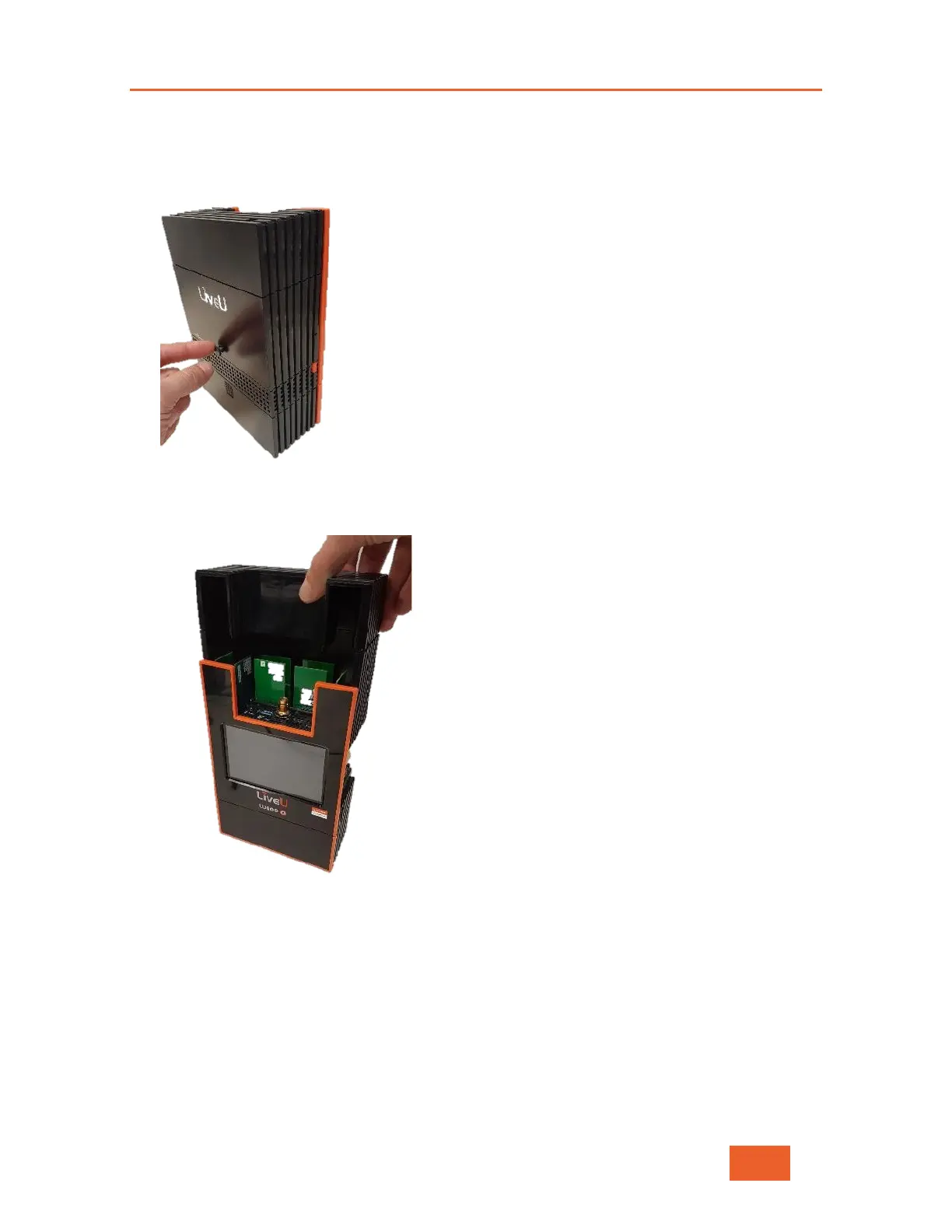
1 Remove the thumbscrew on the back of the unit.
Figure 101: Releasing the Cover
2 Gently pull the cover of the LU600 upwards and off, as shown below:
Figure 102: Removing the LU600 Cover to Expose the Modules



 To Next Page