Handling the LU600 LiveU LU600 User Guide
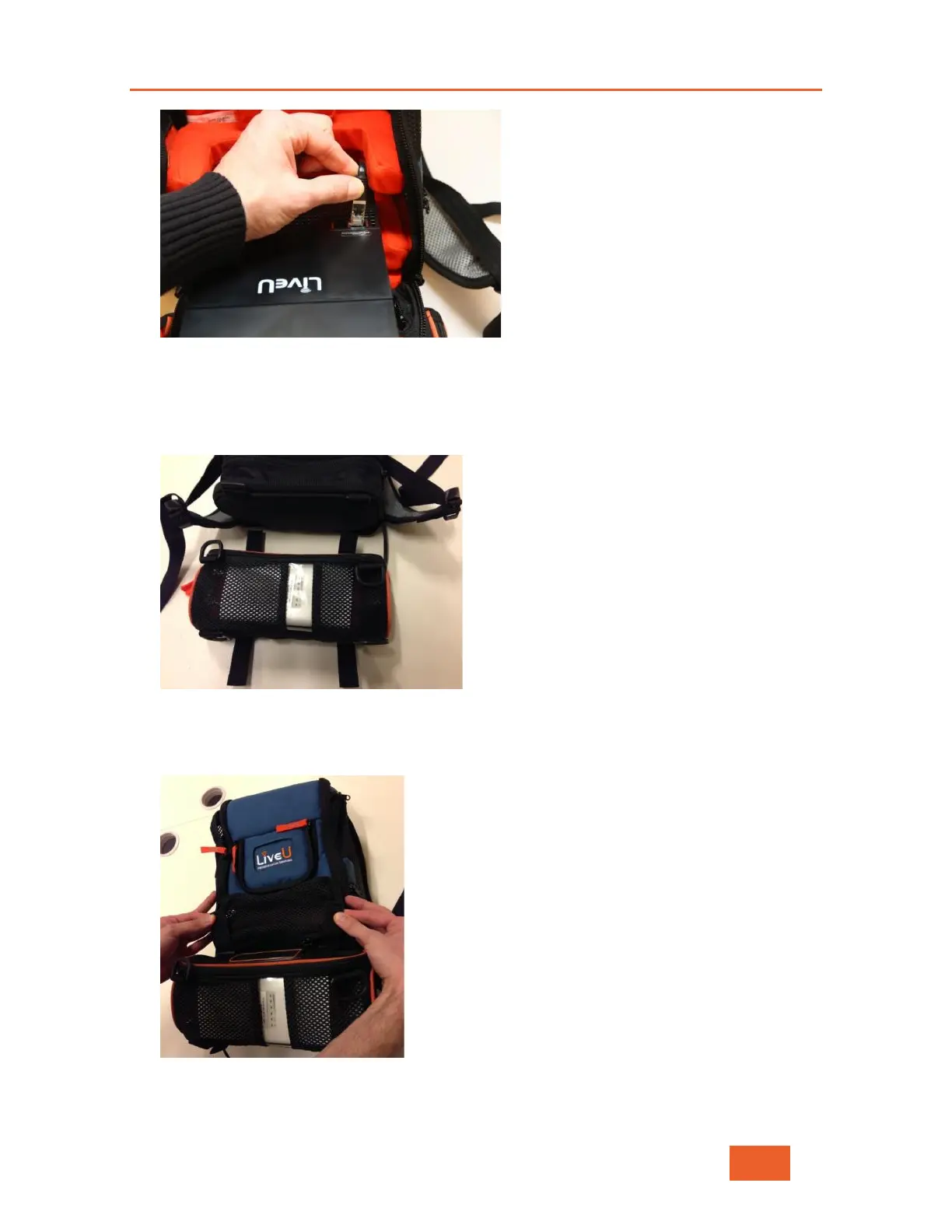
Figure 117 Connecting the Cable to the LAN Port
8 Close the bottom compartment’s zipper.
9 Open the two Velcro straps on the top of the pouch and the two Velcro straps on the
bottom of the pouch.
Figure 118: Opening the Straps
10 Place the pouch on top of the bottom of the backpack and thread the top Velcro straps
of the pouch through the two top plastic loops on the backpack.
Figure 119: Placing the Pouch on the Backpack



 To Next Page