214366 85 Revision A
1019607
A
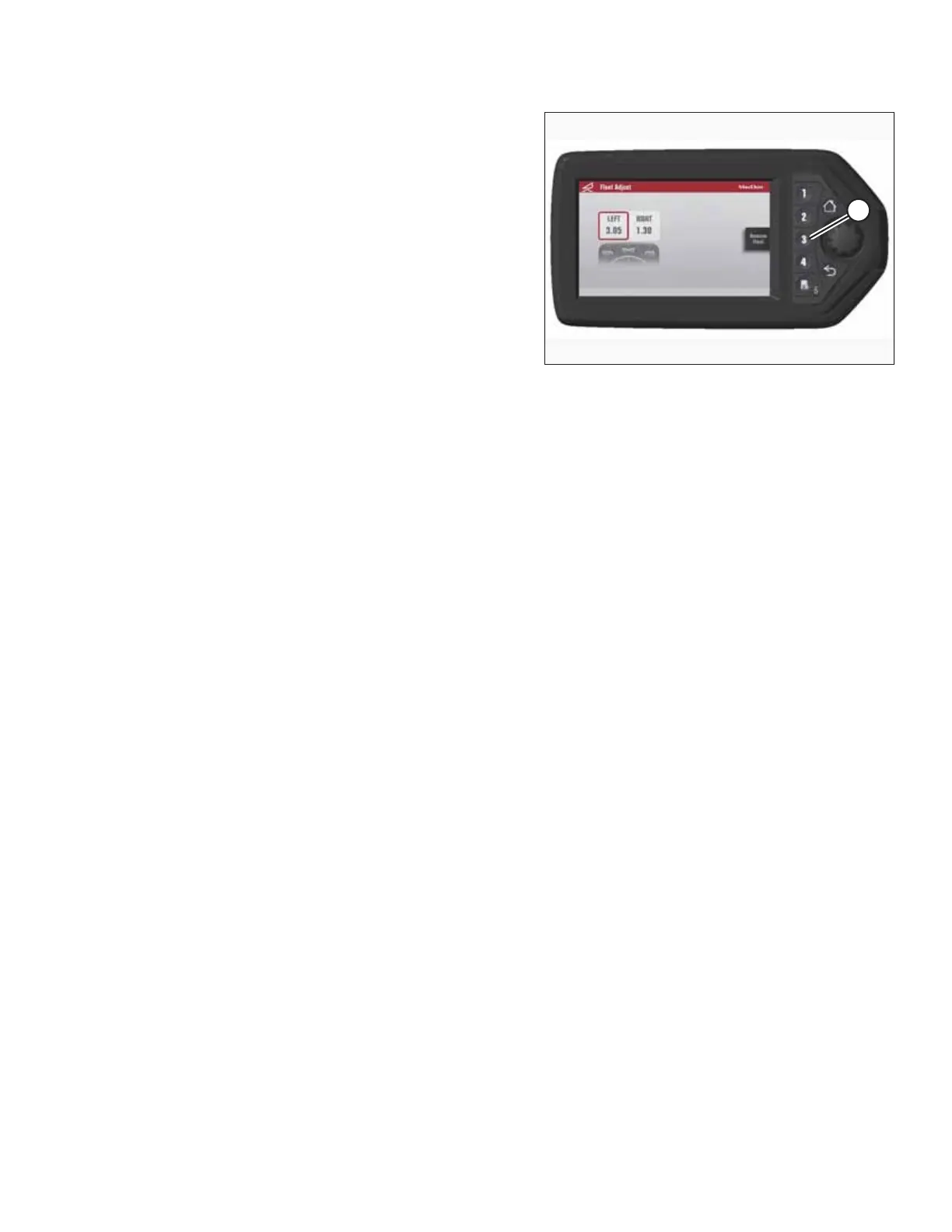
Figure 4.7: Adjusting Float – HPT Display
3. Press soft key 3 (A) to remove or restore the
header float.
NOTE:
If the header float is active, the icon at soft key 3 will say
REMOVE FLOAT; if header float has been removed, the
icon will say RESTORE FLOAT.
OPERATING THE HEADER





 To Next Page