214366 166 Revision A
5.4.5 Auger Drive Belt
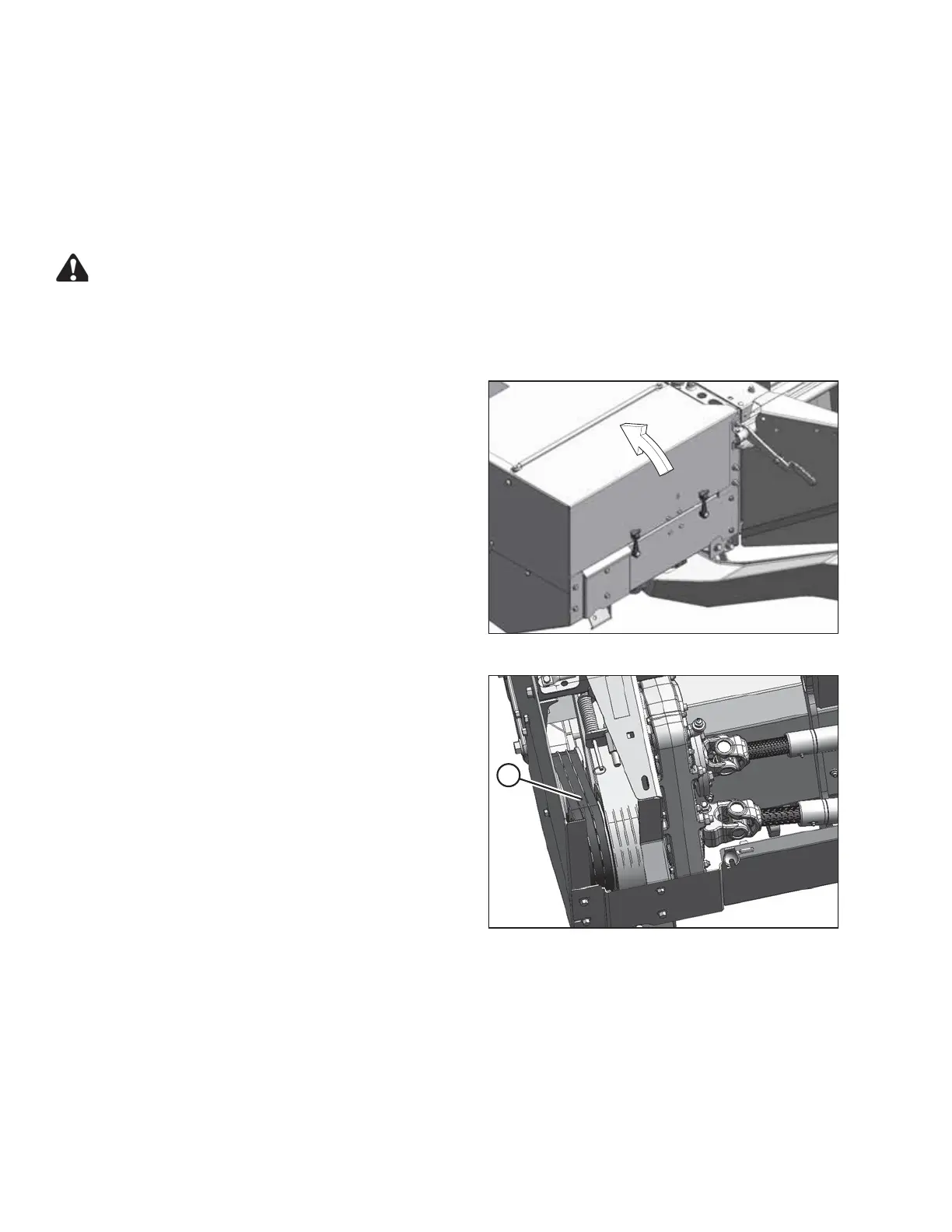
The auger drive belts are located inside the drive compartment at the lower left end of the header.
Check the belt tension and inspect for damage or wear every 100 hours or annually, preferably before the start of
the cutting season.
Inspecting and Adjusting the Auger Drive Belts
DANGER
To avoid bodily injury or death from unexpected startup of the machine, always stop the engine and
remove the key from the ignition before leaving the operator’s seat for any reason.
1. Lower the header to the ground, stop the engine and remove the key.
1006099
Figure 5.63: Driveshield
2. Open the driveshield. Refer to 3.4 Driveshields, page
30.
1004701
A
Figure 5.64: Auger Drive Belts
3. Check condition of auger drive belts (A). If severely
worn or damaged, replace them. Refer to Replacing the
Auger Drive Belts, page 167.
4. Raise the header fully.
5. Stop the engine and remove the key.
6. Engage header safety props. Refer to 3.3 Engaging and
Disengaging Header Safety Props, page 28.
MAINTENANCE AND SERVICING





 To Next Page