214366 82 Revision A
– M200 and M205 Windrowers, page 82 or refer to 4.1.5 Removing and Restoring Float – M1240 Windrowers,
page 84.
4.1.2 Adjusting Float – M200 and M205 Windrowers
DANGER
To avoid bodily injury or death from unexpected startup of the machine, always stop the engine and
remove the key from the ignition before leaving the operator’s seat for any reason.
Set the float fine adjustment to MID-RANGE with the windrower float adjustment system in the cab (refer to your
windrower operator’s manual).
Check the float by grasping the front corner of the header and lifting. The weight should feel like 426–471 N (95–
105 lbf) and should be approximately the same at both ends.
If adjustment is required, follow these steps:
1. Raise the header fully.
2. Stop the engine and remove the key.
1000730
A
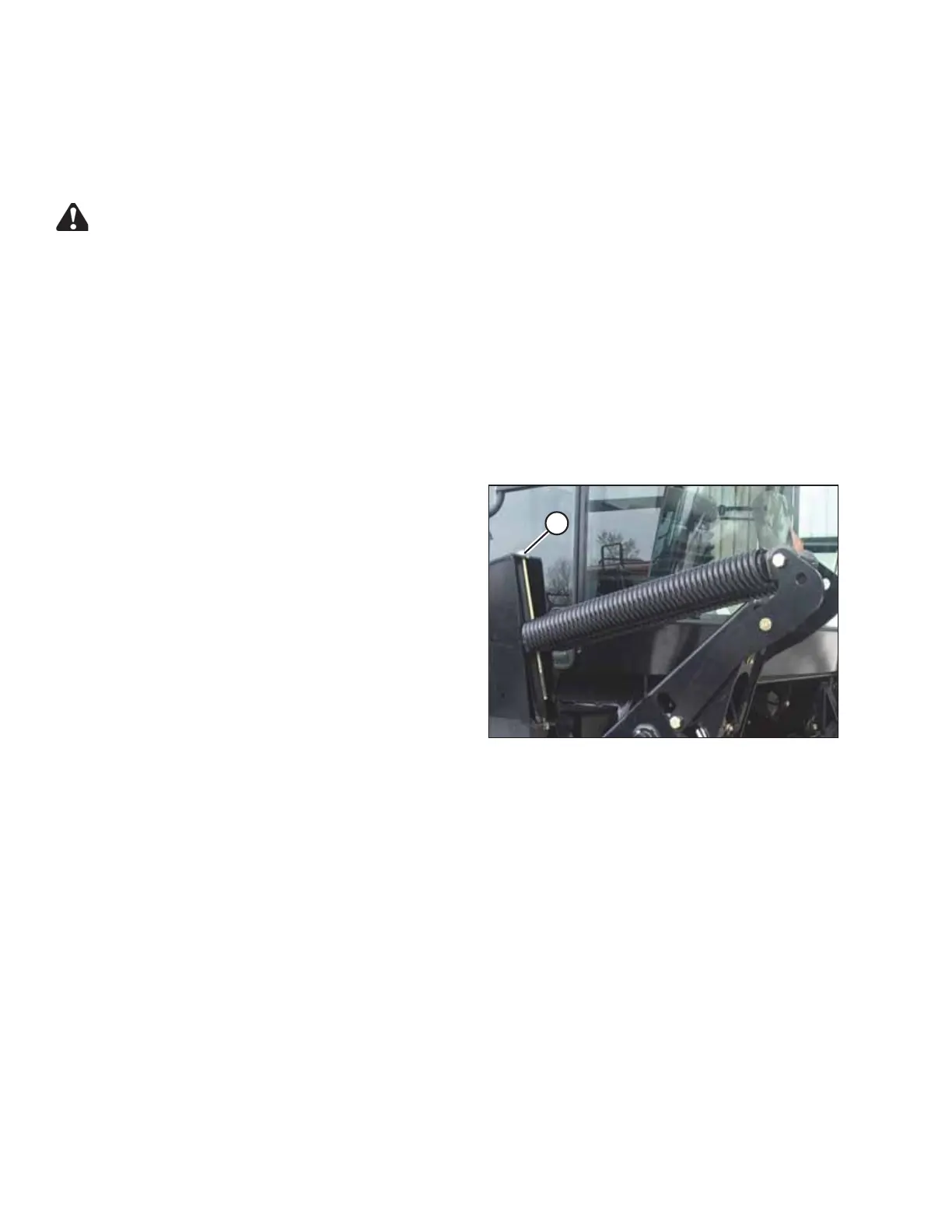
Figure 4.1: Windrower Lift Linkage
3. Turn drawbolt (A):
a. Clockwise to INCREASE float (makes
header lighter).
b. Counterclockwise to DECREASE float (makes
header heavier).
4. Recheck the float.
OPERATING THE HEADER





 To Next Page