214366 138 Revision A
5.3.2 Inspecting the Cutterbar Discs
Perform the following cutterbar disc inspection daily:
DANGER
To avoid bodily injury or death from unexpected startup of the machine, always stop the engine and
remove the key from the ignition before leaving the operator’s seat for any reason.
1. Lower the header fully.
2. Stop the engine and remove the key.
3. Open the cutterbar doors. Refer to 3.5 Cutterbar Doors, page 33.
1004649
A
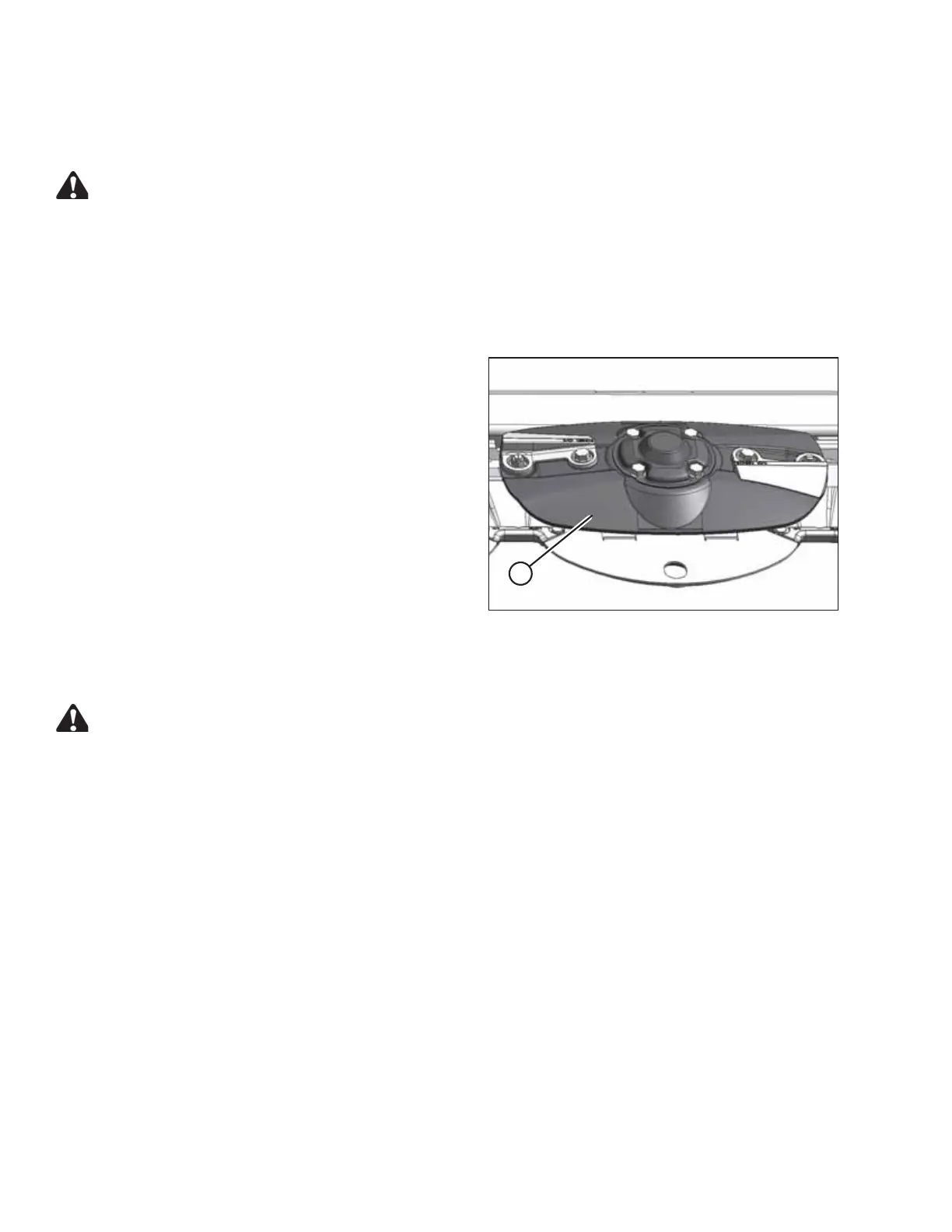
Figure 5.11: Cutterbar Disc
4. Check discs (A) for damage or loose fasteners.
5. Replace damaged discs. Refer to:
• 5.3.3 Removing a Cutterbar Disc, page 138
• 5.3.4 Installing a Cutterbar Disc, page 139
6. Replace damaged fasteners. Tighten loose fasteners.
7. Close the cutterbar doors. Refer to 3.5 Cutterbar Doors,
page 33.
5.3.3 Removing a Cutterbar Disc
CAUTION
Exercise caution when working around the blades. Blades are sharp and can cause serious injury. Wear
gloves when handling blades.
1. Open cutterbar door(s). Refer to 3.5 Cutterbar Doors, page 33 .
2. Identify which disc needs to be replaced.
3. Place a block of wood between two discs to prevent disc rotation while loosening bolts.
4. If the disc has a deflector installed on it, remove the rotary deflector. Refer to:
• Removing the Driveline Deflector, page 151
• Removing the Driven Deflector, page 150
MAINTENANCE AND SERVICING





 To Next Page