214366 173 Revision A
5.6 Electrical System
Use electrical tape and wire clips as required to prevent wires from dragging or rubbing.
Keep lights clean and replace defective bulbs.
5.6.1 Hazard Lights
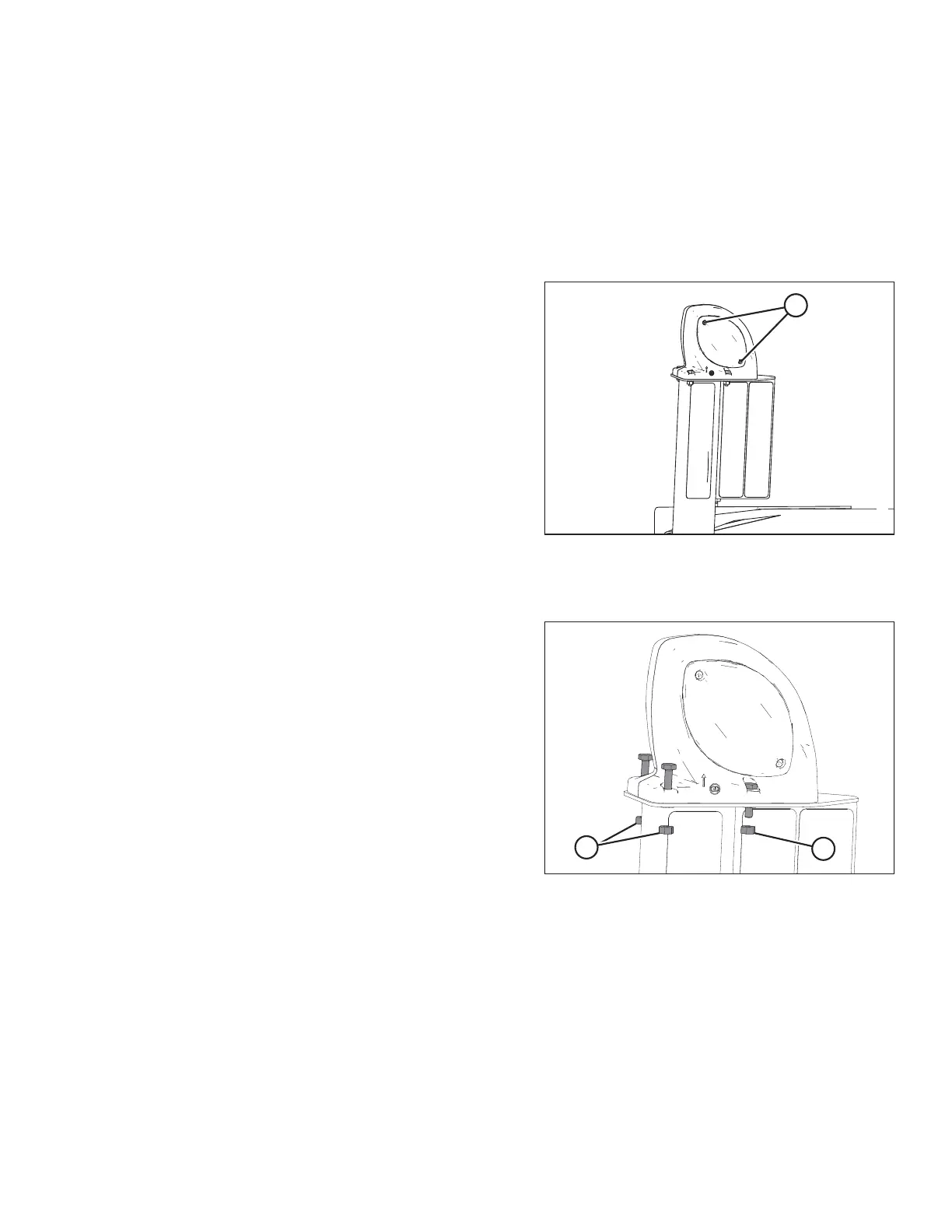
Replacing Amber Hazard/Signal Bulb
1021281
A
Figure 5.79: Plastic Lens and Screws
1. Remove two Phillips screws (A) from fixture, and
remove the plastic lens.
2. Replace bulb, and reinstall plastic lens and screws.
• Bulb—Trade #1157
Replacing Amber Hazard/Signal Light Fixture
1021284
A
A
Figure 5.80: Amber Hazard Light
1. Remove four nuts (A) (only three shown) securing light
to bracket and remove light. Disconnect light from
electrical harness.
2. Connect new light to the electrical harness
3. Install four nuts (A) and tighten.
MAINTENANCE AND SERVICING





 To Next Page