214366 139 Revision A
1004650
A
B
C
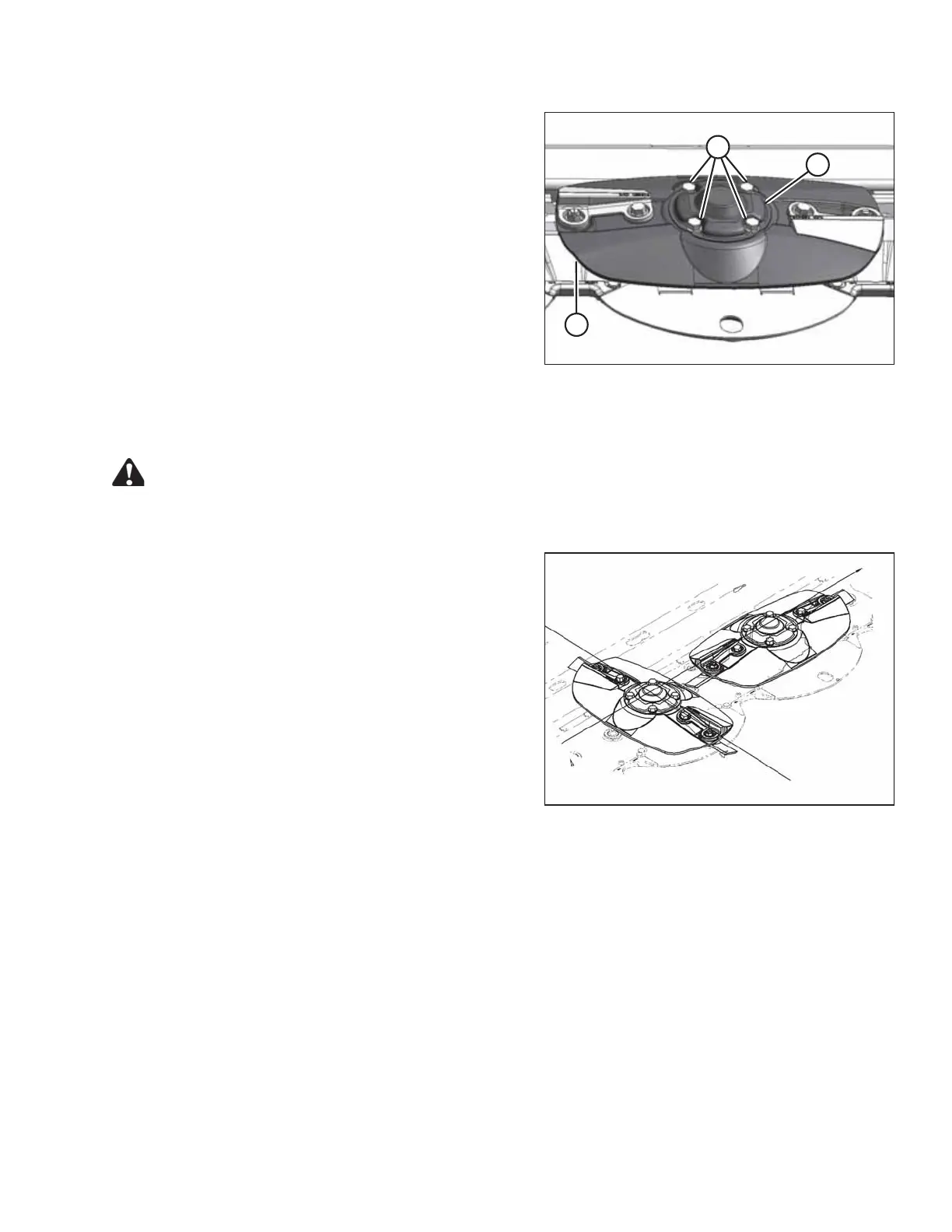
Figure 5.12: Cutterbar Disc
5. Remove four bolts (A) on disc cover (B) and remove
cover and disc (C).
NOTE:
If removing multiple discs, mark the position of each
disc to assist in reinstallation. The blades on each disc
are direction-specific. Refer to 5.3.1 Direction of Spindle
Rotation, page 137.
5.3.4 Installing a Cutterbar Disc
CAUTION
Exercise caution when working around the blades. Blades are sharp and can cause serious injury. Wear
gloves when handling blades.
1002066
Figure 5.13: Cutterbar Discs
1. Install the new disc on spindle positioned at a 90° angle
to the adjacent discs.
MAINTENANCE AND SERVICING





 To Next Page