214366 119 Revision A
4.16 Unplugging the Header
Follow these steps to remove plugged material from the header:
DANGER
To avoid bodily injury or death from unexpected startup of machine, always stop the engine and remove
the key before removing plugged material from header.
1. Stop forward movement of the windrower and disengage the header.
2. Run the header backwards with the header reverse controls in the windrower cab to clear the plug. If plug does
not clear, proceed to the next steps.
3. Raise the header fully.
4. Stop the engine and remove the key.
5. Engage header safety props. Refer to 3.3 Engaging and Disengaging Header Safety Props, page 28.
WARNING
Wear heavy gloves when working around cutterbar.
1014154
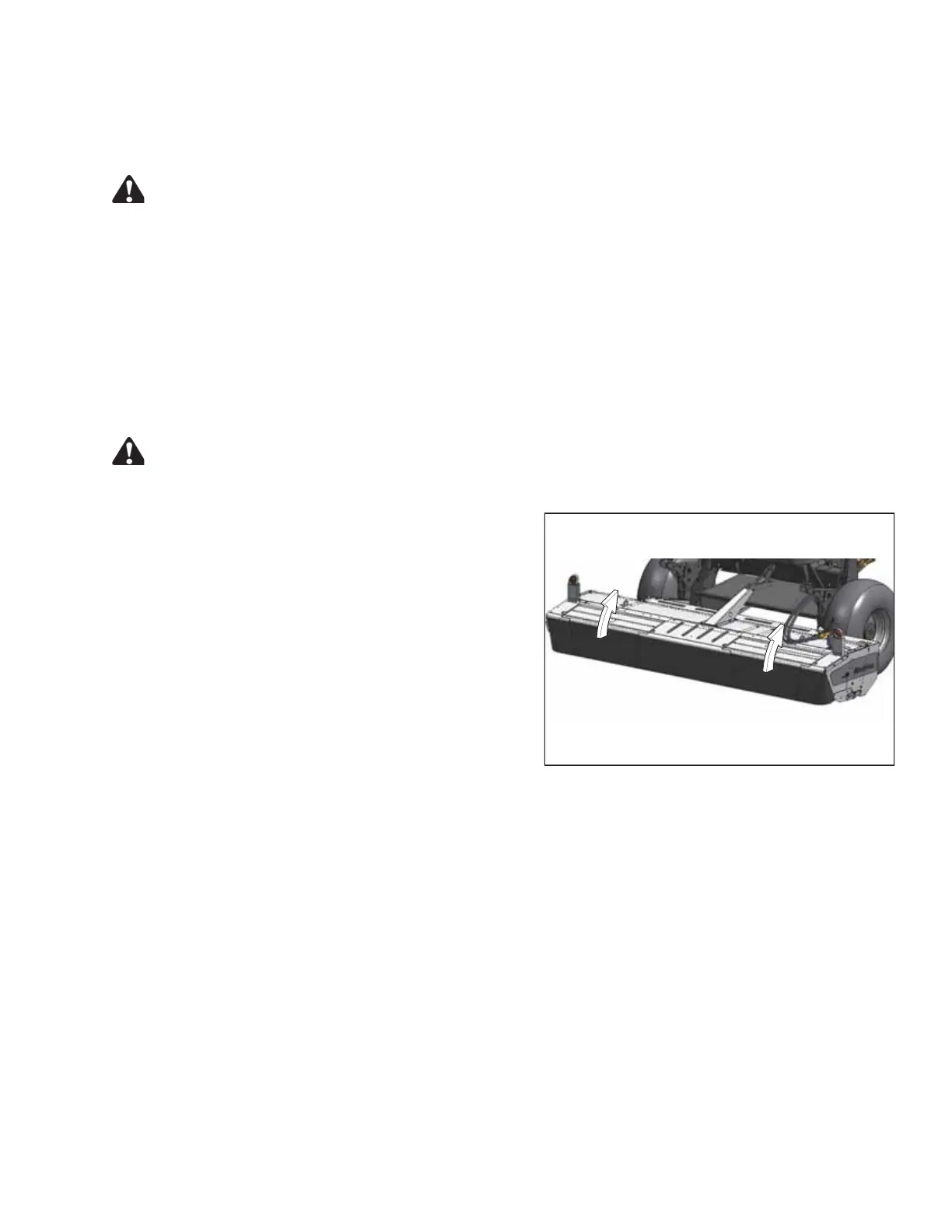
Figure 4.54: Cutterbar Doors
6. Open the cutterbar doors. Refer to 3.5 Cutterbar Doors,
page 33.
7. Clean off the cutterbar or rolls by hand.
OPERATING THE HEADER





 To Next Page