214366 153 Revision A
1004558
A
B
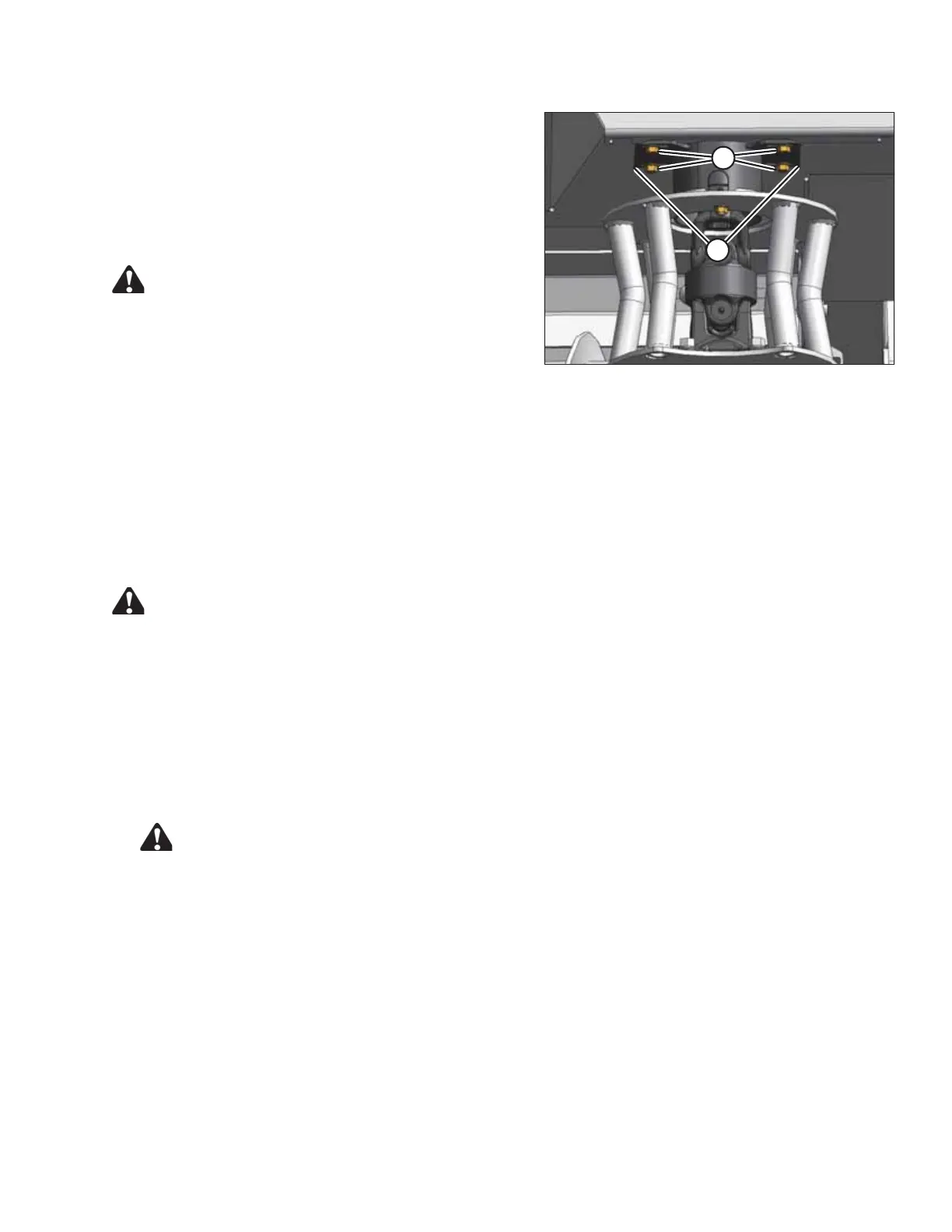
Figure 5.37: Driveline Deflector
6. Tighten bolts (A) on shield plates (B).
7. Remove block of wood (if used).
8. Manually rotate discs to check for interference of
adjacent parts.
9. Close the cutterbar doors. Refer to 3.5 Cutterbar Doors,
page 33.
WARNING
Ensure cutterbar is completely clear of foreign objects.
These objects can be ejected with considerable force
when the machine is started and may result in serious
injury or machine damage.
5.3.9 Disc Spindles
To avoid damaging the cutterbar and its drive systems, each disc is attached to a spindle which incorporates a key
that shears if the disc contacts a large stone, a stump, or other large object. In the event of a sheared key, the disc
stops rotating, but remains attached to the spindle.
Replacing a Spindle Key
Follow these steps to replace a spindle key:
DANGER
To avoid bodily injury or death from unexpected startup of the machine, always stop the engine and
remove the key from the ignition before leaving the operator’s seat for any reason.
NOTE:
Short spindle assembly shown in this procedure. The procedure for replacing a tall spindle is identical.
1. Lower the header fully.
2. Stop the engine and remove key.
3. Open cutterbar doors. Refer to 3.5 Cutterbar Doors, page 33 .
CAUTION
Cutterblades have two cutting edges. Exercise caution when working around the blades. Blades are
sharp and can cause serious injury. Wear gloves when handling blades.
MAINTENANCE AND SERVICING





 To Next Page