5-6
Electrical Shock Hazard
Disconnect power before servicing.
Replace all parts and panels before operating.
Failure to do so can result in death or electrical shock.
See page 4-71 for the procedure for accessing
the temperature sensor.
To check temperature sensor at component
terminals, perform the following steps:
1. Unplug washer or disconnect power.
2. Disconnect the wire connector from the
temperature sensor.
3. Set the ohmmeter to the R X 1K scale.
4. To check the temperature sensor, touch
the ohmmeter test leads to the sensor
terminals. The meter should indicate as
shown in the chart below.
Temperature Result
0°C (32°F) 35.9kΩ
30°C (86°F) 9.7kΩ
40°C (104°F) 6.6kΩ
50°C (122°F) 4.6kΩ
60°C (140°F) 3.2kΩ
71°C (158°F) 2.3kΩ
96°C (203°F) 1kΩ
To check the temperature sensor at the CCU,
perform the following steps.
1. Unplug washer or disconnect power.
2. Disconnect the temperature sensor
connector SET2 (See page 4-63) from the
CCU.
3. Set the ohmmeter to the R X 1K scale.
4. Touch the ohmmeter test leads to connector
pins 1 and 2. The meter should indicate as
shown in the previous chart.
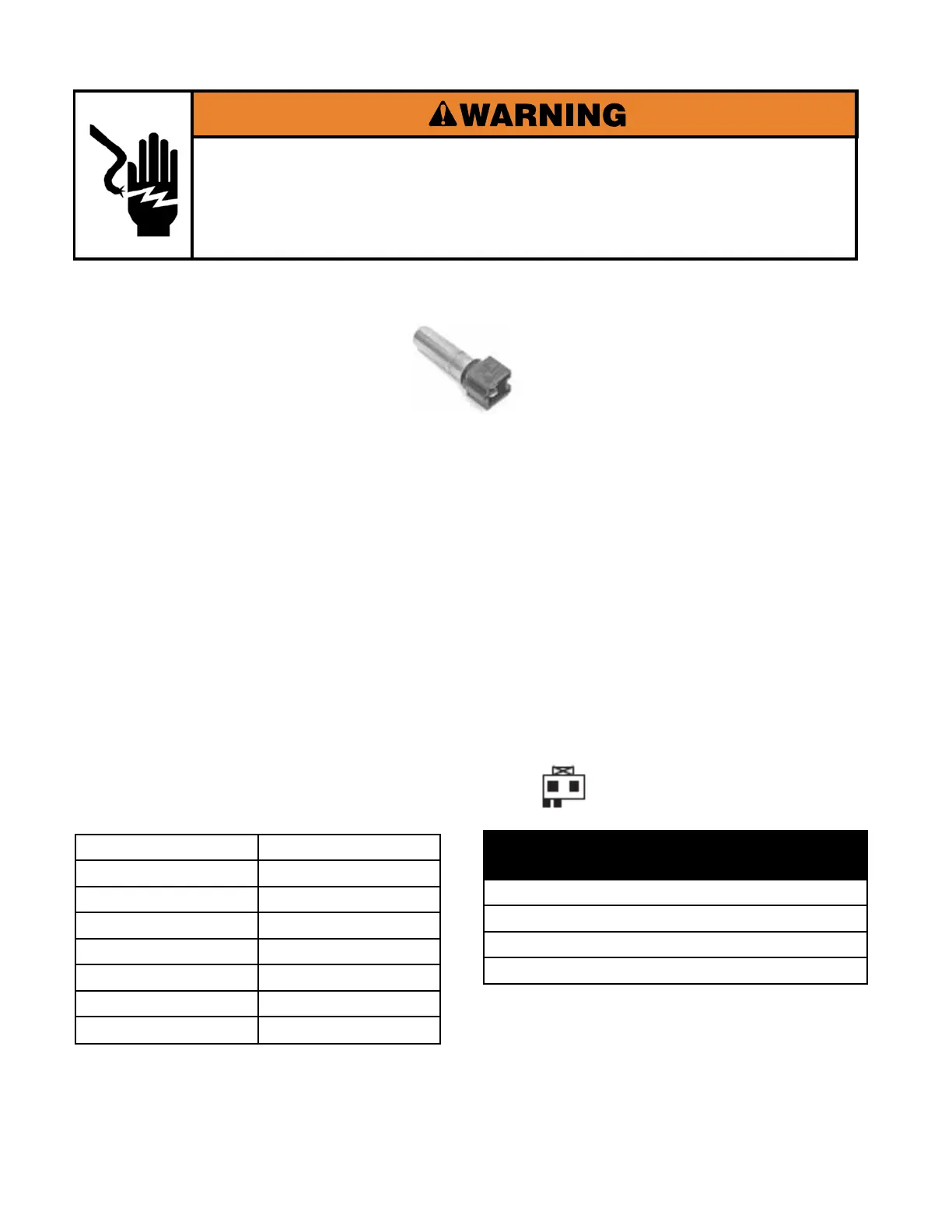
TEMPERATURE SENSOR
Connector SET2 at CCU
Default Wash Temps.
(all rinses are COLD)
Hot = 45°C (113°F)
Warm = 33°C (91.4°F)
Cool = 21°C (69.8°F)
Cold = Tap Temperature



 To Next Page