4-17
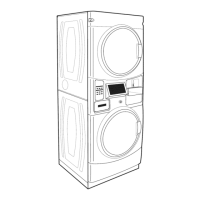
1. Remove two T-20 security screws, one on
each side of the console cover. The panel
will hold itself on the dryer after the screws
have been removed.
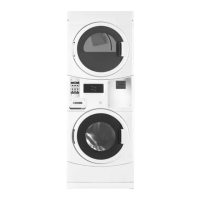
2. Rotate the bottom of the console cover out
and push up to lift it out of the channel on
the top edge of the dryer top bracket.
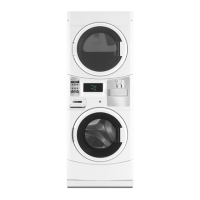
3. Lay the console cover forward to access the
dryer control board.
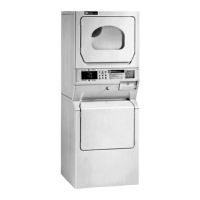
CONSOLE COVER - DRYER
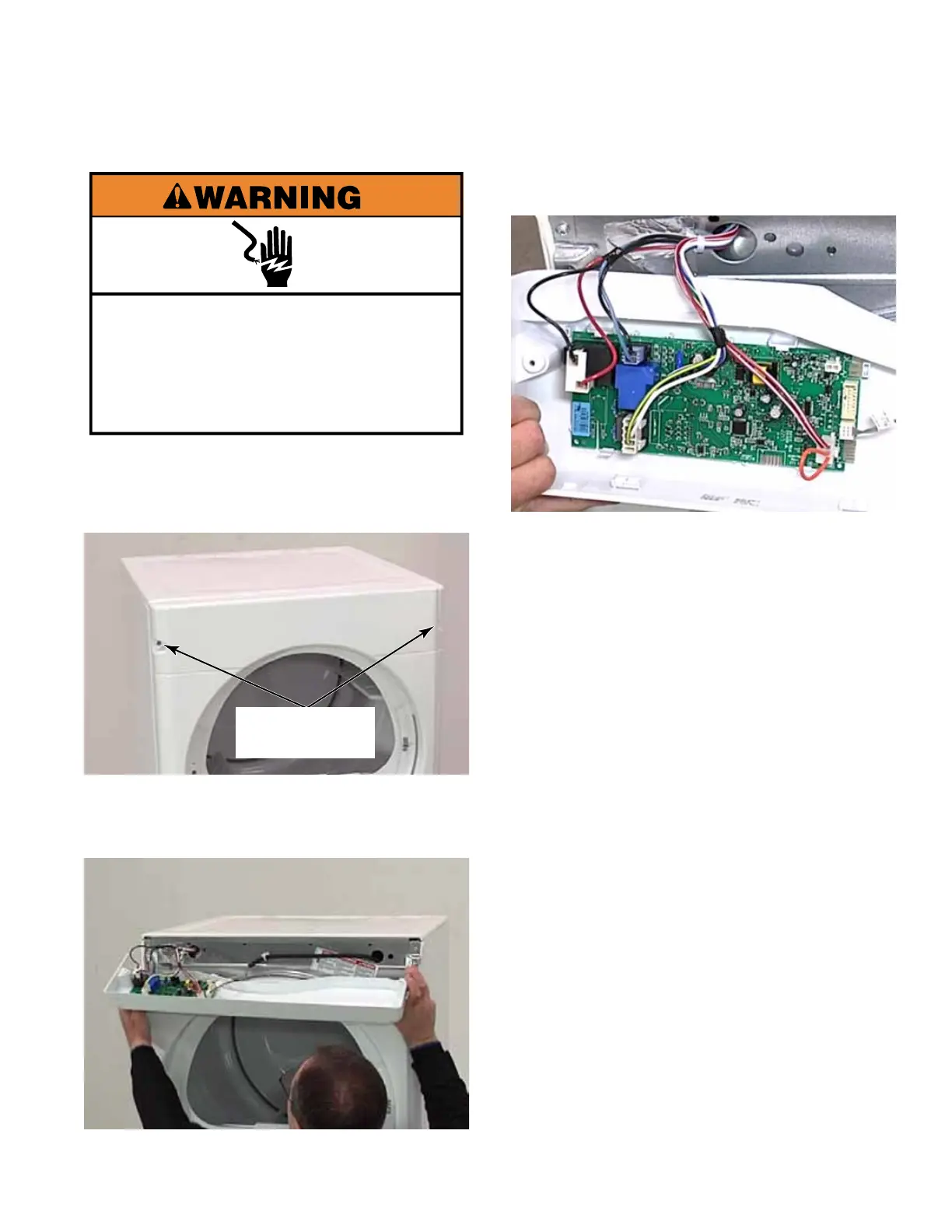
Electrical Shock Hazard
Disconnect power before servicing.
Replace all parts and panels before
operating.
Failure to do so can result in death or
electrical shock.
Two T-20
Security Screws



 To Next Page