6-10
MANUAL OVERVIEW TEST - WASHER
(See page 6-7) to access and initiate this
procedure.
Before replacing any system components,
perform this Manual Overview Test.
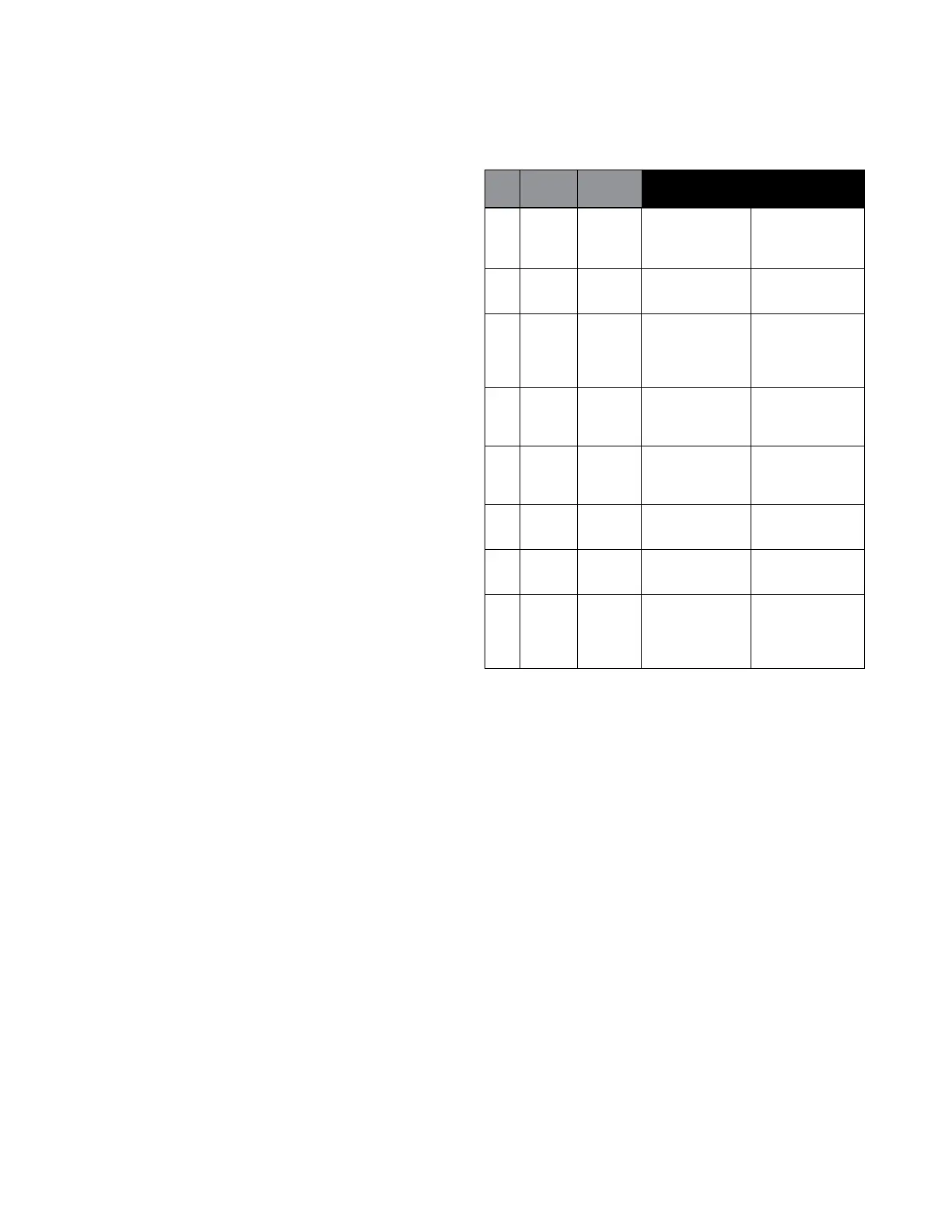
n This cycle consists of 8 steps. In each step,
the washer will perform a Control Action
as described in the table below. Once the
action is completed, the washer will move to
the next step. Check Exit Condition column.
n Each step can be differentiated from the
others by looking at the display indication.
n To move to the next step before a control
action is complete, press any keypad
except the DELICATES washer keypad.
n To exit the Manual Overview Test at any
time, press DELICATES washer keypad.
The drain pump may be running in any of the
last three steps, depending on the water level
in the washer and reading of the pressure
sensor.
* In the event of an MCU-CCU
communications error, the UI display will go
blank for up to 5 minutes and then display an
F28 error message.
FOR SERVICE TECHNICIAN ONLY - DO NOT REMOVE OR DESTROY
PAGE 12
DISPLAY
Step INDICATION
Control
Actuators
Action to be Checked
1 DELICATES Door locks, drum
n
Door lock system
turns 1/2 revolution,
n
Child safety routine
then door unlocks
n
Motor control (MCU)*
and relocks.
2 PREWASH Accelerometer tests
n
Accelerometer
Note: Prewash flashes are performed.
on the display and is
very easy to miss.
3 CCU Fill by both cold water
n
Cold water inlet valves
EEPROM Version inlet valves (4 liters)
n
#2 and #3
(EC xx) into BLEACH
n
Pressure sensor:
NORMAL compartment.
n
Suds Level
4 CCU Fill by hot water inlet
n
Hot water inlet
Software Version valve to Wash Level
n
valve #1
(SC xx) into MAIN WASH
n
Pressure sensor:
POWER WASH compartment.
n
Wash Level
5 MCU
Software Version
(S
n
xx)
Drum executes
DELICATES
tumbling at
n Motor
6 MCU
wash speed
n Motor control (MCU)*
Hardware Version
(30 sec).
(H
n
xx)
NORMAL
7 UIC Drain pump is ON.
n
Drain pump
EEPROM Version
n
Pressure sensor**
(EU xx)
POWER WASH
8 UIC Drum rotates
n
Motor
Software Version counter-clockwise
n
Motor control (MCU)*
(SU xx) and ramps up.
n
Drain pump on
DELICATES Performs unbalance
procedure before and
after spinning. If not
interrupted, the drum
will slow and stop;
after reaching 0 rpm,
the door unlocks and
Step 9 will be skipped.
9 NORMAL This Step is only
n
Door unlock
apparent if Step 8 is
MANUALLY ADVANCED
prior to the drum
reaching 0 rpm
(washer pumps out
if needed). Door
unlocks (washer
returns to flashing
mode).
WASHER QUICK OVERVIEW TEST (see page 11 to
access and initiate this procedure)
n
This cycle consists of 9 steps. In each step, the washer will
perform a Control Action as described in the table below. Once
the action is completed, the washer will move to the next step.
n
Each step can be differentiated from the others by looking at the
display indication. Steps can be advanced if the test requires it.
n
To move to the next step before a control action is complete,
press any key pad except the DELICATES washer key pad.
n
To exit the Quick Overview Test at any time, press the
DELICATES washer key pad.
The drain pump may be running in any of the last three steps,
depending on the water level in the washer and reading of the
pressure sensor.
** In the event of an MCU-CCU communications error, the UI
display will go blank for up to 5 minutes and then display an
F28 error message.
** The washer will drain until pressure sensor reaches lowest level
for 10 seconds, then moves to next step.
WASHER MANUAL OVERVIEW TEST (see page 11 to
access and initiate this procedure)
Before replacing any system components, perform this
Manual Overview Test.
n
This cycle consists of 8 steps. In each step, the washer will
perform a Control Action as described in the table below. Once
the action is completed, the washer will move to the next step.
Check Exit Condition column.
n
Each step can be differentiated from the others by looking at the
display indication.
n
To move to the next step before a control action is complete,
press any key pad except the DELICATES washer key pad.
n
To exit the Manual Overview Test at any time, press the
DELICATES washer key pad.
Exit
Step DISPLAY Condition
Control
To be
Action Checked
1 DELICATES On Door locks, drum
n
Door lock system
completion turns 1/2 revolution,
n
Child safety routine
only then door unlocks
and relocks.
2 PREWASH On Accelerometer tests
n
Accelerometer
completion are performed.
only
3 NORMAL On Filling with both
n
Both Cold Inlet
key press cold inlet valves.
n
Valves #2 and #3
or if overfill
n
Overfill level
level is
detected
4 POWER On key Drum executes
n
Motor
WASH press or reversing movement
n
completion at wash speed
(10 min.).
5 DELICATES On key Drain pump is on
n
Drain Pump
press or (4 min.).
completion
6 NORMAL On Drain pump is on
n
Drain Pump
completion (reach Suds Level
only plus 10 sec.).
7 POWER On key Drum rotates counter-
n
Motor
WASH press or clockwise and ramps
n
completion up to maximum speed.
8 DELICATES On key press Stop motor to 0 rpm.
n
Motor
only after Door unlocks.
n
rpm = 0 and
n
Door lock system
door is
unlocked
The drain pump may be running in any of the last three steps,
depending on the water level in the washer and reading of the
pressure sensor.
** In the event of an MCU-CCU communications error, the UI
display will go blank for up to 5 minutes and then display an
F28 error message.



 To Next Page