4-54
1. Unplug washer or disconnect power.
2. Remove the back panel (See page 4-68)
or
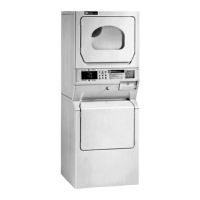
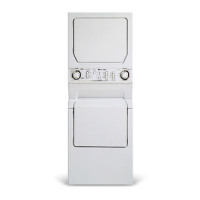
Remove dryer from stack (See page 4-11).
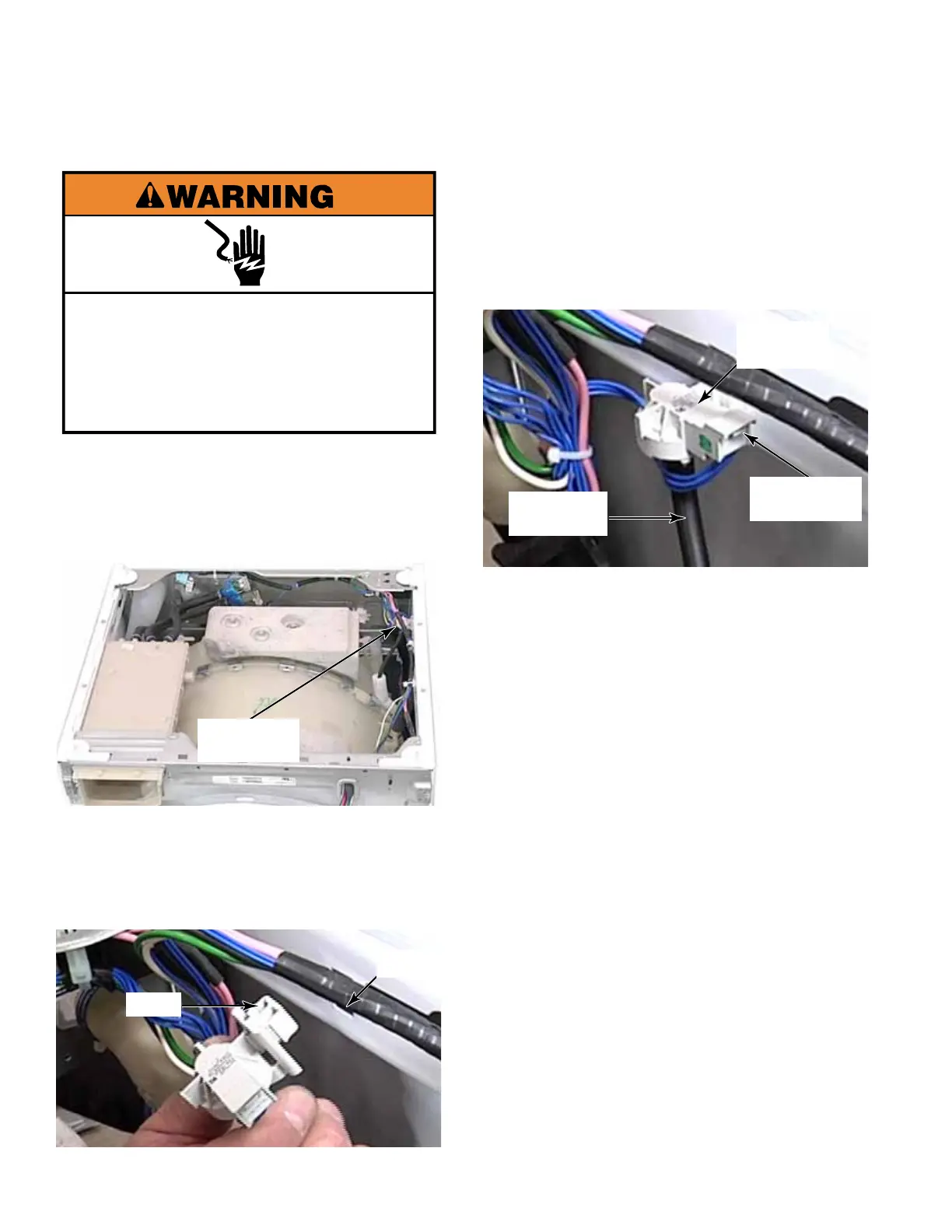
3. Rotate the pressure sensor 90 degrees
counter clockwise.
4. Pull the rectangular tab out of the slot in the
top of the washer side panel.
Electrical Shock Hazard
Disconnect power before servicing.
Replace all parts and panels before
operating.
Failure to do so can result in death or
electrical shock.
PRESSURE SENSOR
5. Disconnect the air hose on the bottom of
the pressure sensor. There is no clamp,
gently twist the hose while pulling it off the
pressure sensor.
NOTE: This hose should be snug to avoid
air leaks.
6. Press the locking tabs and disconnect the
Rast connector from the pressure sensor.
7. Remove the pressure sensor from the
washer.
NOTE: The air hose, connected to the
bottom of the pressure sensor, goes down
the right side of the washer and connects
to the tub-to-pump hose, attached to the
bottom of the outer tub.
Pressure
Sensor
Pressure
Sensor
Locking Tab
Air Hose
Tab
Slot



 To Next Page