PCWS 2015 Setup Guide - 2nd Edition 3-33
What’s Inside?
Installing Options
Remove
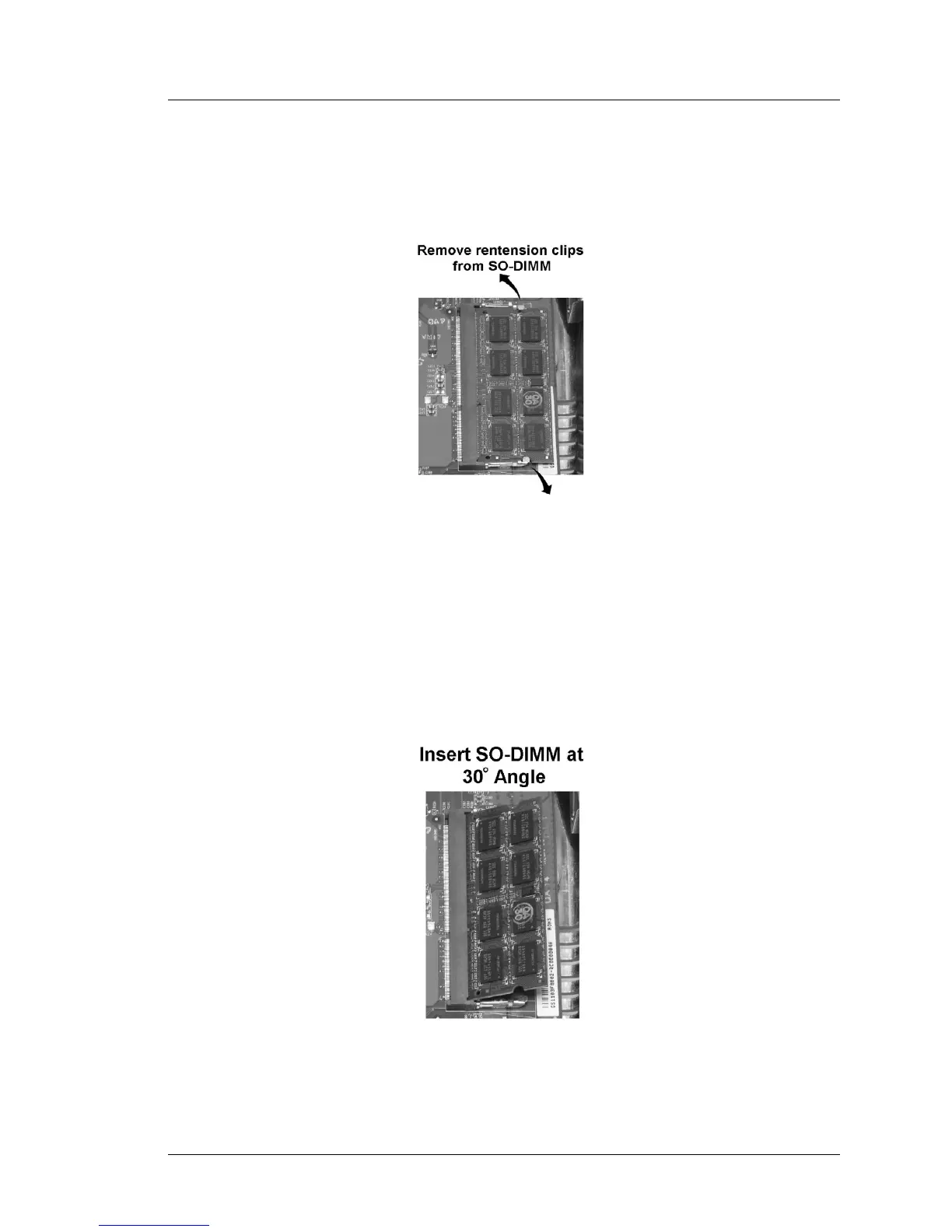
• Remove the retension clips from each side of the SO-DIMM then raise it to
a 30° angle before removing it from the socket.
Figure 3-29: Removing a SO-DIMM
Install DIMMs
• To access SO-DIMM2, use a 2.5mm hex wrench to loosen the hex head
screw and remove the access door.
• Insert the SO-DIMM into the socket at a 30° angle. When it is fully
inserted, press down to lock the retension clips into place.
Figure 3-30: Installing a SO-DIMM



 To Next Page