3-48 PCWS 2015 Setup Guide - 2nd Edition
What’s Inside?
Reassembling the PCWS 2015
Reassembling the PCWS 2015
The following procedure describes how to reassemble the PCWS 2015.
Procedure:
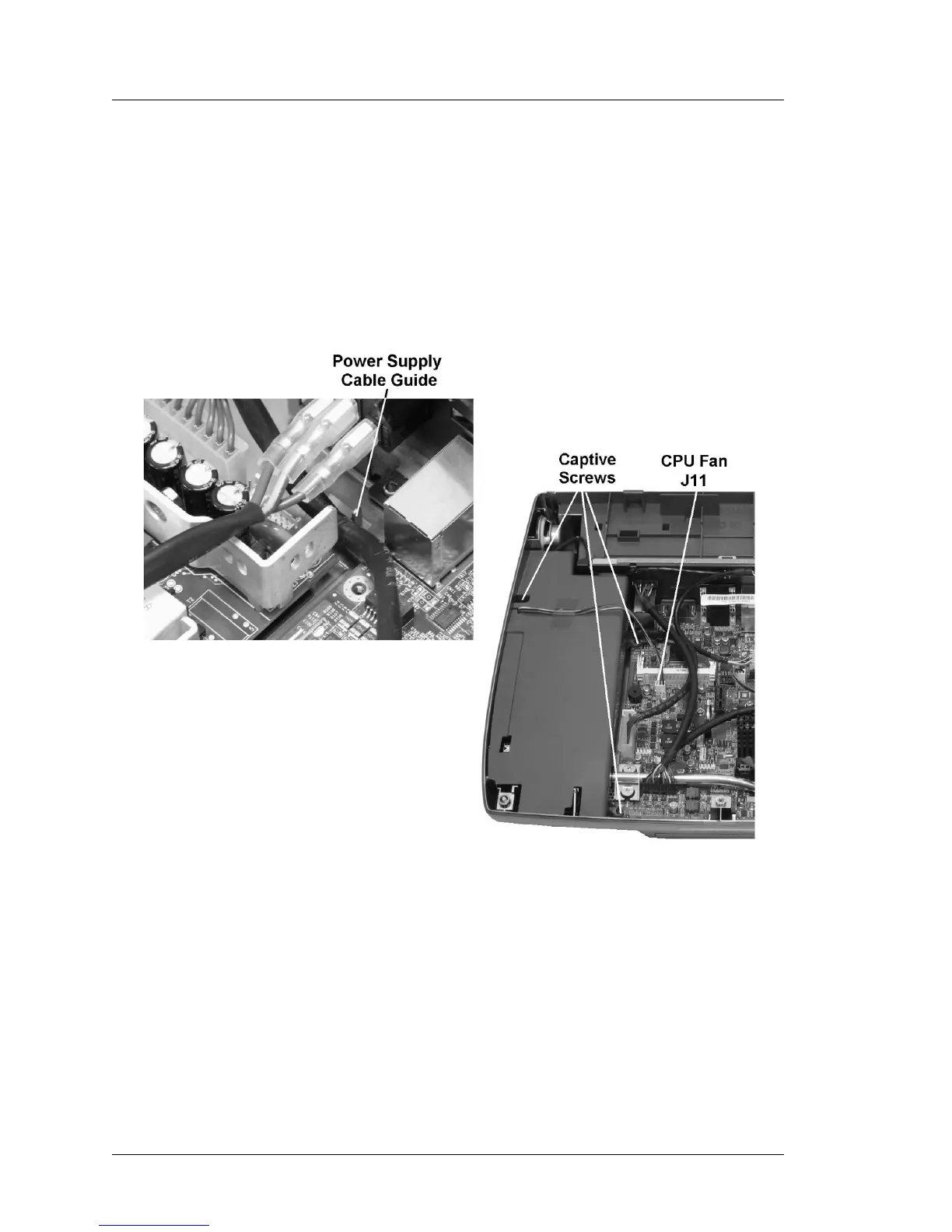
1. Before installing the power supply cover, make sure the power supply
cable is routed through the cable guide located just behind the power
supply as shown in the left of Figure 3-42, below.
Figure 3-42: Installing the Power Supply Cover
o Fit the power supply cover in place and fasten the three captive screws
to provide a good seal.
o Connect the CPU fan to J11.
o Make sure the power supply cable is connected to J24 on the system
board.



 To Next Page