PCWS 2015 Setup Guide - 2nd Edition 5-5
Diagnostics
PC Workstation 2015 Diagnostic Utility
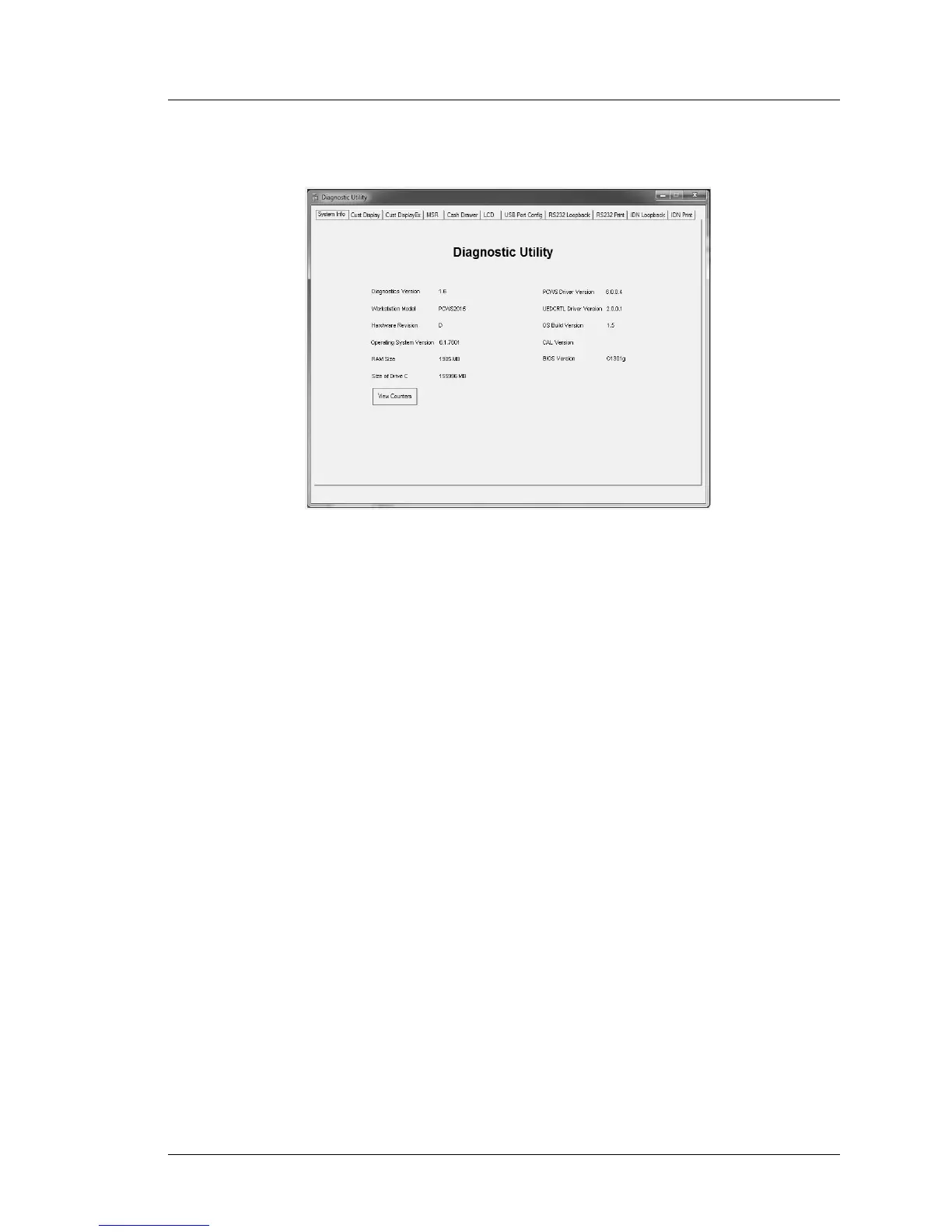
Figure 5-2: The PCWS 2015 Diagnostics Utility System Information Screen (V1.6)
A brief description of each field and button follows.
Diagnostics Version
This field displays the PCWS 2015 Diagnostics Utility Software version.
Workstation Model
This field displays the workstation model to distinguish it from other
MICROS workstations.
Hardware Revision
This field displays the PCWS 2015 System Board Hardware Revision.
Operating System Version
This field the displays the operating system version, in this case Windows
7 Professional. Other supported operating systems include POSReady 2009
and Windows XP Professional.
RAM Size
This field displays the amount of available RAM.
Size of Drive C
This field displays the size of the system boot drive. In this example, the
system boot drive is a SATA 160GB HDD, but could also be an optional
RAID volume, or Solid State SATA drive.



 To Next Page