PCWS 2015 Setup Guide - 2nd Edition 5-7
Diagnostics
PC Workstation 2015 Diagnostic Utility
Activity Counter
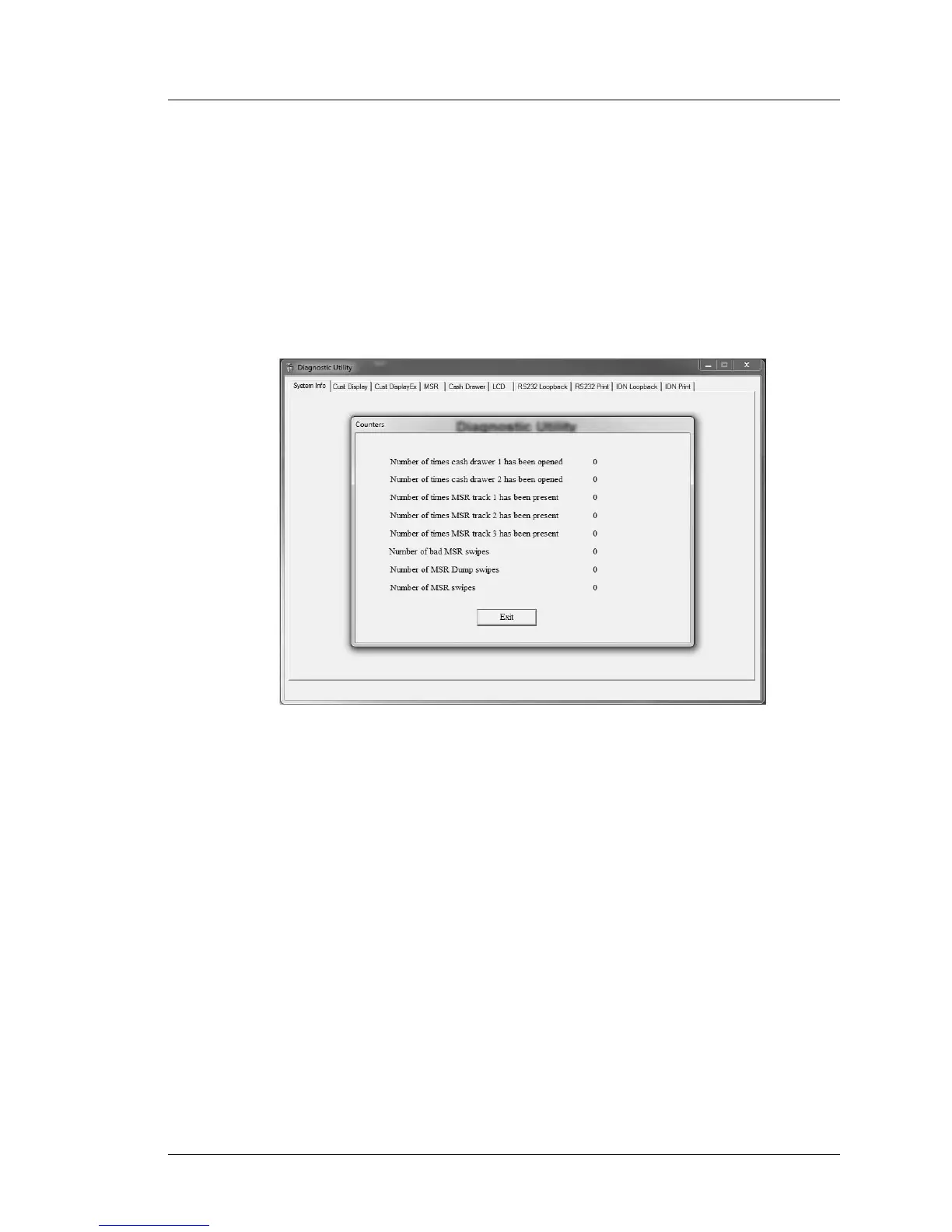
The [View Counters] button is located on the System Information screen.
Touching this button displays a set of counters maintained by the Diagnostics
Utility as shown in Figure 5-3, below.
The Diagnostic Utility tracks the number of successful and unsuccessful MSR
swipes for each track, and the number of times each cash drawer is opened.
Press the [View Counters] button to view the counters. All counters are stored
in the registry.
Figure 5-3: Diagnostics Utility Activity Counters



 To Next Page