3-34 PCWS 2015 Setup Guide - 2nd Edition
What’s Inside?
Installing Options
Removing the IO Door
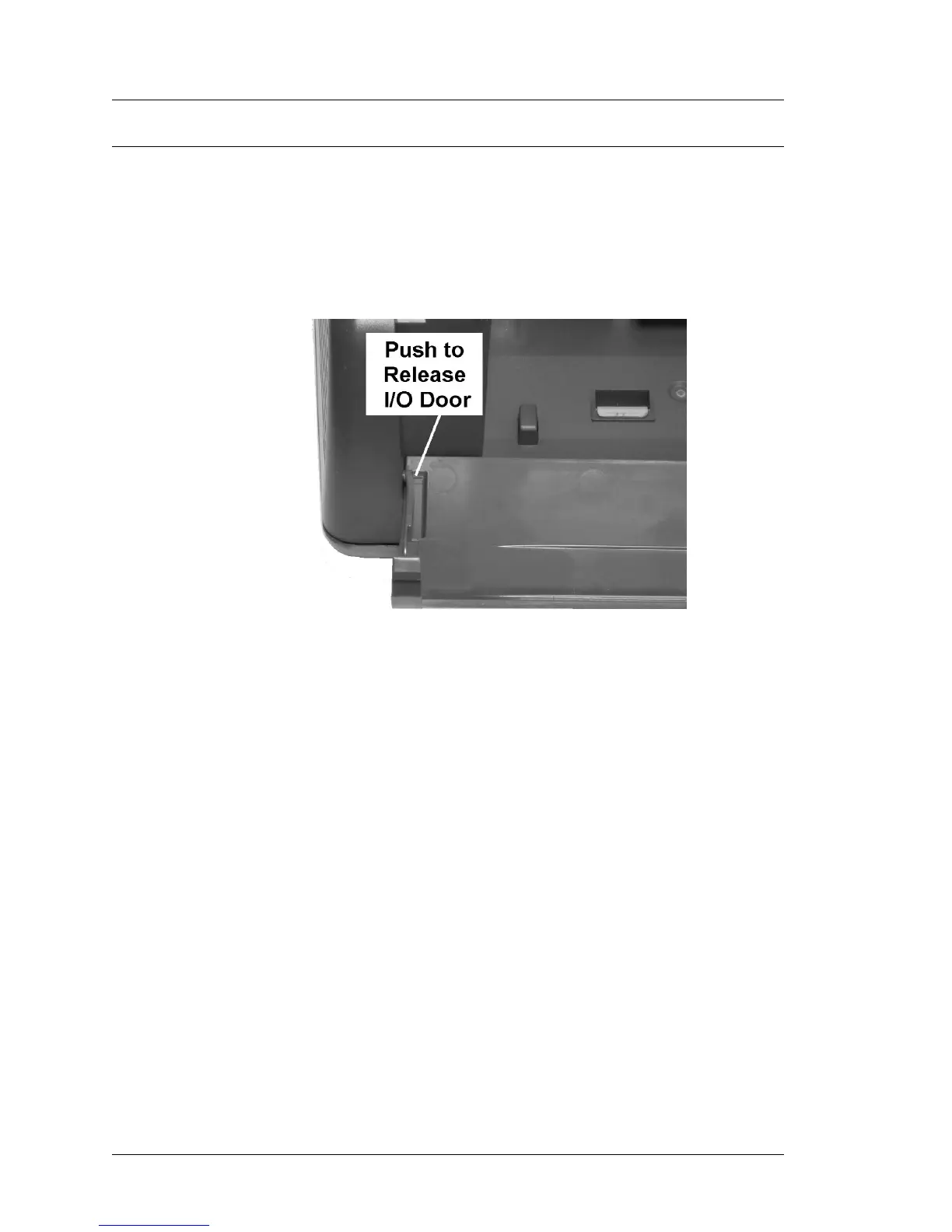
The PCWS 2015 IO Door includes a new release tab to avoid having to bend
the door to remove or install it.
Figure 3-31 shows an example of the IO Door release.
• To remove the IO Door, simply depress the tab and lift it out of the IO
panel.
Figure 3-31: Removing the PCWS 2015 I/O Door



 To Next Page