PCWS 2015 Setup Guide - 2nd Edition 2-31
PCWS 2015 BIOS
Security
Security
The BIOS Security Menu is not available in Version O1201r. The Security
Menu is available BIOS Version O1301, but does not support a password to
start the optional Recovery CF. BIOS version O1301g or later implements the
ability to require a password to start the optional Recovery CF. The procedure
can be found below.
SecureCore Tiano includes a user level security system that provides a means
of authenticating users to start the system, or authenticating users to enter the
BIOS and optionally, to start the PCWS 2015 Recovery CF.
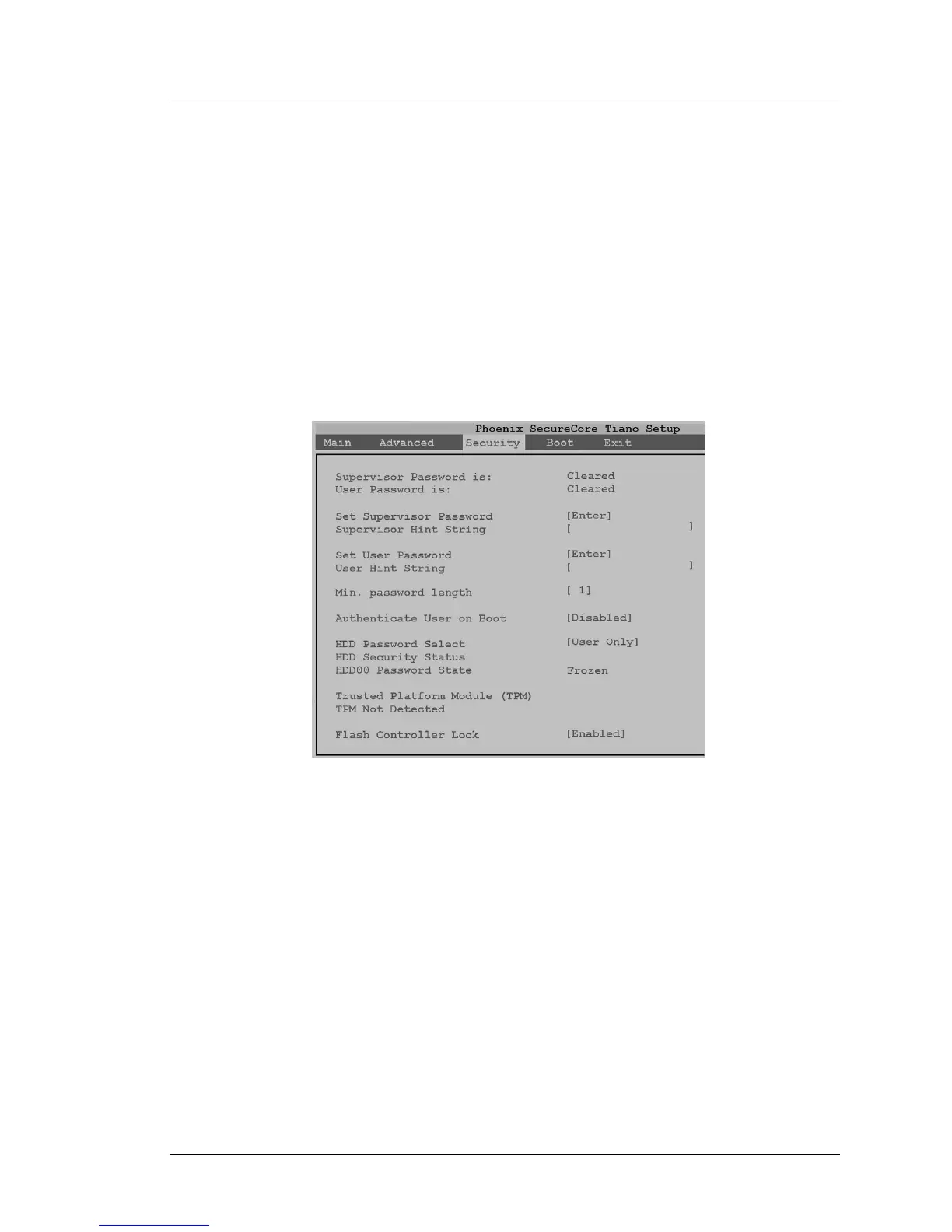
The Phoenix SecureCore Tiano Setup screen example is shown in the Figure
below. By default, all security features are disabled.
Figure 2-16: BIOS Security Menu (Default Settings)
Set Supervisor Password
To configure the workstation to require a password to start the PCWS 2015
Recovery CF, set the Supervisor Password as described below.
Once the Supervisor Password is configured, it will be required to enter the
BIOS Setup menu in addition to starting the optional PCWS 2015
Recovery CF.



 To Next Page