PCWS 2015 Setup Guide - 2nd Edition 2-35
PCWS 2015 BIOS
Exit
Exit
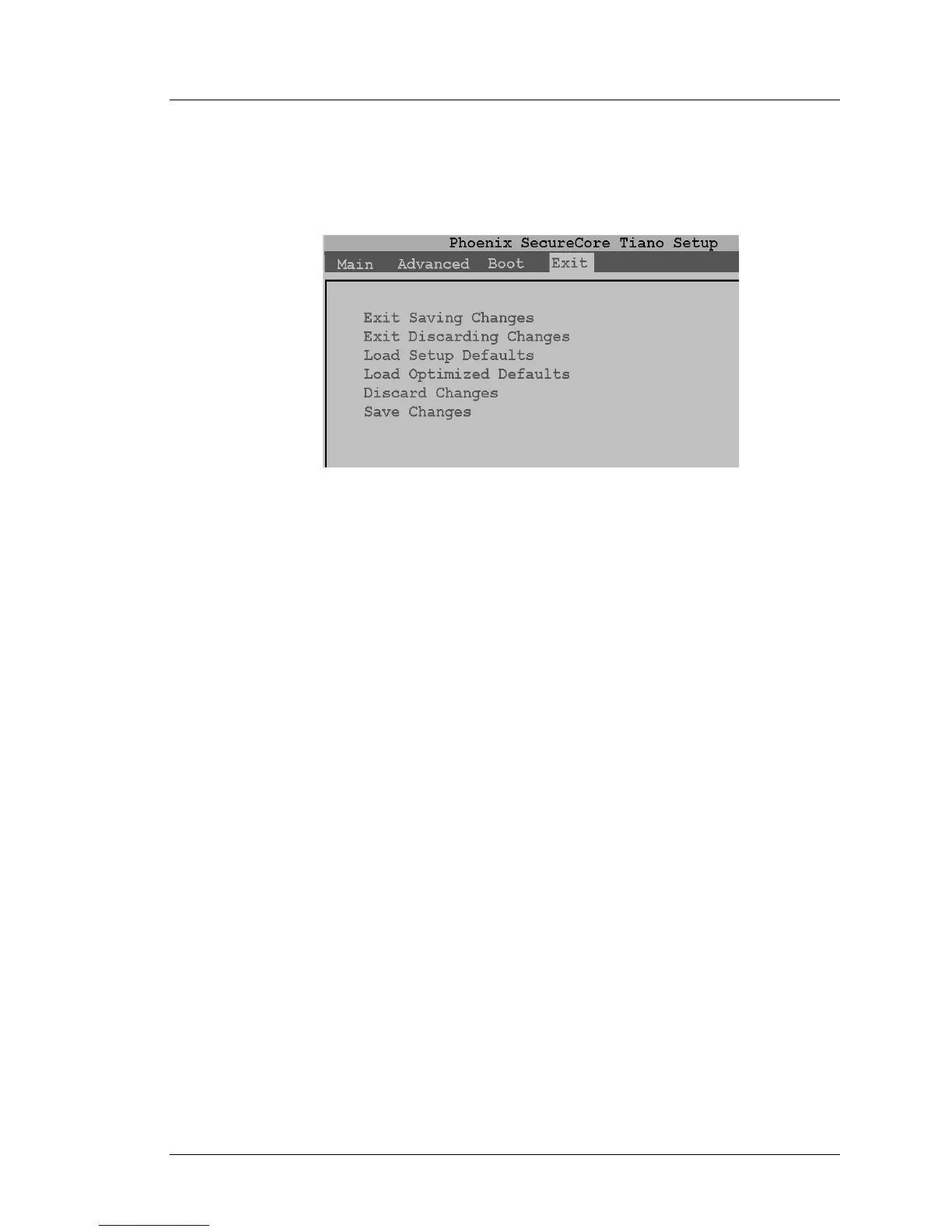
The Exit menu provides a means of saving, discarding, or reloading the CMOS
Settings.
Figure 2-20: BIOS Exit Screen
Exit Saving Changes
After making any changes to any BIOS configuration screen, select ‘Exit
Saving Changes’ and press [Enter], then [YES] to confirm and exit.
A faster way to save BIOS changes and restart is to use the F10 key.
Exit Discarding Changes
If you wish to exit Setup and discard any changes made, select ‘Exit
Discarding Changes’ [Enter] and [Y] to restart.
Load Setup Defaults
This selection resets all Setup screen fields to factory defaults. You can also
press [F9].
Note: Loading Setup Defaults will re-enable IO Panel USB Ports that were
previously disabled.
Load Optimized Defaults (Do Not Use)
Do not use this selection. This field has been removed in BIOS O1301g or
later.
Discard Changes
Selecting this field causes the BIOS to discard all changes, but does not exit the
Setup Menu.
Save Changes
Save all changes on all menus to CMOS. The workstation remains at the BIOS
Exit menu and does not restart.



 To Next Page