3-32 PCWS 2015 Setup Guide - 2nd Edition
What’s Inside?
Installing Options
DDR3 SO-DIMMs
This section specifies the approved memory devices and describes how to
remove and replace DDR3 SO-DIMMs.
The PCWS 2015 System Board includes a pair of SO-DIMM sockets
SO-DIMM1, accessible on the top of the system board, and SO-DIMM2
accessed by removing an access door on the base.
Up to 8GB of memory is possible, using 2 x 4GB SO-DIMMs. Limited testing
has been performed tested to confirm this. However, a 64-bit Operating System
is required to fully utilize 8GB of system memory.
The current Windows 7 Professional, POSReady 2009, and Windows XP
Professional OS images are 32-bits; each is limited to a max of 4GB of system
memory.
Approved SO-DIMM list
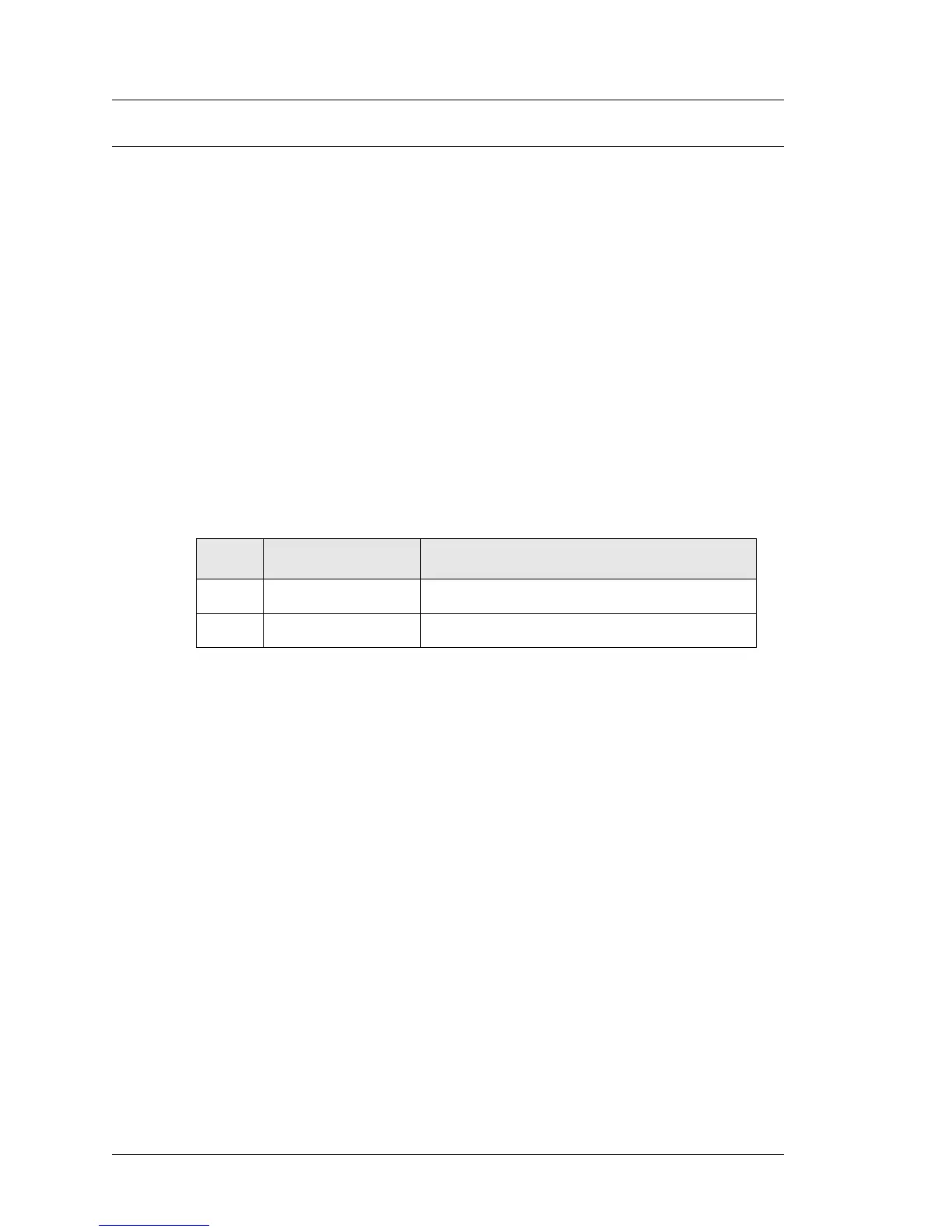
Figure 3-28, below lists DDR3 SO-DIMMs currently approved for use in the
PCWS 2015.
Figure 3-28: Approved SO-DIMMs for the PCWS 2015
SO-DIMM Configuration
Current configurations ship with a single 2GB DDR3 SO-DIMM installed in
socket SO-DIMM1, located on the top of the System Board. One additional
2GB DDR SO-DIMM can be installed in socket SO-DIMM2.
See the next page to remove or install an SO-DIMM in SO-DIMM1 or
SO-DIMM2.
Size MICROS P/N Description
2GB 700502-180 Unigen U625U6400M8SU-9BA
2GB 700502-180 Transcend TS256MSK64V1N



 To Next Page