3-30 PCWS 2015 Setup Guide - 2nd Edition
What’s Inside?
System Board Technical Description
Optional Capacitive Touchscreen Details
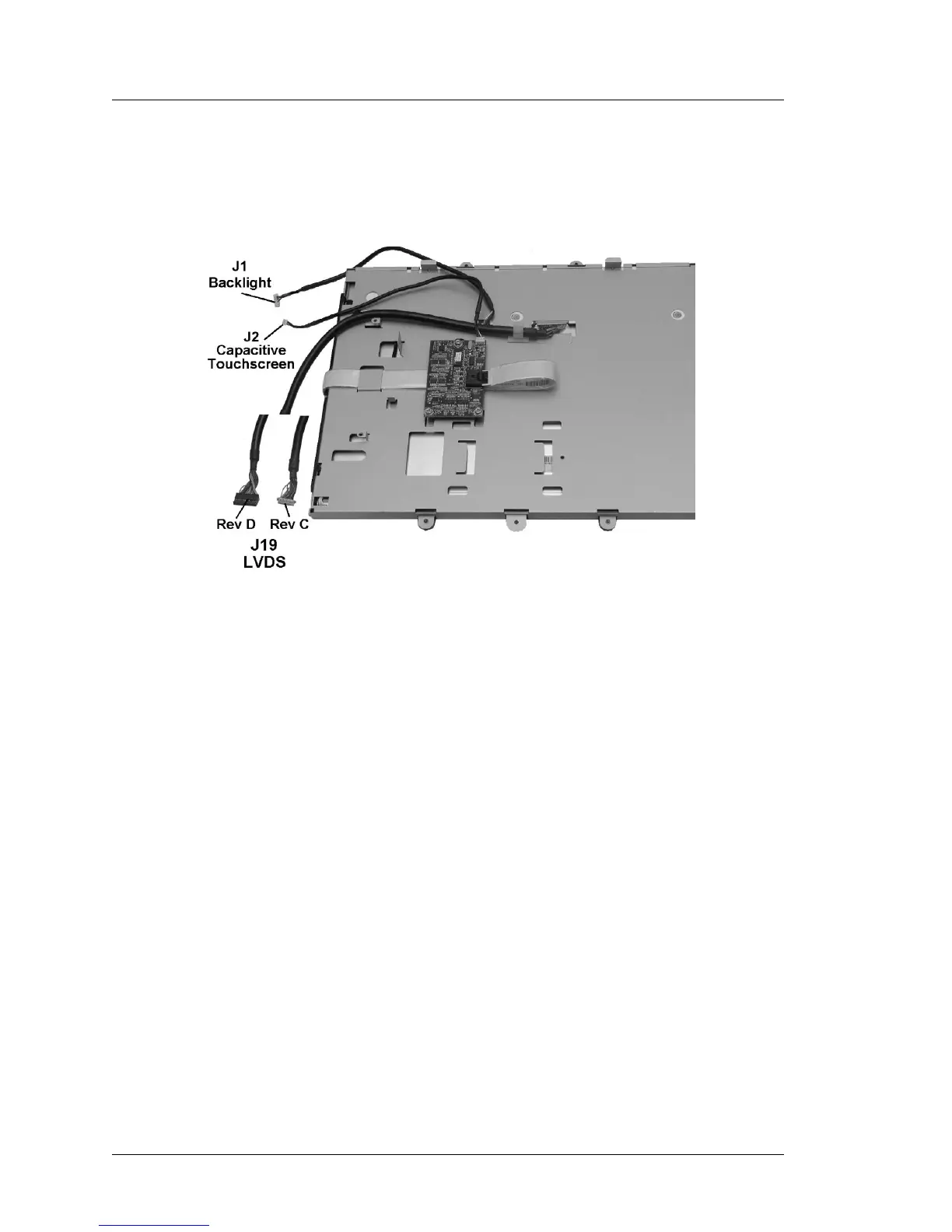
The LCD/Touchscreen Assembly with the optional capacitive touchscreen
is shown in Figure 3-26.
Figure 3-26: PCWS 2015 /w Optional Capacitive Touchscreen and LED Backlights
The Capacitive Touchscreen Option adds the Capacitive Touchscreen
Interface Board and interface cable. The capacitive touchscreen plugs
directly into the Capacitive Touchscreen Interface Board.
The LVDS connector J19, changes on Revision D. The illustration shows
examples of both connectors, based on board revision.



 To Next Page