PCWS 2015 Setup Guide - 2nd Edition 4-9
Installing and Operating the Workstation 2015
Installation
Installation
This section describes how to install the AC adapter, and discusses the
recommended method of cabling the workstation.
Cabling the Adjustable Stand
This procedure describes how to attach the PCWS 2015 to the Adjustable
Stand.
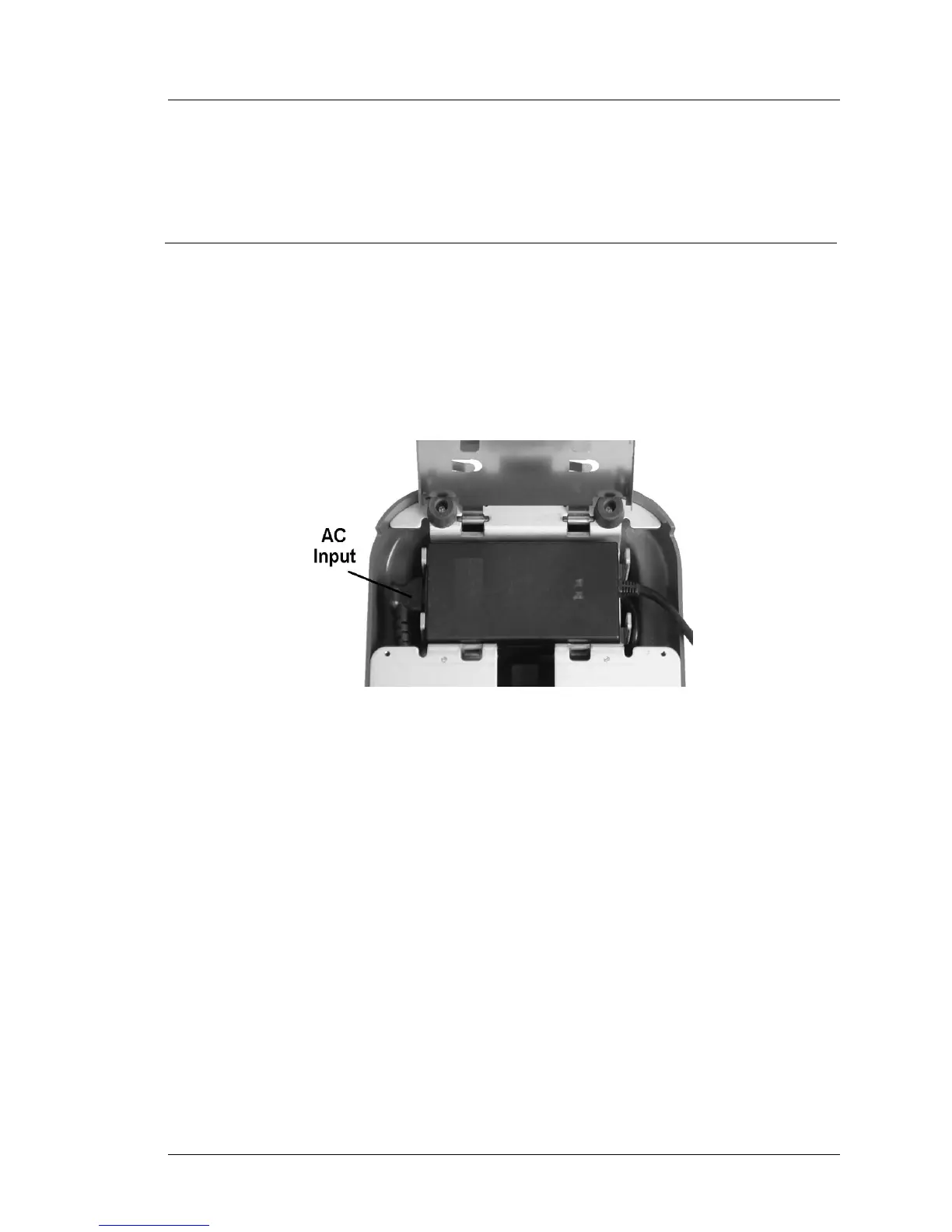
1. Install the optional Printer Power Supply, if required. Refer to Figure 4-2.
Open the power supply compartment door and attach the AC power
connector to the power supply. Close the compartment door.
Figure 4-2: Installing the Optional Printer Power Supply
2. Refer to Figure 4-3, and prepare to mount the workstation on the stand.
• Connect the AC Power Cable supplied in the loose parts kit to the AC
receptacle in the base of the stand. Use the longer of the two cables for
the workstation.
• Cable the workstation. Several cable tie points are provided in the
cover, and a pair of re-usable velcro cable ties supplied with the stand
can be used to bundle the cables. Figure 4-3 shows two cable ties, but
these may not be needed in some situations.
• Before placing the unit on the stand, make sure the securing latches are
in the ‘open’ position and close the I/O door.



 To Next Page