PCWS 2015 Setup Guide - 2nd Edition 3-31
What’s Inside?
Installing Options
Installing Options
This section includes procedures for removing and replacing PCWS 2015
internal components and options.
Magnetic Card Reader
The PCWS 2015 uses the same Magnetic Card Reader assembly as the
Workstation 5 and 5A. The reader head and interface cable is pre-mounted to a
plastic channel located along the right side of the base.
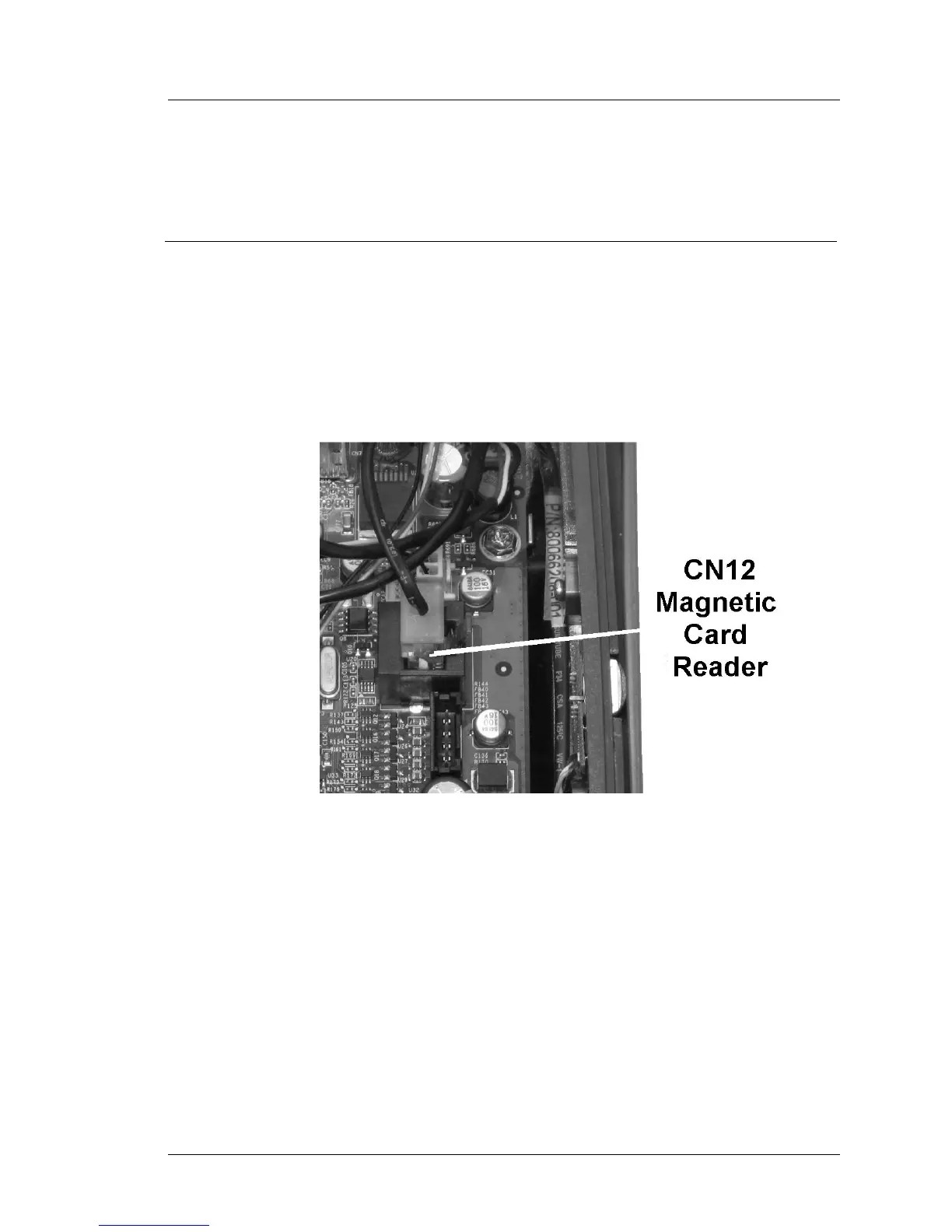
The Mag Card Reader connects to CN12, as shown in Figure 3-27, below.
Figure 3-27: Removing the Mag Card Reader Connector



 To Next Page