PCWS 2015 Setup Guide - 2nd Edition 3-3
What’s Inside?
Disassembling the PCWS 2015
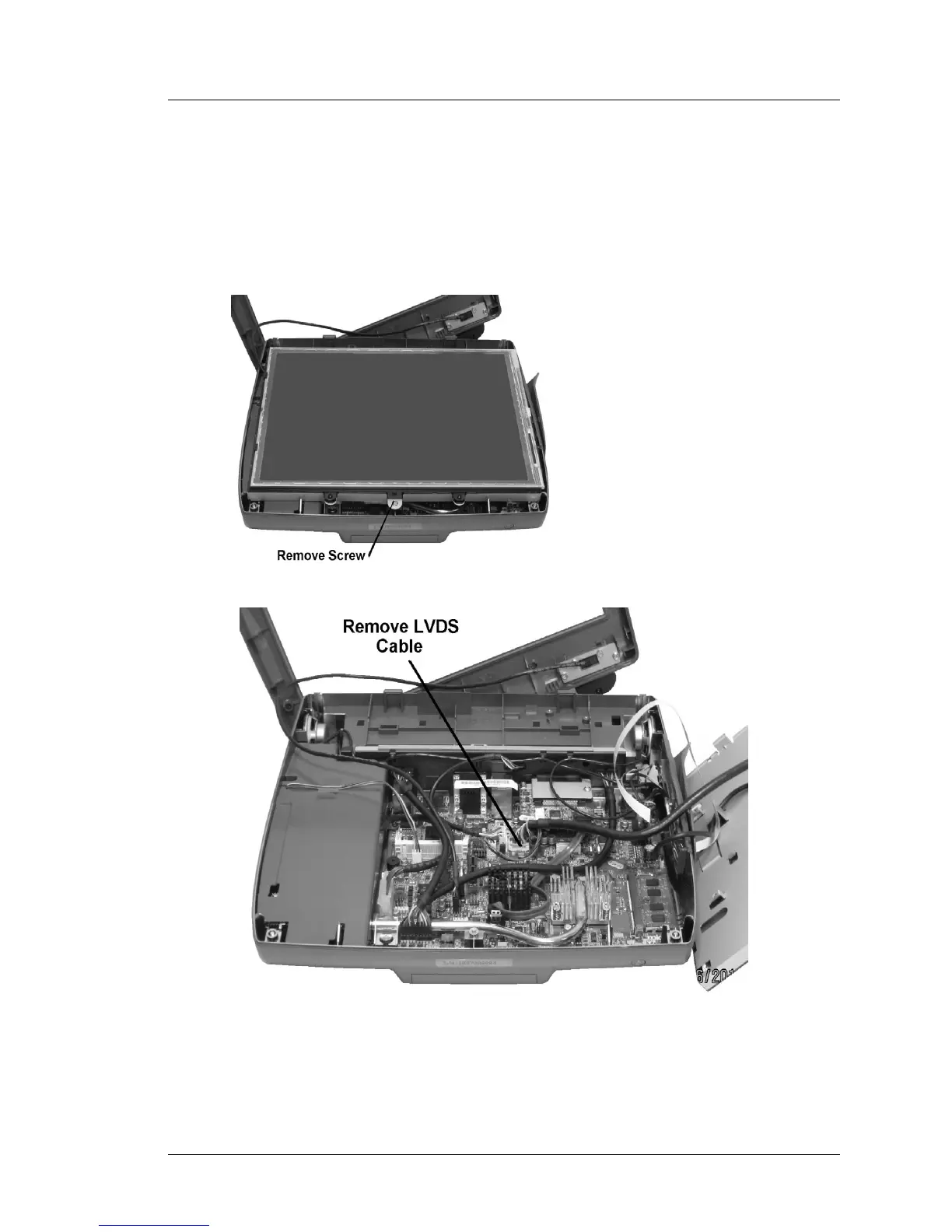
5. Start to remove the LCD/Touchscreen assembly by pulling forward, then
placing it to towards the right of the base.
o If you encounter resistance when removing the assembly check for a
snagged cable.
o To place the LCD/Touchscreen face down, remove the LVDS Cable
from system board connector J19.
Figure 3-2: Removing the LCD/Touchscreen Assembly
6. If a Finger Print reader or other option is attached to the top cover, remove
the interface cable from the System Board connector.



 To Next Page