2. Product presentation
MiR1350 User Guide (en) 05/2022 - v.1.2 ©Copyright 2021-2022: Mobile Industrial Robots A/S. 28
Pos. Description Pos. Description
5 Fast-swap battery assembly
(only in left side
compartment)
6 Battery (only in left side
compartment)
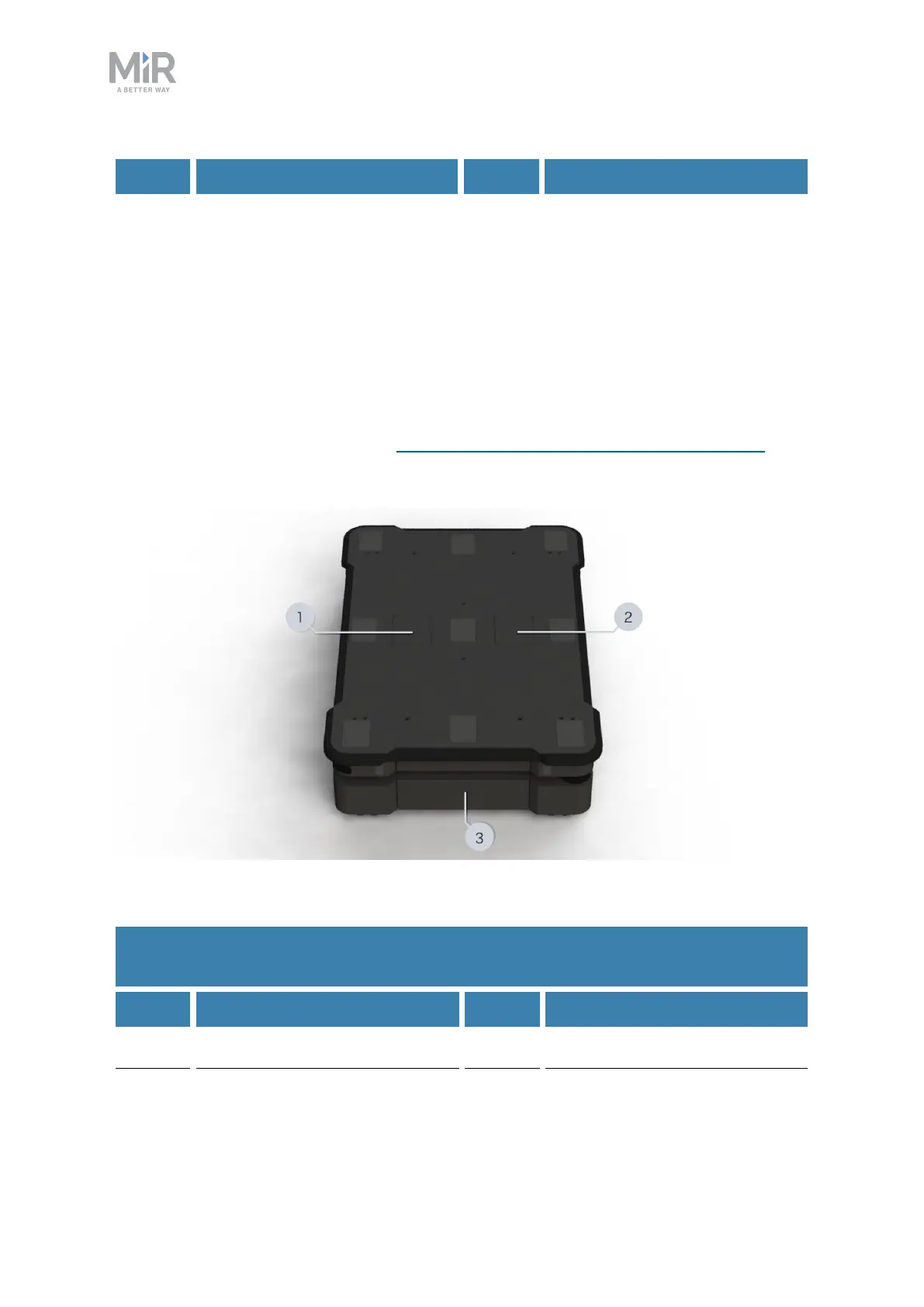
Top compartments
The two top compartments contain electrical interfaces that can be connected to
top modules.
To open a top compartment, see Accessing the internal parts on page43.
Figure 2.9. The top compartments on the robot.
Pos. Description Pos. Description
1
Left top compartment
2
Right top compartment
3 Rear compartment
Table 2.6.
Identification of top compartments in Figure 2.9



 To Next Page