Morgana DocuMaster MFC - Service Manual 97
4. Service Procedures - Machine Adjustments and Calibration
4.5.24 Configure the MFC Machine Options
The machine options setting page shows control system functions that can be adjust to
change the way the MFC works. Some functions are not used and these functions
must not be adjusted (see Section 4.5.23).
Machine option functions that can be adjusted are described in
the sections that follow.
4.5.24.1 Open the Machine Options Setting Page
Step Action Information
1 Select the
SERVICE access level. (See Section 4.5.23.1).
2 Open the
MACHINE OPTIONS setting
page.
Touch the MACHINE OPTIONS tab on
the MENU page.
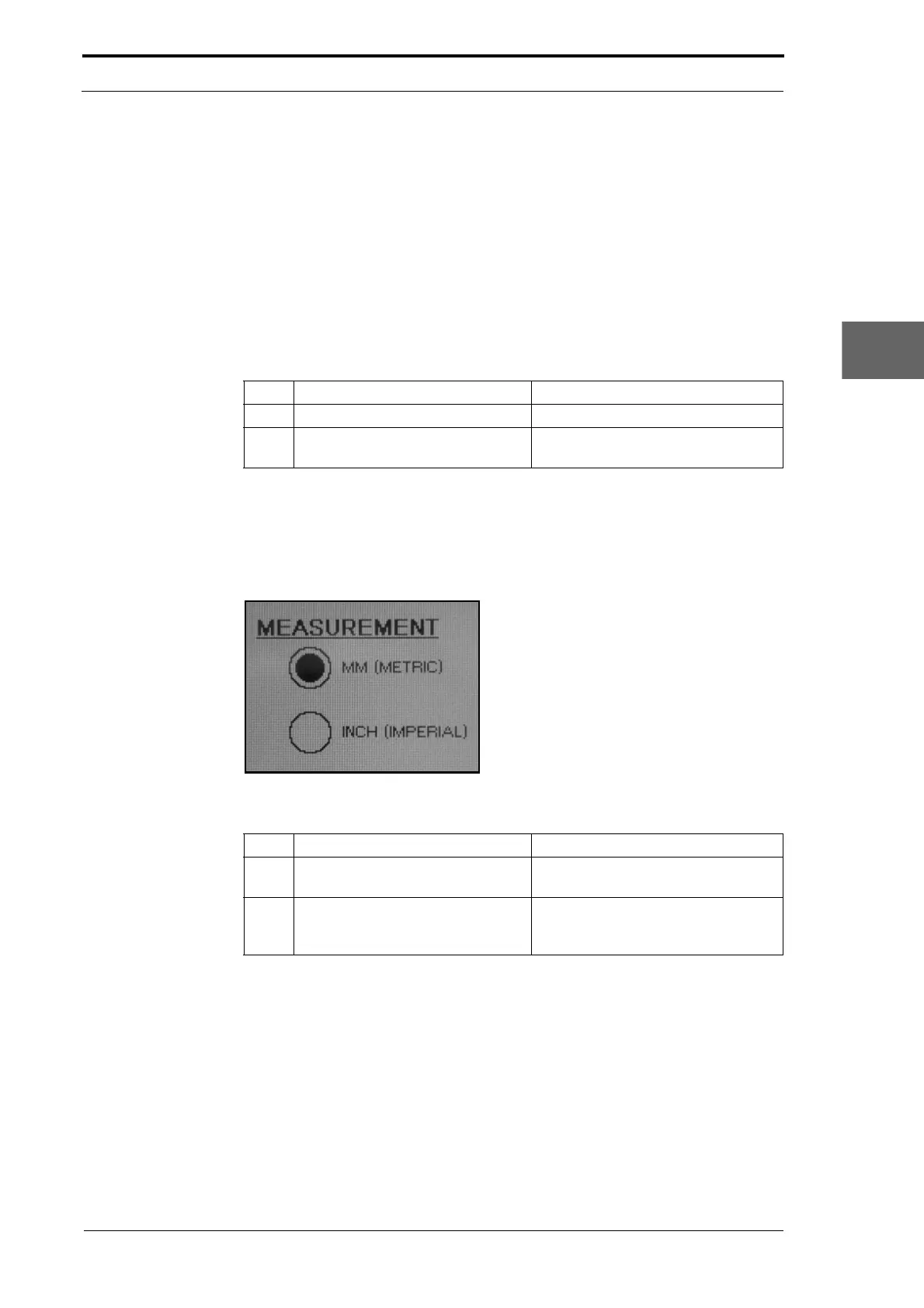
4.5.24.2 Select the Measurement Units
The GUI panel can be configured to display measurement in
either metric or imperial
units.
Figure 4.73 Machine Options - Measurement Units
Step Action Information
1 Open the
MACHINE OPTIONS setting
page.
(See Section 4.5.24.1).
2 Select the type of measurement
unit from the
MEASUREMENT list.
Touch the radio button at the side of
the measurement unit that you want
to select (see Figure 4.73).
4.5.24.3 Select MFC Mode
If the GUI panel touch screen has a yellow background colou
r and the creaser settings
page tab is not displayed, the GUI CPU must be configured in MFC operation mode.



 To Next Page