Morgana DocuMaster MFC - Service Manual 91
4. Service Procedures - Machine Adjustments and Calibration
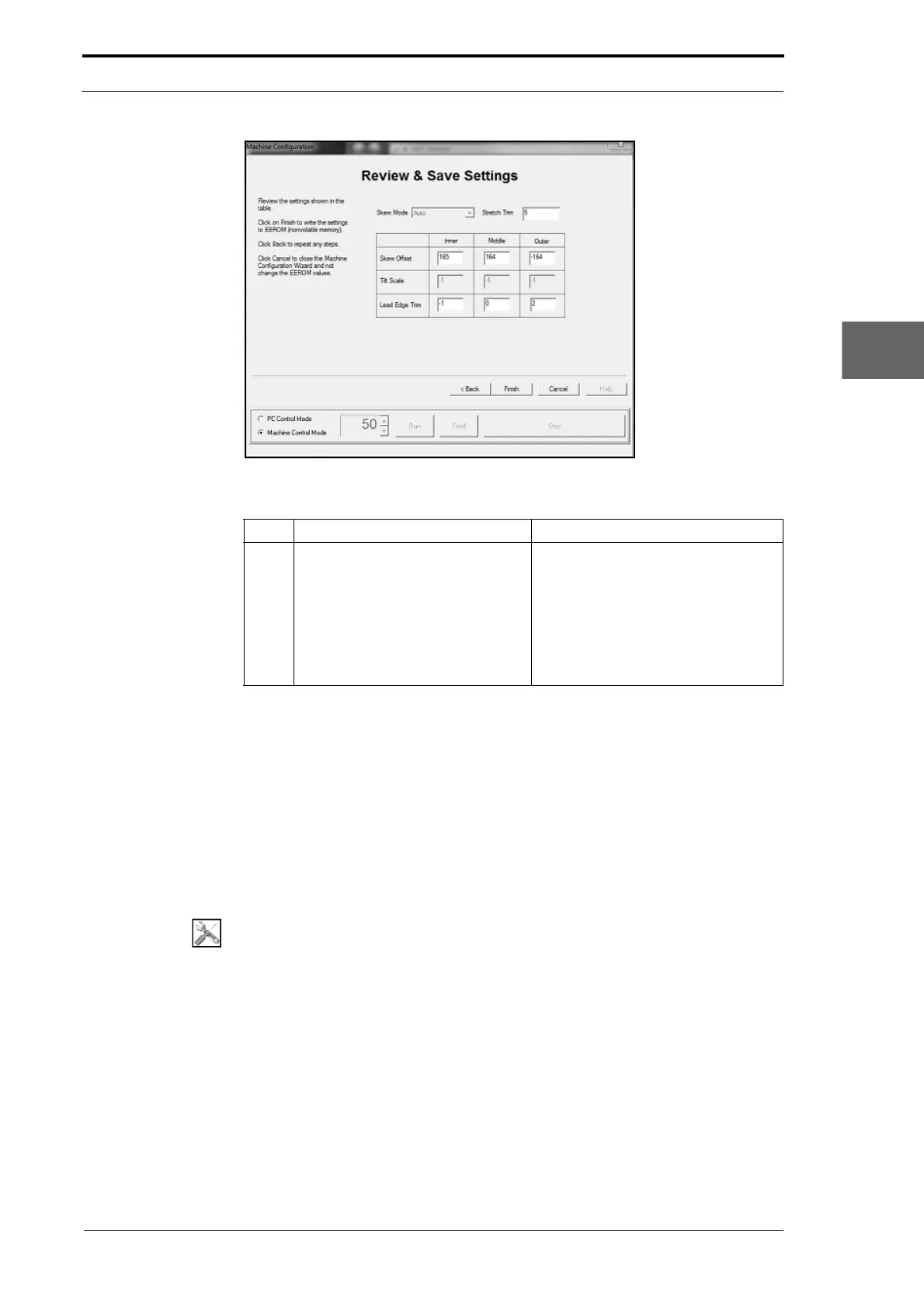
Figure 4.70 The Review & Save Settings Page
Step Action Information
8 Review the trim settings and close
the
Machine Configuration Wizard.
Left Click BACK to do a Step again.
Left Click FINISH to close the Machine
Configuration Wizard and
permanently write the trim values to
the EEROM.
Left Click
CANCEL to close the
Machine Configuration Wizard and
put back the original trim values.
4.5.19 Adjust the Jam Detector
The MFC uses the jam detector assembly to detect a paper jam in the creaser module.
The jam detector assembly indicates a jam when the emitter/sensor beam is blocked.
The jam detector is normally blocked when a sheet of paper has jammed against the
creaser blade-set.
The VR7 potentiometer (POT) on the controller PC
B can be adjust to set the sensitivity
of the jam detector assembly (see Section 7.3.8).
Tools:
• Screwdriver: Small Flat-Blade
Before you start:
• Clean the jam detector
• Remove the electrical cabinet cover (See Section 4.2.12).



 To Next Page