Morgana DocuMaster MFC - Service Manual 49
4. Service Procedures - Covers
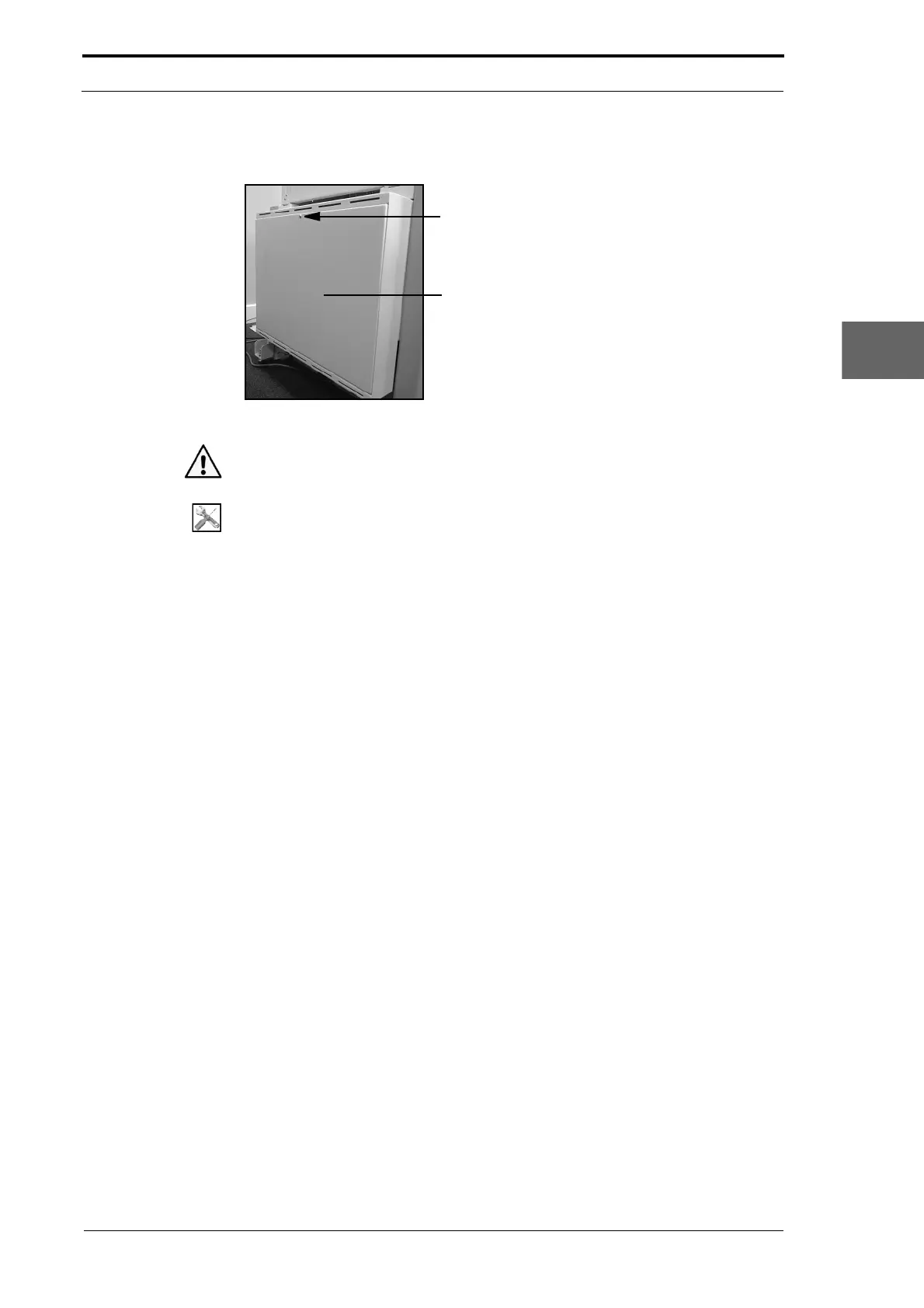
4.2.12 Remove the Electrical Cabinet Cover
Screw
Electrical Cabinet Cover
Figure 4.15 The Electrical Cabinet Cover
Warning: Use extreme caution not to touch live circuits when the MFC is turned on.
Tools:
• Allen Key: 3mm.
(1) Set the main input switch to OFF (0).
(2) Disconnect the main power cord from the MFC.
(3) Loosen the screw that is attached to the top of the electrical cabinet cover and let
the electrical cabinet cover to open towards you (see Figure 4.15).
(4) Disconnect the earth wire from the inside of the electrical cabinet cover.
(5) Lift the electrical cabinet cover and disengage it from the support brackets.
(6) Pull the electrical cabinet cover towards you.



 To Next Page