2. Error Conditions - MFC Error Procedure
24 Morgana DocuMaster MFC - Service Manual
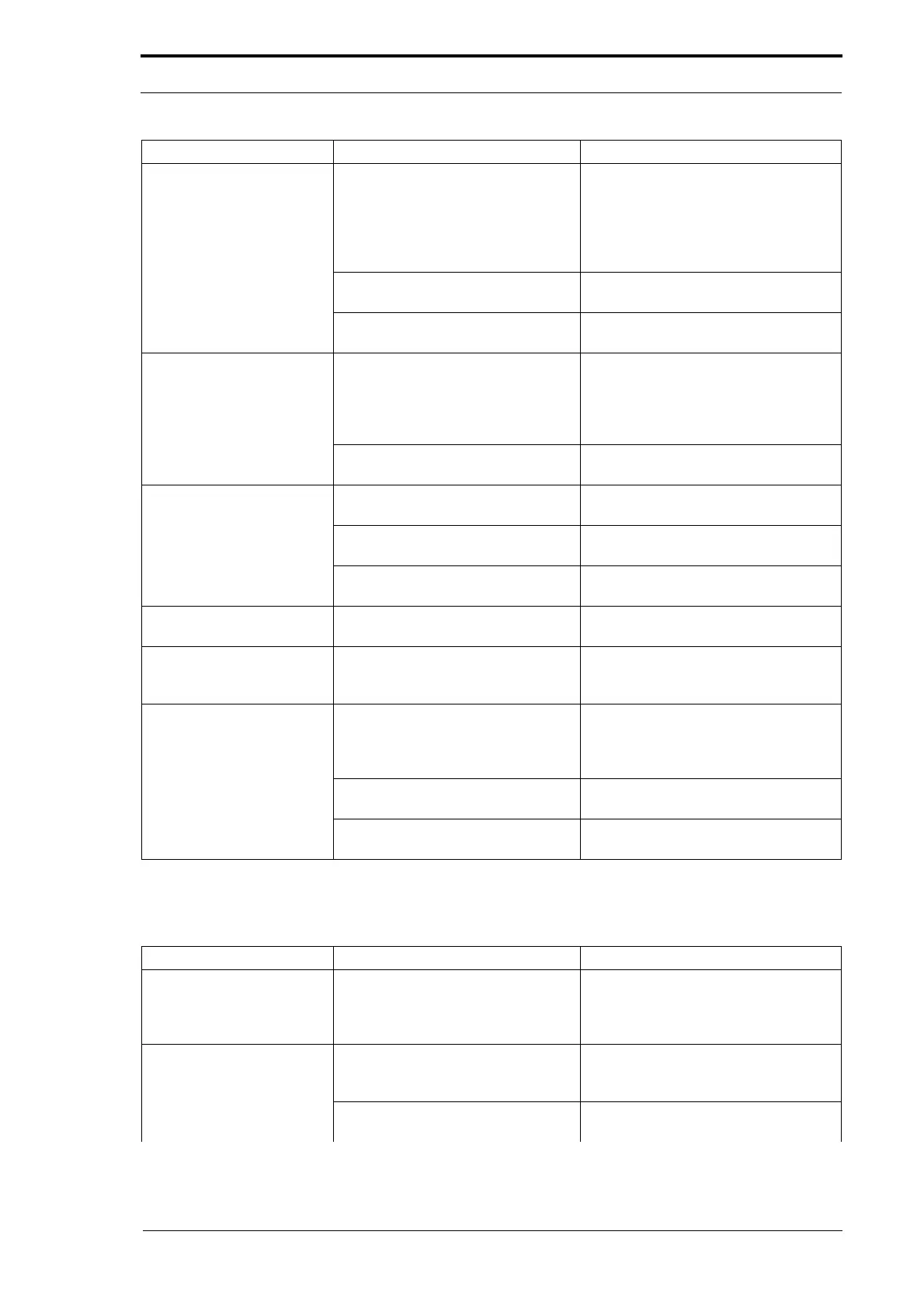
2.1.6 Friction Feeder Problems
The air supply is not sufficient to lift
the sheets.
Adjust the AIR% (see MFC User
Operating Instructions Manual).
Clean/replace the blower motor air
filter (see Section 4.7.7).
Replace the blower motor (see Section
4.6.2)
The feed band has stretched and
slips.
Replace the feed band (see Section
4.8.2).
The feed clutch is defective. Replace the feed clutch (see Section
4.8.3).
The lead-edge of the
sheet is damaged.
The feed head separation is not set
correctly.
Decrease the feed head separation
(see MFC User Operating Instructions
Manual).
Calibrate the feed head separation
adjuster (see Section 4.5.4).
The feed clutch is defective (causes
clutch drag).
Replace the feed clutch (see Section
4.8.3).
The MFC shows a ‘Tray
Down’ error message.
The tray lift motor pinion and lift
quadrant are not engaged.
Engage the tay lift motor pinon with the
lift quadrant
(see Section 4.8.4).
The tray lift motor pinion or lift
quadrant are defective.
Replace the defective part (see
Section 4.8.4).
The tray lift motor assembly is
defective.
Replace the tray lift motor assembly
(see Section 4.8.4).
The MFC shows a ‘Tray
Lift Error’ message.
The tray lift motor assembly is
defective.
Replace the tray lift motor assembly
(see Section 4.8.4).
The paper tray will not go
down.
A lower paper guide is not clipped
on to the tie bar which stops the
paper tray.
Check the lower paper guides.
The paper tray shows
empty when it is loaded.
The bottom sheet has a solid area of
black ink/toner which does not
deflect light from the tray loaded
sensor.
Turn the job when possible.
Place a sheet of unprinted paper
below the paper stack.
The tray loaded sensor is defective. Replace the tray loaded sensor (see
Section 4.8.10)
The feed bin control PCB is
defective.
Replace the feed bin control PCB (see
Section 4.8.7).
Problem Cause Solution
The friction bin will not
turn off.
The feed bin is in INSERT mode. Turn off INSERT mode in the Batch
menu on the GUI touch screen (see
MFC User Operating Instructions
Manual).
Double and miss errors
not detected or not
detected correctly.
The feed bin emitter/sensor is dirty. Clean the emitter/sensor with a soft
brush.
The feed bin emitter/sensor low
range is not set correctly.
Adjust the emitter/sensor low range
(see Section 4.5.7).
Problem Cause Solution



 To Next Page