Morgana DocuMaster MFC - Service Manual 67
4. Service Procedures - Machine Adjustments and Calibration
4.5.10.2 Adjust the Creaser Drive Belt Tension
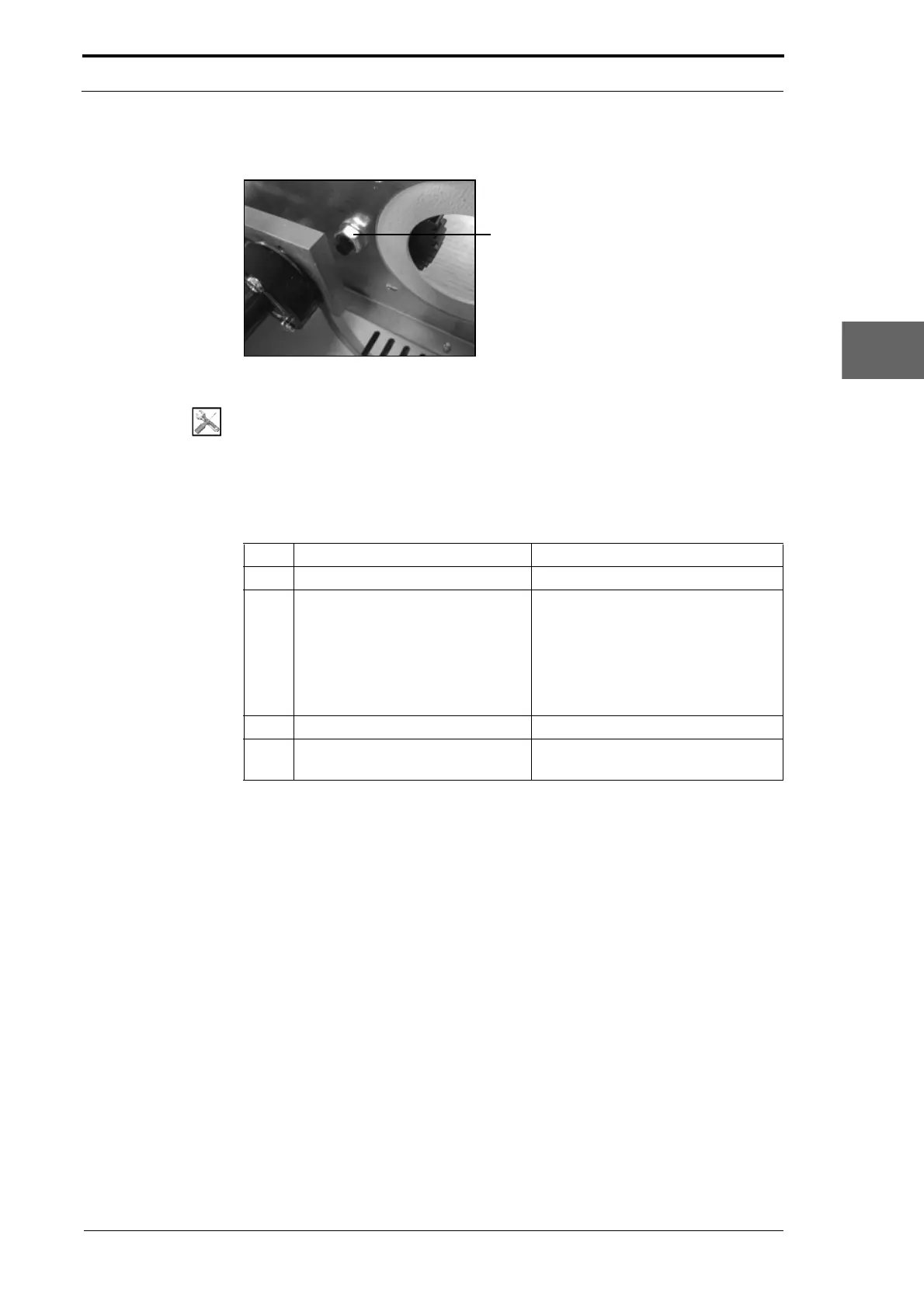
Figure 4.34 Idler Gear Nut
Tools:
• Spanner: 13mm
Before you start:
• Remove the crease-motor (See Section 4.10.9)
• Remove the creaser drive-motor (See Section 4.10.10).
Step Action Information
1 Loosen the idler gear nut.
2 Adjust the idler gear assembly
position to increase
or decrease
the tension on the creaser drive-
belt.
Push the idler gear assembly forward
to increase the tension on the
creaser drive-belt.
Push the idler gear assembly back to
decrease the tension
on the creaser
drive-belt.
3 Tighten the idler gear nut.
4 Do the creaser drive-belt tension
test.
(See Section 4.5.10.1).
4.5.11 Adjust the Creaser Drive-Motor Gear Play
It is important and necessary that the play between the creaser drive-motor gear and
the idler-gear is set correctly.
If there is no play between the gears:
• It can cause damage to the idler gear.
• It can cause the creaser drive-motor to stop.
If there is too much play between the gears:
• The precision of the crease will decrease.



 To Next Page