Morgana DocuMaster MFC - Service Manual 51
4. Service Procedures - Clear Paper Jams
If the paper is jammed in the feed-bin conveyor-guides:
(3) Set the main input switch to OFF (0).
(4) Remove the top LH side cover (see Section 4.2.6).
(5) Use your hands to turn the drive motor pulley counterclockwise and rotate the feed
bin conveyor shafts.
(6) Repeat steps 1.2 & 5 until the jam is cleared.
(7) Do a check that no lower paper guides in the feed bin conveyor are detached from
the tie-bar.
4.3.4 Clear Jams in the Gathering Area
The operator can lift the A4 pinch drive to clear paper jams in the gathering area when
the paper is above the paper stop.
If the paper has jammed in the infeed of the
online bookletmaker, but has not left the
gathering area, the paper is detected by a sensor which stops the paper stop latch from
closing. This type of jam can be cleared if the online bookletmaker is removed from
under the MFC and the
INCH button is touched on the GUI panel.
Remove the A4 pinch drive to give access to severe paper jams in the gathering area,
or when repair and maintenance is required (see Section 4.3.4.1).
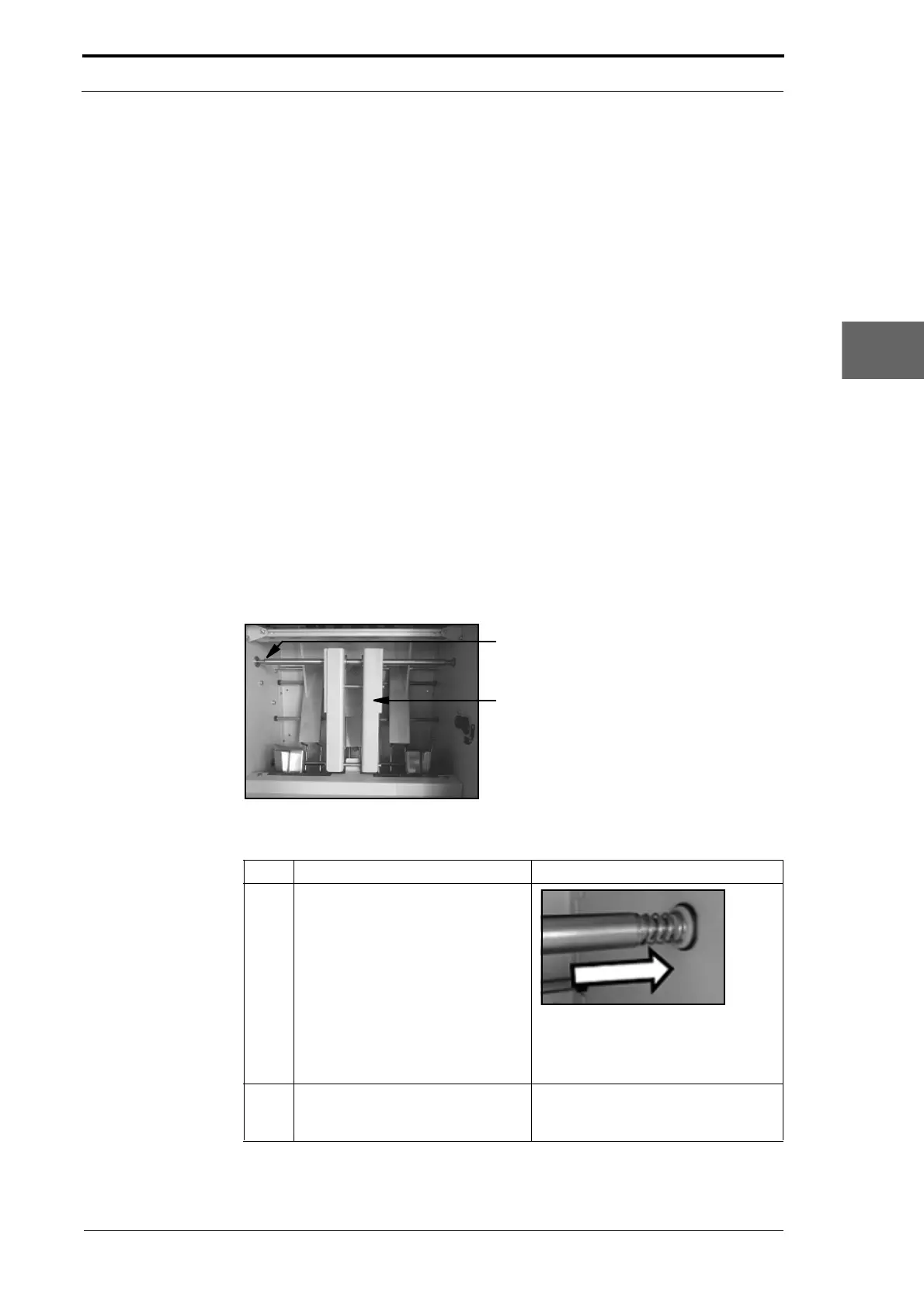
4.3.4.1 Remove the A4 Pinch Drive
Drive Shaft
A4 Pinch Drive
Figure 4.16 A4 Pinch Drive
Step Action Information
1 Hold the A4 pinch drive and push it
firmly into the RH side-plate.
Figure 4.17 Location Spring
This action will disengage the A4
pinch drive from the drive shaft in the
RH side-plate.
2 Disengage the A4 pinch drive from
the R
H side-plate and remove it
from the gathering area.



 To Next Page