Morgana DocuMaster MFC - Service Manual 71
4. Service Procedures - Machine Adjustments and Calibration
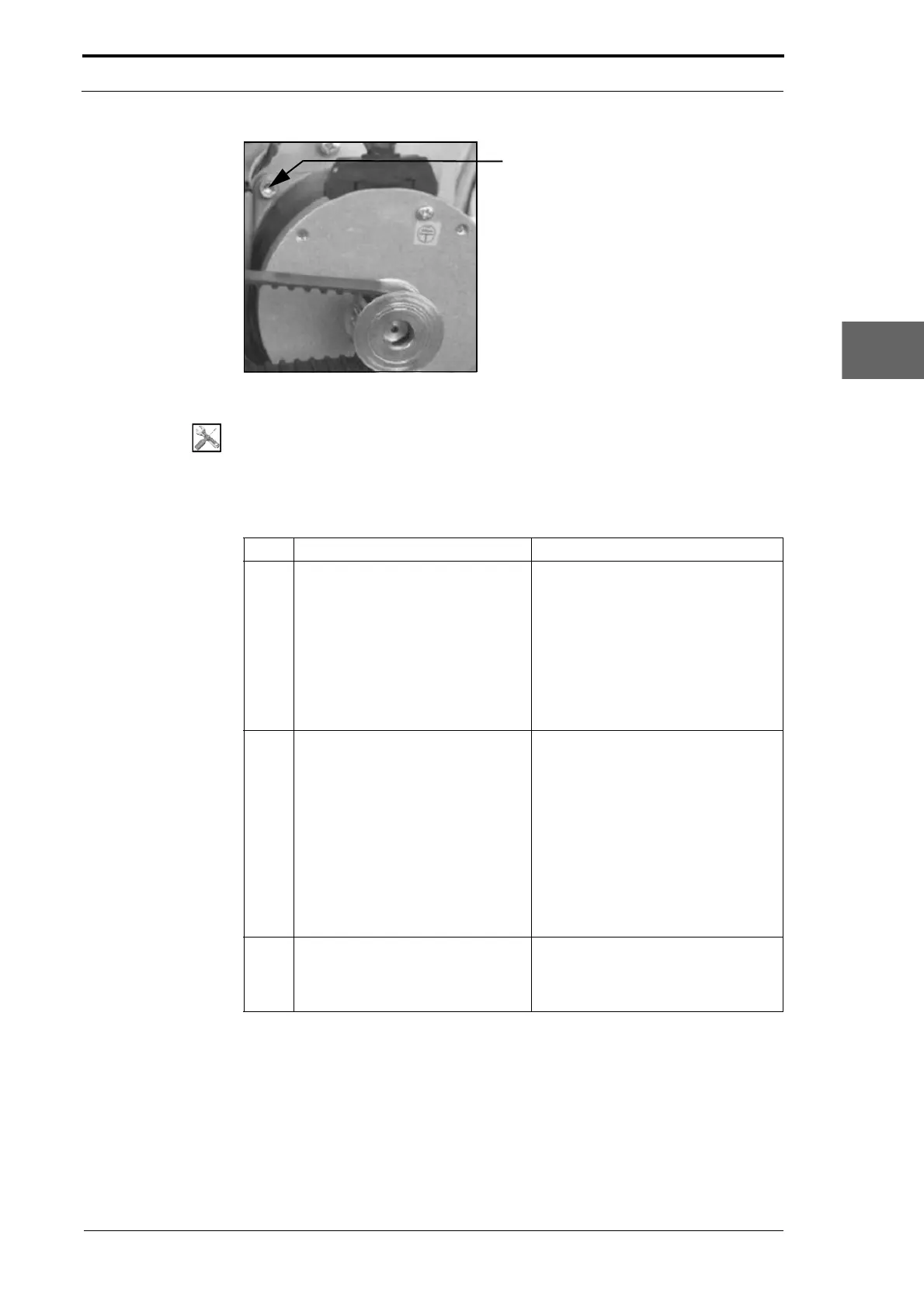
Figure 4.39 Crease Motor Belt Adjustment
Tools:
• Allen Key: 2.5mm, 4mm.
Before you start:
• Do the crease belt tension test (See Section 4.5.12.1).
Step Action Information
1 Align the crease-motor pulley with
the crankshaft pulley assembly.
• Loosen the two set screws that
attach the pulley to the crease-
motor shaft.
• Use your hand to turn the
creaser crankshaft, and make
sure that the belt is in the centre
of the crankshaft pulley
assembly.
• Tighten the set screws.
2 Adjust the crease-motor position to
increase or decrease the crease-
motor belt tension.
• Loosen the four screws that
attach the crease-motor to the
RH side plate.
• Turn the crease-motor
counterclockwise around the
pivot screw to increase the belt
tension.
• Turn the crease-motor clockwise
around the pivot screw to
decrease the belt tension.
• Tighten the screws.
3 Do the crease-motor belt tension
test.
(See Section 4.5.12.1)
If the belt tension is not correct, do
S
teps 2 thru 3 again.
4.5.13 Adjust the Creaser Roller Gap
It is important and necessary that the creaser rollers are parallel to each other. When
the gap between the rollers is not parallel, the sheets of paper can skew.



 To Next Page