Morgana DocuMaster MFC - Service Manual 43
4. Service Procedures - Covers
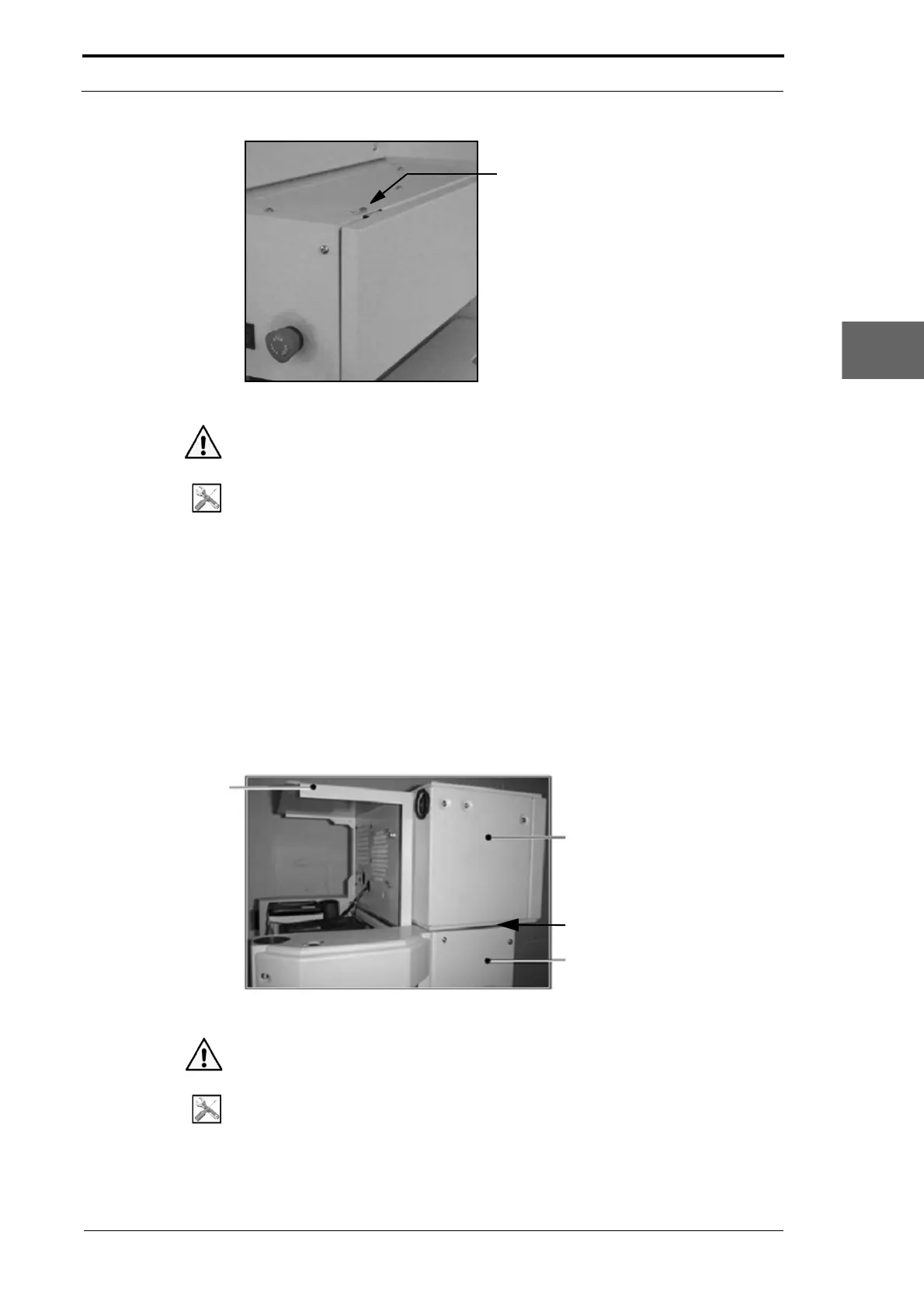
Figure 4.4 Hinged Front Panel and Hinged Top Panel
Warning: Use extreme caution not to touch live circuits when the MFC is turned on.
Tools:
• Allen Key: 3mm.
(1) Set the main input switch to OFF (0).
(2) Disconnect the main power cord from the MFC.
(3) Remove the screw from the corner of the top panel (see Figure 4.4).
(4) Hold the LH side of the hinged front panel and pull it towards you.
(5) Lift the hinged top panel and put it against the CAP.
4.2.4 Open the Hinged Rear Panel
You must open the hinged rear panel to gain access to the static eliminator transformer
and to remove the CAP from the DRV module.
CAP Module
DRV Module
Put Paper Here
Hinged Rear Panel
Figure 4.5 Hinged Rear Panel Open
Warning: Use extreme caution not to touch live circuits when the MFC is turned on.
Tools:
• Allen Key: 3mm.



 To Next Page