4. Service Procedures - Covers
46 Morgana DocuMaster MFC - Service Manual
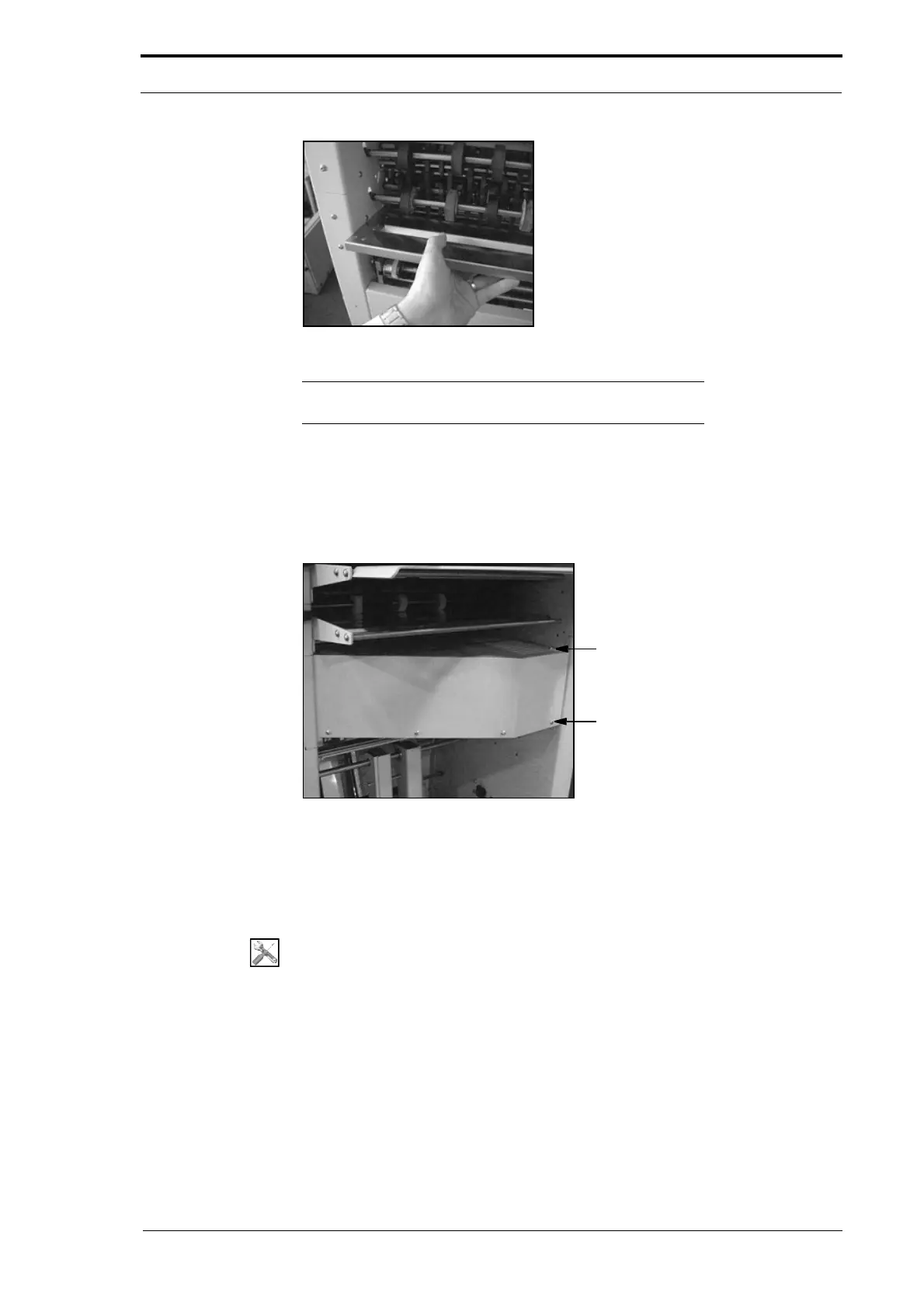
Figure 4.10 Remove the Input Guide
Note: You must first remove the rear guard to remove the input
guide (see Section 4.2.7).
(1) Lift the input guide over the location pins (see Figure 4.9)
(2) Pull the input guide towards you (see Figure 4.10).
4.2.9 Remove the Motor Cover
Figure 4.11 The Motor Cover
You must remove the motor cover to access the:
• creaser mechanism
• creaser drive-motor.
Tools:
• Screwdriver: Pozidriv No.2.
(1) Set the main input switch to OFF (0).
(2) Remove the five screws that attach the motor cover to the MFC (see Figure 4.11).
(3) Lift and pull the cover towards you.



 To Next Page