Morgana DocuMaster MFC - Service Manual 105
4. Service Procedures - Replace Components - Cap Module
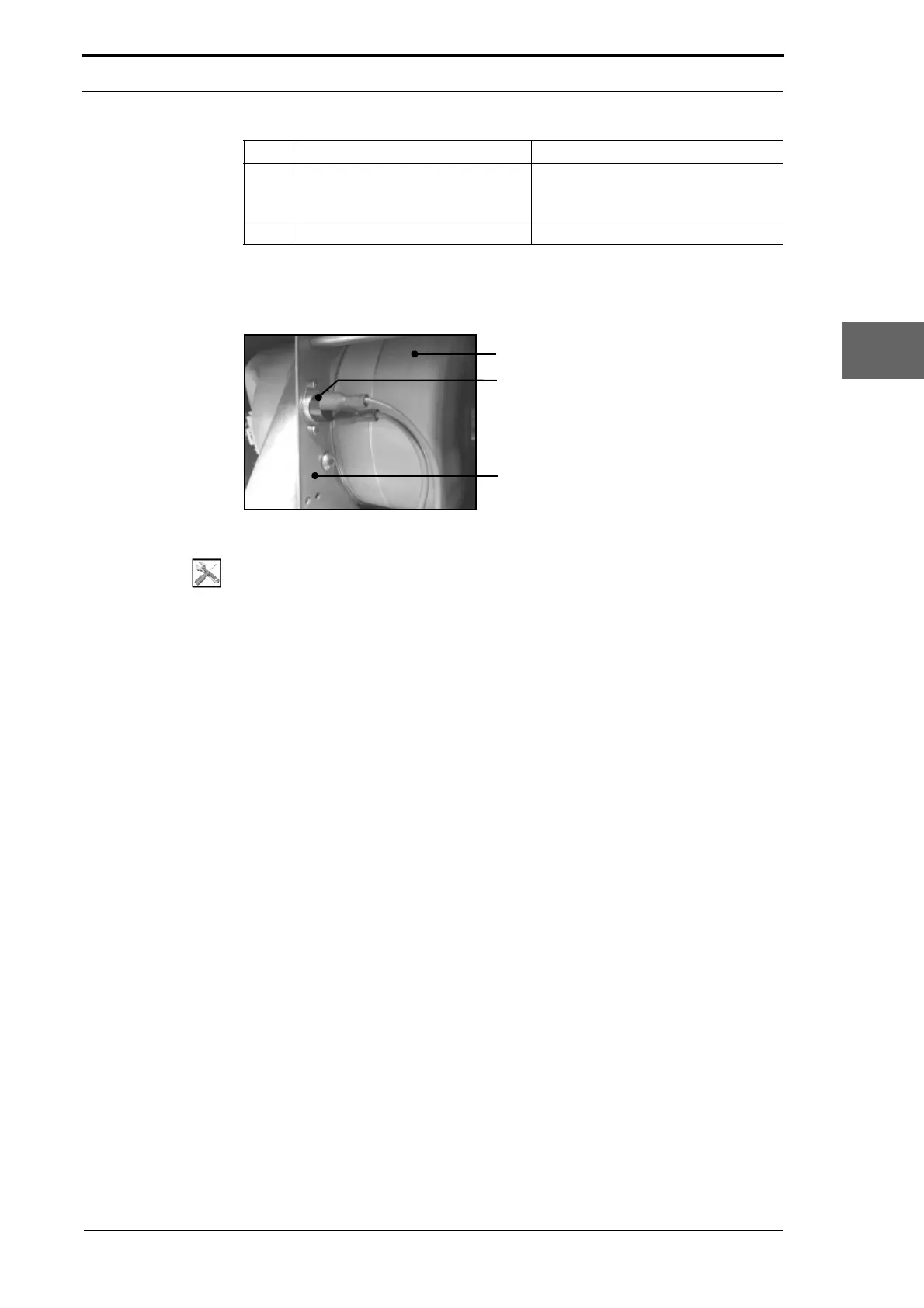
4.6.4 Replace the TCS (Temperature Control Switch)
Vacuum Pump
Temperature Control Switch
Mounting Bracket
Figure 4.85 Temperature Control Switch (TCS)
Tools:
• Allen Key: 2.5mm, 3mm
• Spanner: 5.5mm.
Before you start:
• Remove the CAP rear panel (See Section 4.2.1).
(1) Disconnect the wires from the TCS.
(2) Remove the screws and nuts that attach the TCS to the mounting bracket.
(3) Remove the TCS.
(4) Install the replacement TCS and do the CAP temperature control test (see Section
4.4.1).
4.6.5 Replace the Vacuum Pump
The vacuum pump gives the suction feed bins a constant vacuum, which they use to
feed sheets of paper. If the vacuum pump is defective it must be replaced.
7 Remove the plastic fan guard from
the old
fan and install it on the
replacement fan.
8 Install the replacement fan.
Step Action Information



 To Next Page