Morgana DocuMaster MFC - Service Manual 45
4. Service Procedures - Covers
(1) Set the main input switch to OFF (0).
(2) Loosen the two hidden screws - turn the screws counterclockwise by three full
rotations (see Figure 4.7).
(3) Pull the LH side cover towards you.
(4) Move the LH side cover to the rear of the MFC to disengage it from the side plates.
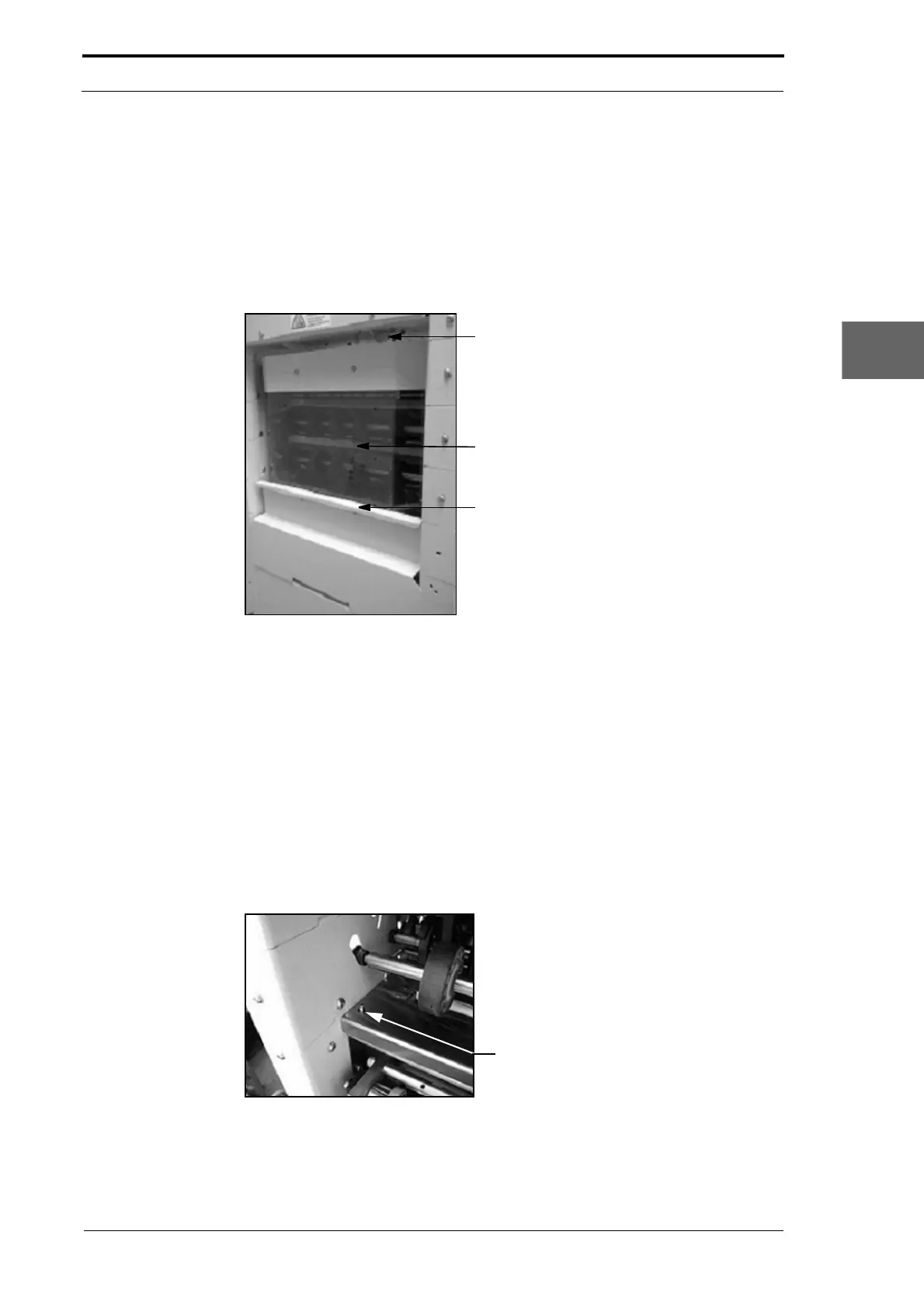
4.2.7 Remove the Rear Guard
Support Bracket
Rear Guard
Handle
Figure 4.8 The Rear Guard
The rear guard is a user access cover that can be removed by the user to clear paper
jams or for maintenance.
(1) Hold the handle and lift the rear guard off the gathering module.
(2) Disengage the guard from the support brackets.
(3) Pull the guard towards you.
4.2.8 Remove the Input Guide
The input guide is a cover that can be removed by the user to clear paper jams or for
maintenance
.
Figure 4.9 Input Guide Location Pins



 To Next Page