4. Service Procedures - Diagnostic Procedures
52 Morgana DocuMaster MFC - Service Manual
4.4 Diagnostic Procedures
4.4.1 Test the CAP Temperature Control Switch
The interior temperature of the CAP must be controlled to prevent overheating. A
thermal TCS (Temperature Control Switch) inside the CAP activates a mains energised
cooling fan when the internal temperature reaches 50°C. Under normal operating
conditions, the thermal switch will operate after approximately 10-15 minutes.
If the cooling system is defective, the internal temperatu
re of the CAP will quickly rise.
When this happens, the vacuum and blower motors use internal cut-out switches that
stop the power supply to them before they are damaged. The cut-out switches will
automatically reset after the motors have cooled for approximately half an hour.
If the motors in the CAP overheat and the cooling
system is defective, use the test
procedure that follows to identify the fault.
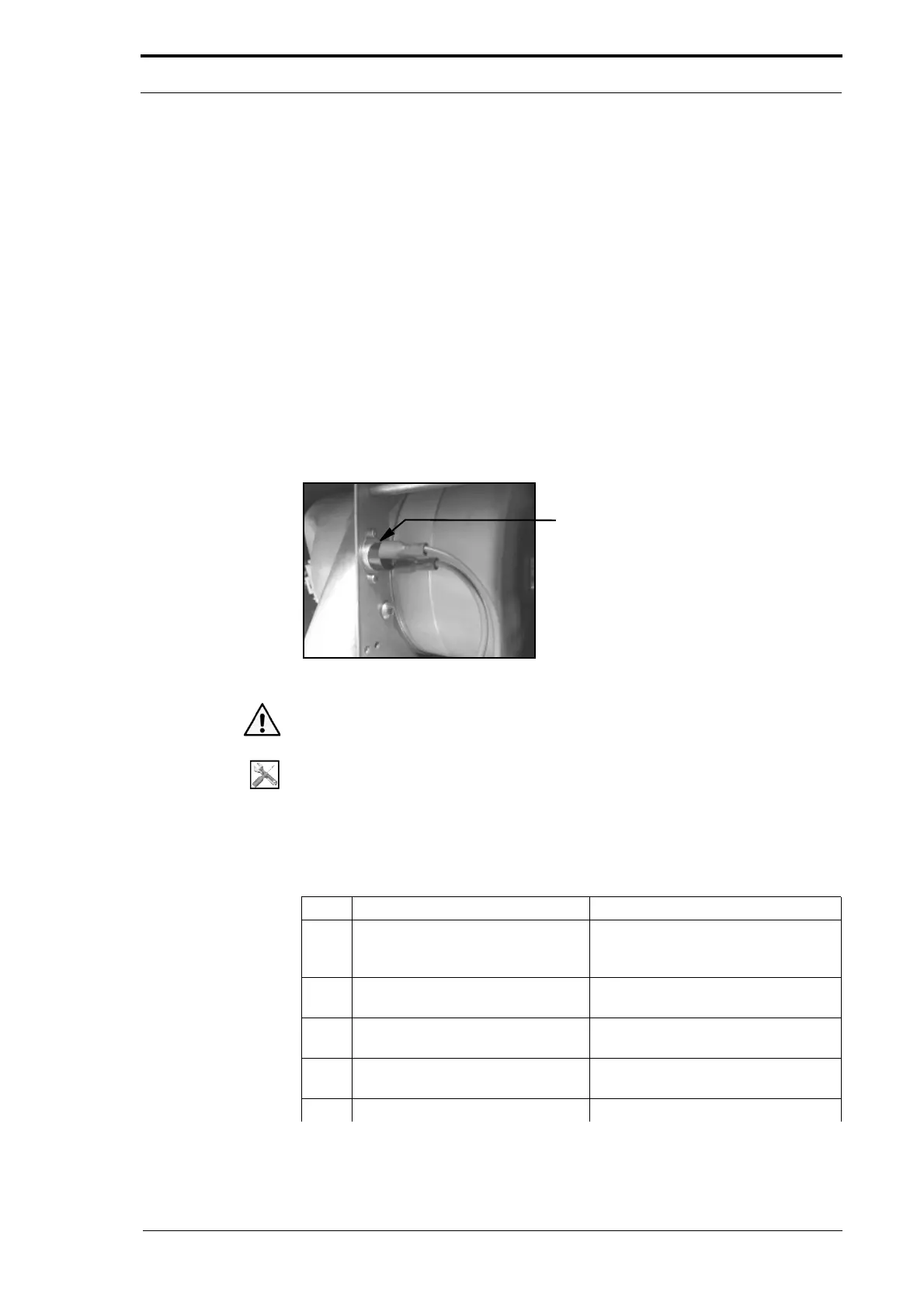
Temperature Control Switch
Figure 4.18 The CAP Temperature Control Switch
Warning: Use extreme caution not to touch live circuits when the MFC is turned on.
Tools:
• Allen Key: 3mm.
• Pliers: Side Cutters.
Before you start:
• Remove the CAP rear panel (See Section 4.2.1).
Step Action Information
1 Do a check that all of the cooling
system wires
and connections are
good.
2 Disconnect the temperature control
switch.
3 Do a resistance test across the
terminals
of the TCS.
The TCS must be in an open-circuit
condition.
4 Connect the TCS and attach the
CAP rear
panel.
5 Open the hinged front panel. (See Section 4.2.4)



 To Next Page