4. Service Procedures - Diagnostic Procedures
58 Morgana DocuMaster MFC - Service Manual
If the yellow light will not turn on, the replacement sensor or the bin control PCB is
defective. Replace the bin control PCB (see Section 4.8.7).
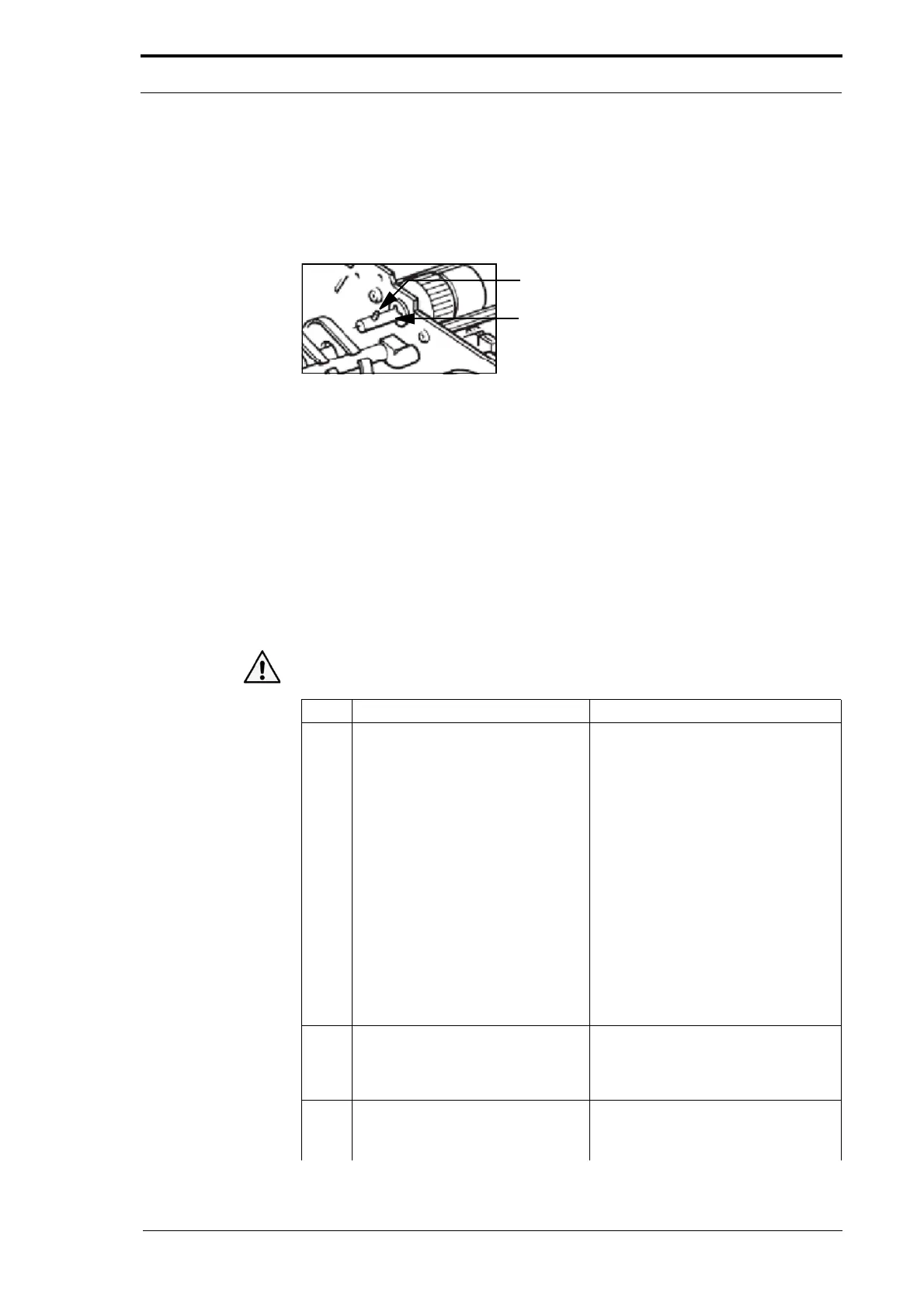
4.4.4 Test a Feed Bin Clutch Assembly
Figure 4.23 Clutch Shaft And Drive Pin
If a feed bin clutch is defective it can cause feed errors to occur.
• If the clutch does not operate or the drive bin is broken, the sheets will not feed.
• If the clutch drags when it is turned off, double, trailing or stream-feed errors can
occur.
To do a manual check of an individual feed bin
clutch and drive system use the
procedure that follows.
Before you start:
• Remove the RH side covers (See Section 4.2.5)
• Select ‘cleaning mode’ (See Section 4.13.2).
Warning: Use extreme caution not to touch live circuits when the MFC is turned on.
Step Action Information
1 Press the red ON/OFF button on
the
feed bin control switch and
then release it.
(See Figure 4.22).
When you press the red button the
fe
ed bin control PCB sends an output
signal to the feed clutch. This will
make the feed head or feed shaft
turn. When you release the red
button the feed bin control PCB stops
the output signal and the feed head
or feed shaft will stop.
• If the feed head or feed shaft
does not turn, go to Step 2.
• If the feed head or feed shaft
does not stop, or turns constantly
when the conveyor operates,
replace the feed clutch (see
Section 4.8.3) or (see Section
4.9.2).
2 Do a check that the feed head or
feed shaf
t is installed on the clutch
shaft correctly.
(See Section 4.8.2.3) Replace the
suction feed head.
(See Section 4.9.1.1) Remove the
feed shaft.
3 Do a check that the drive pin in the
clutch shaf
t is not broken.
(See Figure 4.23).
• Replace the drive pin if it is
broken.



 To Next Page