4. Service Procedures - Maintenance Procedures
180 Morgana DocuMaster MFC - Service Manual
4.13 Maintenance Procedures
Regular routine maintenance will make the MFC operate more efficiently, and
decrease the amount of machine breakdowns.
4.13.1 Clean the MFC
It is important that you keep the MFC clean to help prevent dust from affecting
electronic and mechanical parts.
You can use a dry lint-free cloth to wipe dust
from surfaces.
You can use filtered compressed air where normal access is dif
ficult, but always follow
good health and safety procedures when you do this.
Caution: You must only use soap and water or alcohol (isopropanol) on the parts that
follow:
• Friction Separator
• Friction Feed Wheels
• Conveyor Wheels
• Suction Feed Band
4.13.2 Select Cleaning Mode
You can operate the MFC conveyor at a slow speed if you select cleaning mode.
Cleaning mode must be selected when you need to do maintenance where it is
necessary for the conveyor to operate. Cleaning mode can also be used to diagnose
problems in the drive system.
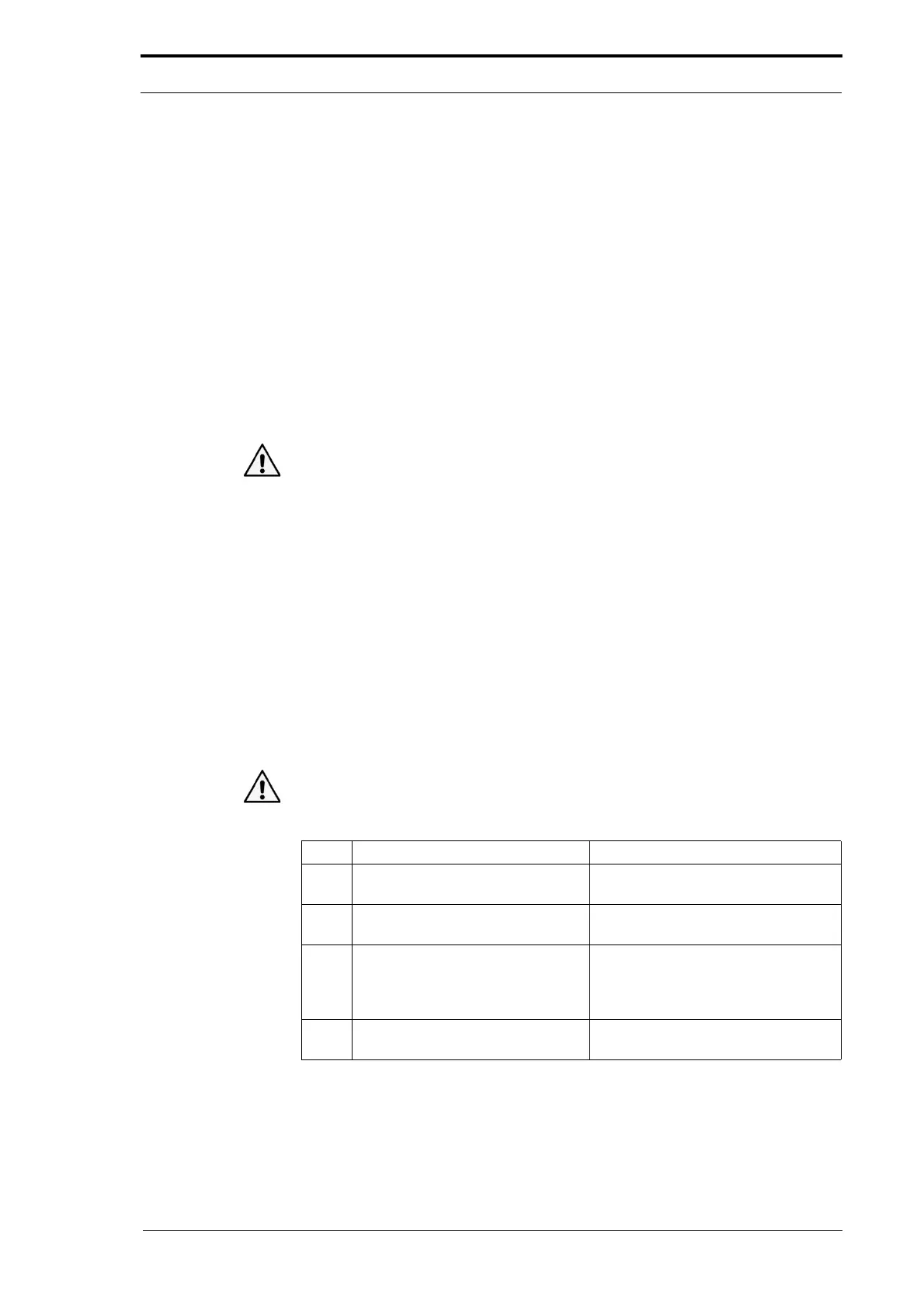
Warning: NEVER try to clean the MFC conveyor when it operates at a fast speed. This
can cause personal injury and/or d
amage the drive system.
Step Action Information
1 Open the
MENU window. Touch the MENU control button at the
top of the GUI screen.
2 Open the
FEEDER INFO window. Touch the FEEDER INFO tab at the
bottom of the GUI screen.
3 Select
CLEANING MODE. Touch the CLEANING MODE button.
The MFC drive motor will operate at
a slow
speed.
4 Touch the
CLEANING MODE button to
stop the MFC drive motor.



 To Next Page