Morgana DocuMaster MFC - Service Manual 181
4. Service Procedures - Maintenance Procedures
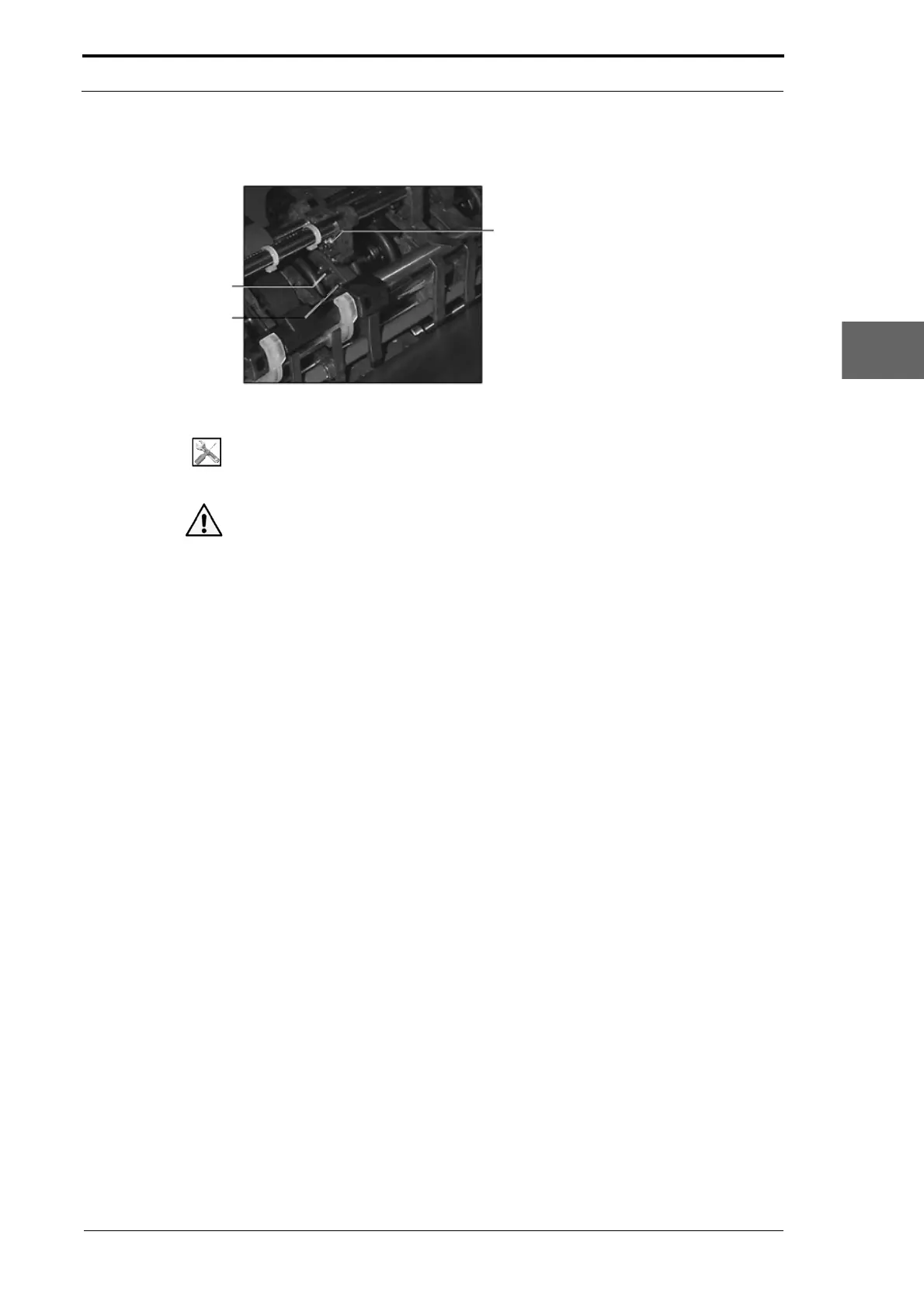
4.13.3 Clean the Feed Bin Emitter/Sensor
Emitter
Sensor
Sensor Housing
Rivet
Figure 4.189
Tools:
• Soft Brush (Paint Brush)
• Filtered compressed air supply.
Caution: Do not use compressed air from an aerosol can or unfiltered compressor.
Water vapor condensation can damage electronics and will make dust difficult to
remove.
Before you start:
• Remove the suction feed head (see Section 4.8.2.1)
• Remove the friction fed shaft (see Section 4.9.1.1).
(1) Gently brush clean the emitter and the sensor. Or, carefully blow the dust away
from the emitter and sensor with compressed air.
(2) Do a check that the feed bin emitter/sensor low range is set correctly (see Section
4.5.7).
(3) Replace the suction feed head and friction feed shaft.
4.13.4 Clean the Edge-Sensor Set
Dust and paper debris can collect around the emitter/sensor openings in the edge-
sensor set. The effect of this dust can cause problems with the accuracy of the crease
position and dynatilt operation. It can also stop the MFC and show a sensor error. We
recommend that you regularly use dry compressed air to clean the edge-sensor set.



 To Next Page