4. Service Procedures - Maintenance Procedures
182 Morgana DocuMaster MFC - Service Manual
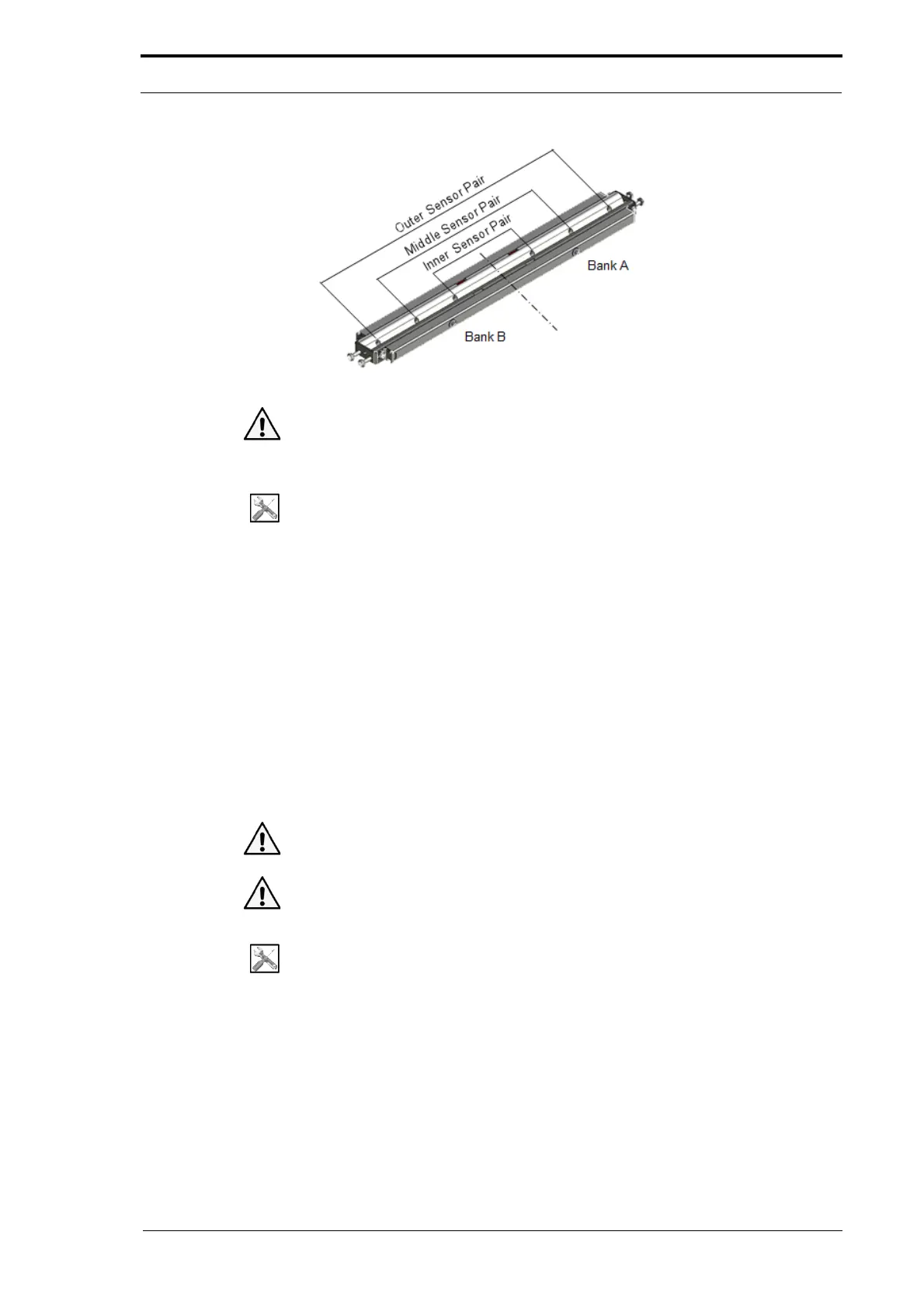
Figure 4.190 The Edge-Sensor Set
Caution: Do not use compressed air from an aerosol can or unfiltered compressor.
Water vapor condensation can damage electro
nics and will make dust difficult to
remove.
Tools:
• Filtered compressed air supply.
Before you start:
• Remove the input guide (See Section 4.2.8).
(1) Apply the compressed air as a spray to the edge-sensor set from the rear of the
MFC.
(2) Do a check on each of the sensor pairs that the edge-sensor set sensitivity is set
correctly (see Section 4.5.20).
4.13.5 Clean the Ioniser Bar
Dust can carbonise around the pins on the ioniser bar. The effect of these deposits can
decrease the performance of the ioniser bar, which will cause paper jams in the
gathering area. We recommend that you regularly brush clean the ioniser bar.
Caution: You must never use water or liquid cleaner on the ioniser bar. If a liquid is
used damage to the ioniser bar can occur.
Caution: You must never use a wire brush to clean the ioniser bar. If a wire brush is
used damage to the ioniser bar can occur.
Tools:
• Stiff Bristled Brush.
Before you start:
• Set the main input switch to OFF (0)
• Remove the A4 pinch drive (See Section 4.3.4.1).
(1) Brush clean the ioniser bar.
(2) Do an anti-static output test of the ioniser bar (see Section 4.4.2.3).



 To Next Page