Morgana DocuMaster MFC - Service Manual 57
4. Service Procedures - Diagnostic Procedures
There are two parts to the feed bin paper sensor.
• An emitter, above the paper path, that emits a nominal light source.
• A receiver, below the paper path, that senses the light from the emitter.
A feed bin can be switched to 'Test Mode' where
the emitter/sensor assembly is turned
on. This is necessary when the low range sensitivity of an emitter/sensor assembly
needs to be set. The 'Test Mode' condition can be used to check if the emitter/sensor is
working.
Before you start:
• Make sure that the emitter and sensor are secure.
• Make sure that there are no obstructions between the emitter and sensor.
• Clean the emitter and the sensor.
• Check that the emitter/sensor ribbon cable is correctly connected (See Section
4.8.7).
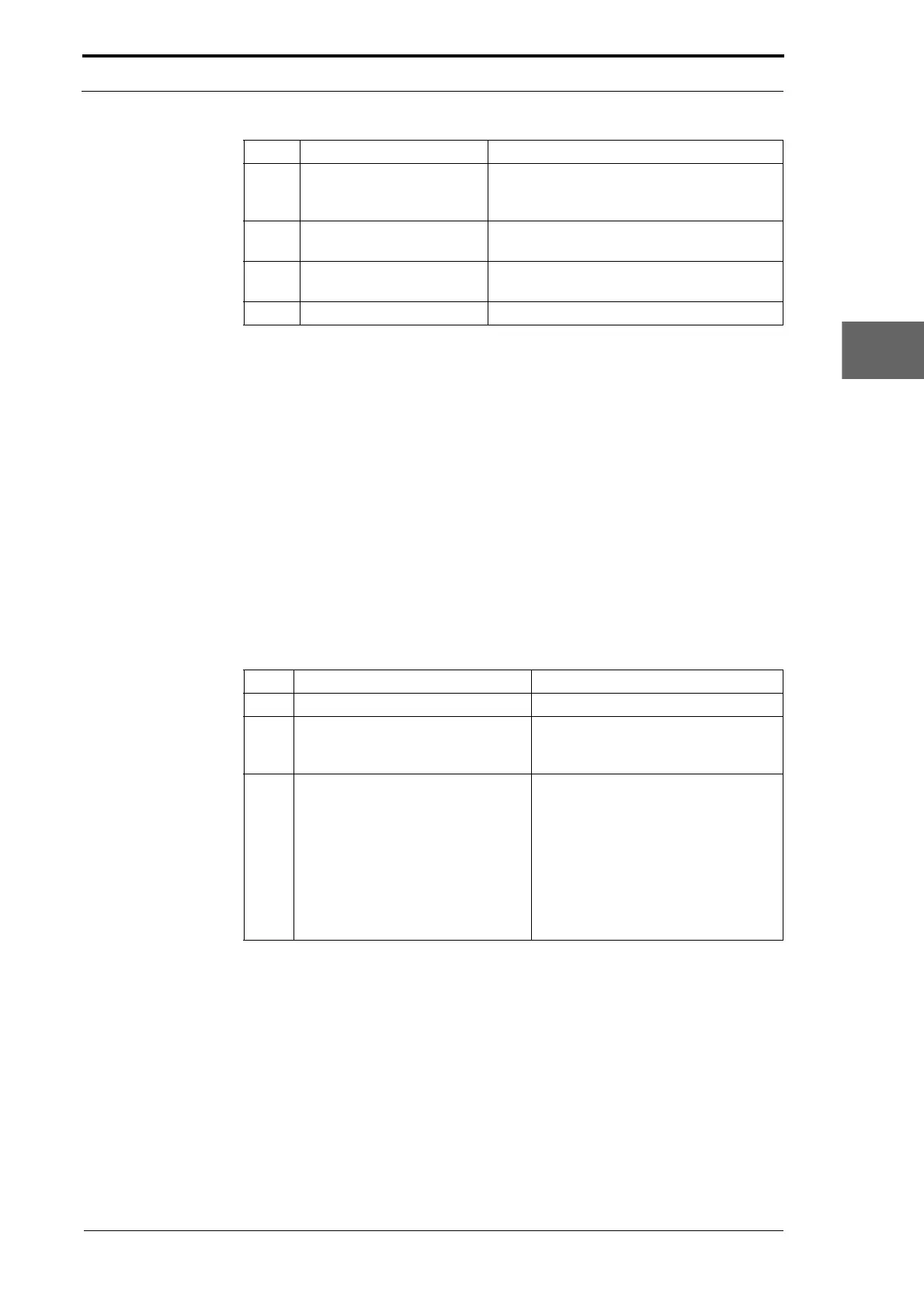
Step Action Information
1 Turn off the MFC.
2 Press and hold the red bin on/off
button, while you se
t the MFC main
input switch to ON (I).
This action turns on the feed bin 'test
mode'.
3 Check the yellow and red lights on
the
bin control switch.
• If the yellow light is on, the
receiver is detecting light from
the emitter. The emitter/sensor
assembly is ok.
• If the red light is on, the emitter
or the receiver is defective.
Replace the emitter/sensor
assembly (see Section 4.8.8) or
(see Section 4.9.4).
It is recommended that you test the replacement emitter/sensor assembly before
you
start the replacement procedure.
(1) Connect the emitter/sensor assembly to SK1 on the bin control PCB (see Section
7.3.4) & (see Section 7.3.5).
(2) Turn on the MFC with the feed bin in 'Test Mode'.
(3) Hold the emitter and sensor approximately 15mm apart (make sure that the emitter
bulb faces the side of the sensor that has no writing on it).
(4) Position the emitter and sensor so that only the yellow light on the bin control
switch is on (this shows that the sensor has received light).
3 Red Button Switches the bin On and Off (turns 'Test
Mode'
on if the button is pressed when you
turn on the MFC).
4 Green Light Shows bin on and loaded (solid)
Shows bin on but needs loading (flashing)
5 Grey Button Press to link the bin to the bin directly below
(for continuous feeding).
6 Small Green Light Indicates bin is linked to bin below.
Item Description Function



 To Next Page