4. Service Procedures - Covers
48 Morgana DocuMaster MFC - Service Manual
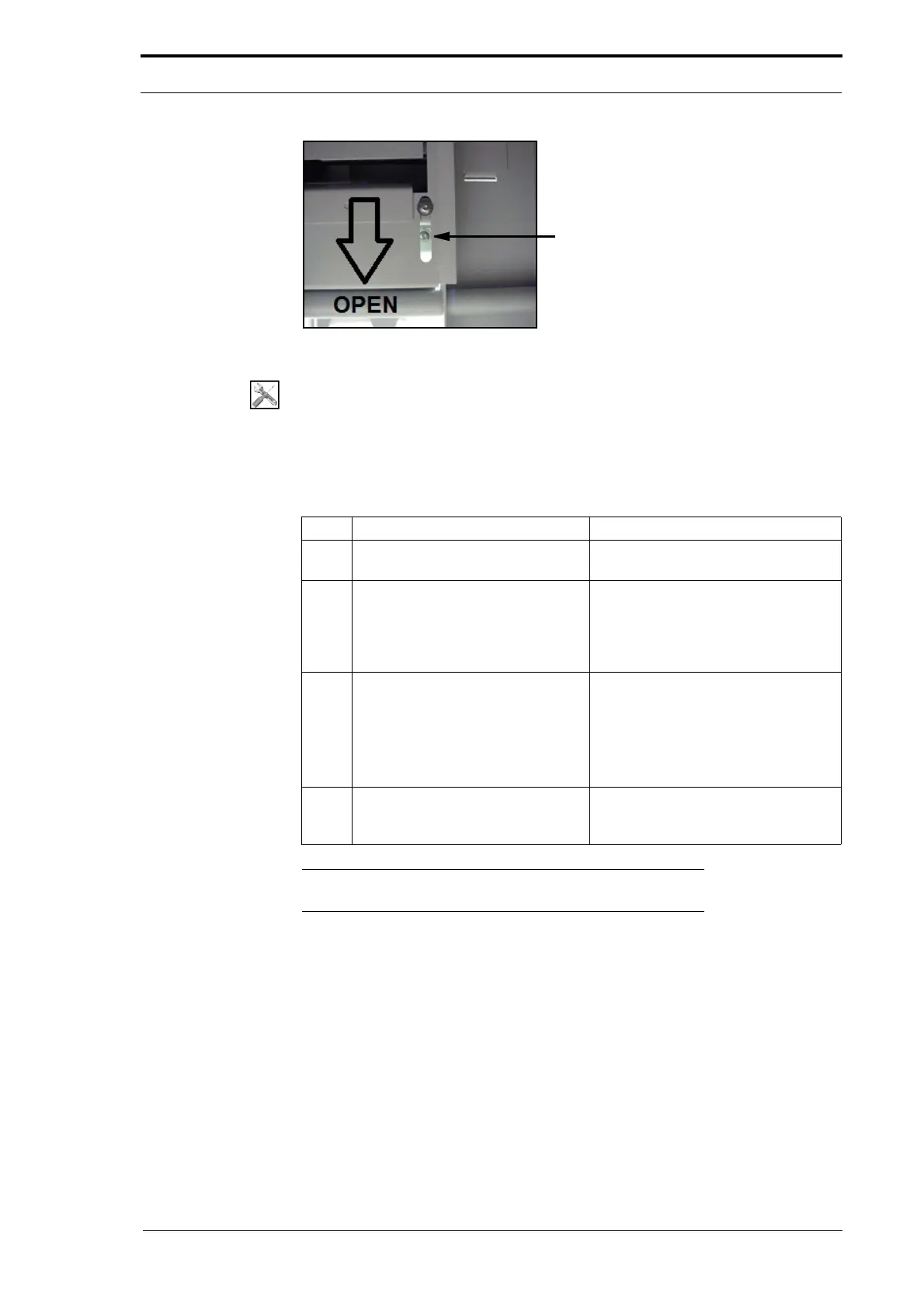
Figure 4.14 Centre Guard Screws (Below the Sample Deflector)
Tools:
• Allen Key: 3mm.
Before you start:
• Set the main input switch to OFF (0).
• Remove the online bookletmaker.
Step Action Information
1 Remove the A4 pinch drive
conveyor.
(See Section 4.3.4.1)
2 Remove the blow guide. Loosen the two screws (see Figure
4.13).
These screws are attached by a
plastic
washer and stay with the blow
guide.
3 Remove the two screws that attach
the
centre guard to the MFC.
• Pull open the sample deflector to
show the screws (see Figure
4.14).
• Put your Allen Key through the
slots in the sample deflector to
remove the screws.
4 Disengage the centre guard from
the gathering
area and pull it
towards you.
Note: Wh
en you replace the centre guard, make sure that the
bottom flange on the guide locates below the screw brackets.



 To Next Page