E Series Automated Dispensing System
129www.nordsonefd.com info@nordsonefd.com 800-556-3484 Sales and service of Nordson EFD dispensing systems are available worldwide.
To Set Up the Height Sensor
PREREQUISITES
The height sensor is installed and the cable is connected to the I/O port. Refer to the instructions provided with
the height sensor.
The system is properly set up. Refer to “Setup” on page32.
A test workpiece is positioned on the xture plate or work surface.
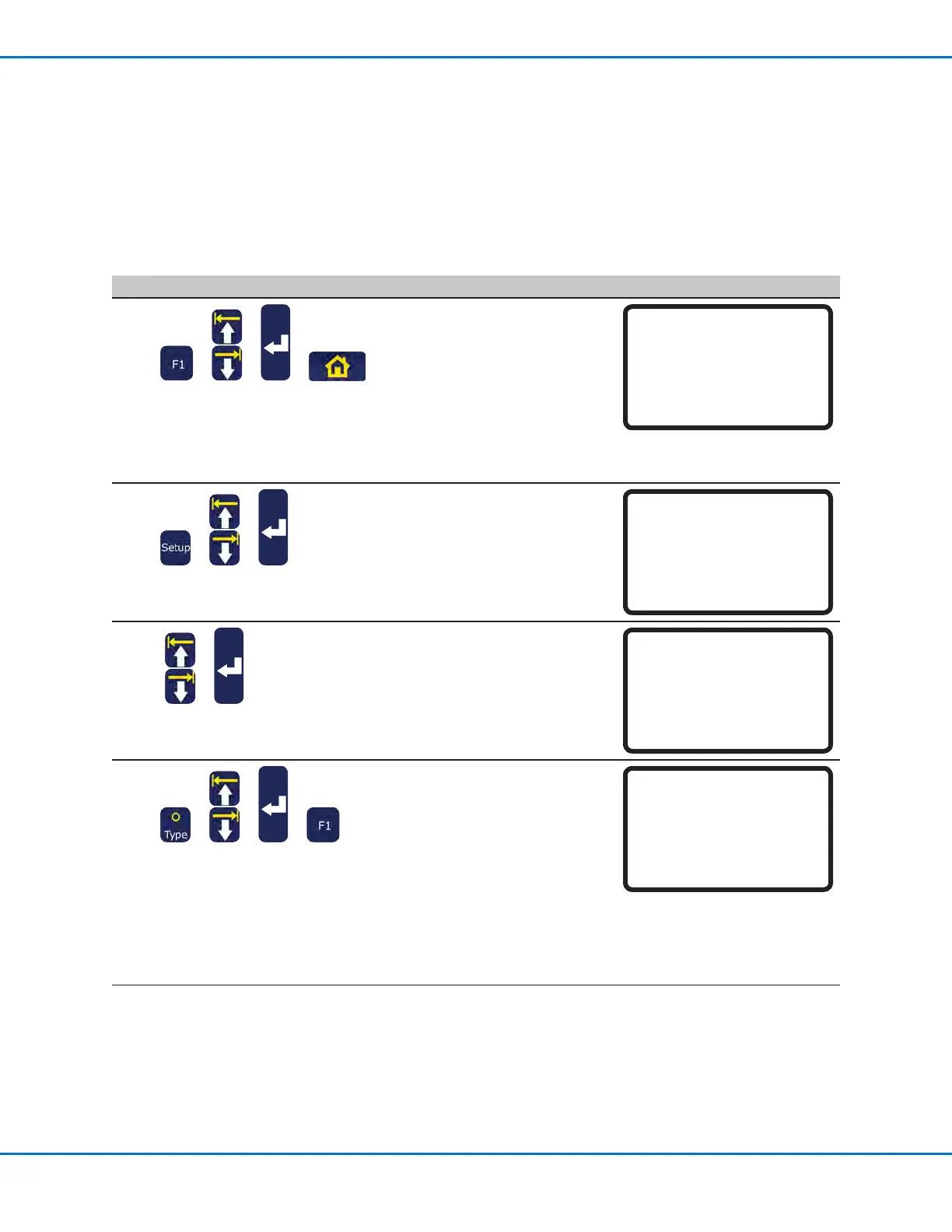
# Key Press Step Teach Pendant Display
1
> > >
• Press F1.
• MOVE UP / DOWN to TEACH/
RUN.
• Press ENTER.
• Press HOME. If prompted, enter
a password.
The system opens the last
program number that was
modied prior to shutdown.
[PROGRAM MENU] 1/1
01*Teach/Run
02 Program List
03 Reset Counter
04 Program Offset
05 Needle Adjust
06 Auto Needle Adjust
2
> >
• Press SETUP.
• MOVE UP / DOWN to HEIGHT
SENSOR.
• Press ENTER.
[SETUP] 3/3
15 Measurement Unit
16 Password Setup
17 Remote Command
18*Height Sensor
19 Language
20 System Information
3
>
• MOVE UP / DOWN to SETUP.
• Press ENTER.
[Height Sensor]
01*Setup
02 Sensor Position
03 Initial Height Detect
04 Offset Program
4
> > >
• Use the MOVE UP / DOWN keys
and the ENTER key to enter the
following starting values:
- Sensor Input: As connected on
your system
- Probe Output: As connected
on your system
- Detect Speed: 5
- Travel Limit: 20
• Press F1.
Height Sensor Setup
------------------------------
Sensor Input 8
Probe Output 8
Detect Speed 5 mm/s
Travel Limit 20 mm
[F1] OK
Continued on next page
Appendix D, Height Sensor Setup and Use (continued)



 To Next Page