E Series Automated Dispensing System
130 www.nordsonefd.com info@nordsonefd.com 800-556-3484 Sales and service of Nordson EFD dispensing systems are available worldwide.
Appendix D, Height Sensor Setup and Use (continued)
To Set Up the Height Sensor (continued)
# Key Press Step Teach Pendant Display
5
> >
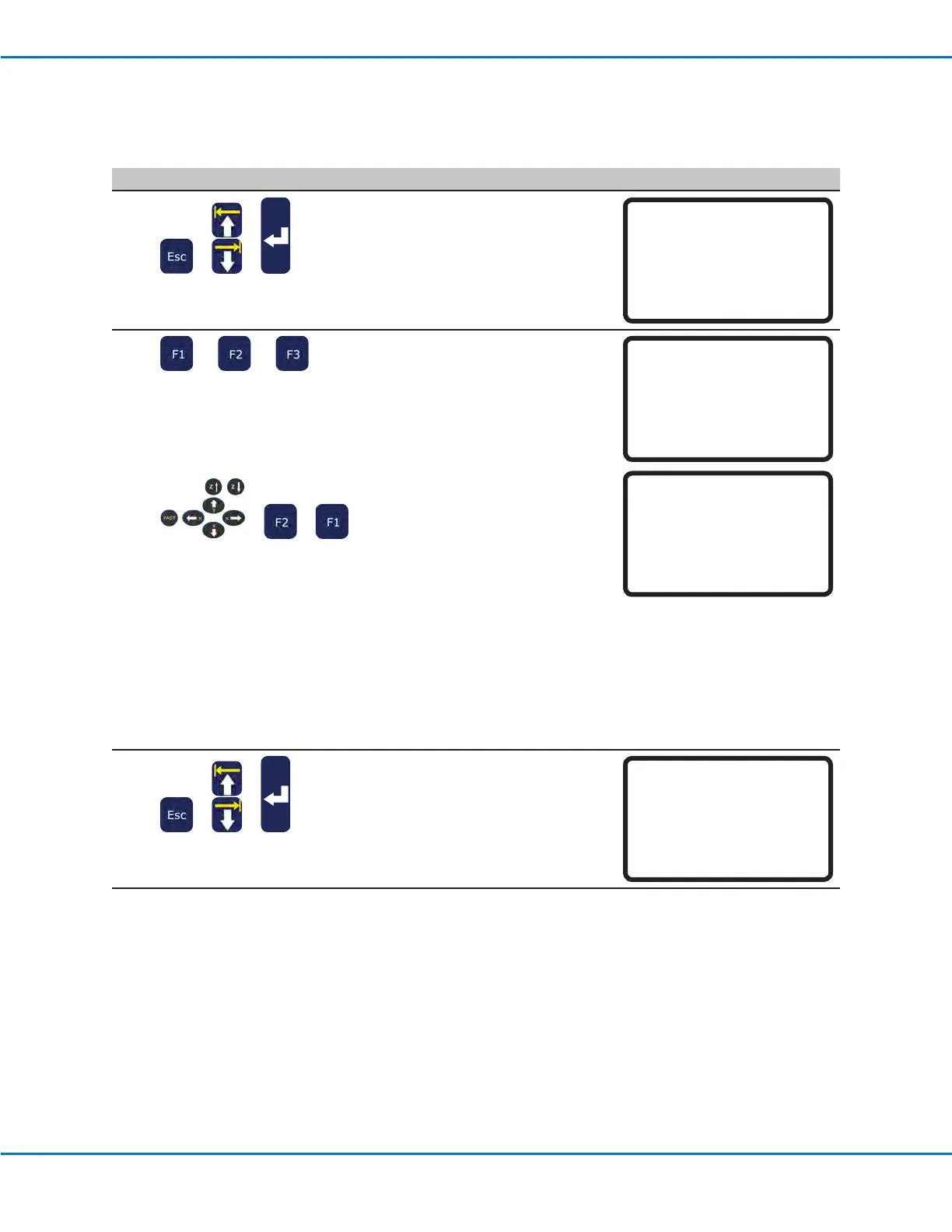
• Press ESC to return to the Height
Sensor menu.
• MOVE UP / DOWN to SENSOR
POSITION.
• Press ENTER.
[Height Sensor]
01 Setup
02*Sensor Position
03 Initial Height Detect
04 Offset Program
6
or or
> >
• On the Sensor Position menu,
select one of the following:
- Press F1 to accept the current
Height Sensor probe XYZ
location.
- Press F2 to move the
Height Sensor probe to the
programmed XYZ location.
- Press F3 and then use the jog
keys to move the probe to the
desired XYZ location. Press F2
to lower or raise the probe as
needed. (When the tip is raised,
the Sensor status is 0; when
the tip is down, the Sensor
status is 1.) Press F1 to save
the location.
NOTE: The tip should be
positioned over a suitable
location on the workpiece (an
area that is open and will be safe
for the tip to touch) to test the
height sensor.
Sensor Position
------------------------------
X: 000.00 mm
Y: 000.00 mm
Z: 000.00 mm
[F1] OK [F2] Move [F3] Jog
Sensor Position
------------------------------
Jog sensor to position
Sensor status x
------------------------------
[F1] OK [F2] Probe
7
> >
• Press ESC to return to the Height
Sensor menu.
• MOVE UP / DOWN to INITIAL
HEIGHT DETECT.
• Press ENTER.
[Height Sensor]
01 Setup
02 Sensor Position
03*Initial Height Detect
04 Offset Program
Continued on next page



 To Next Page